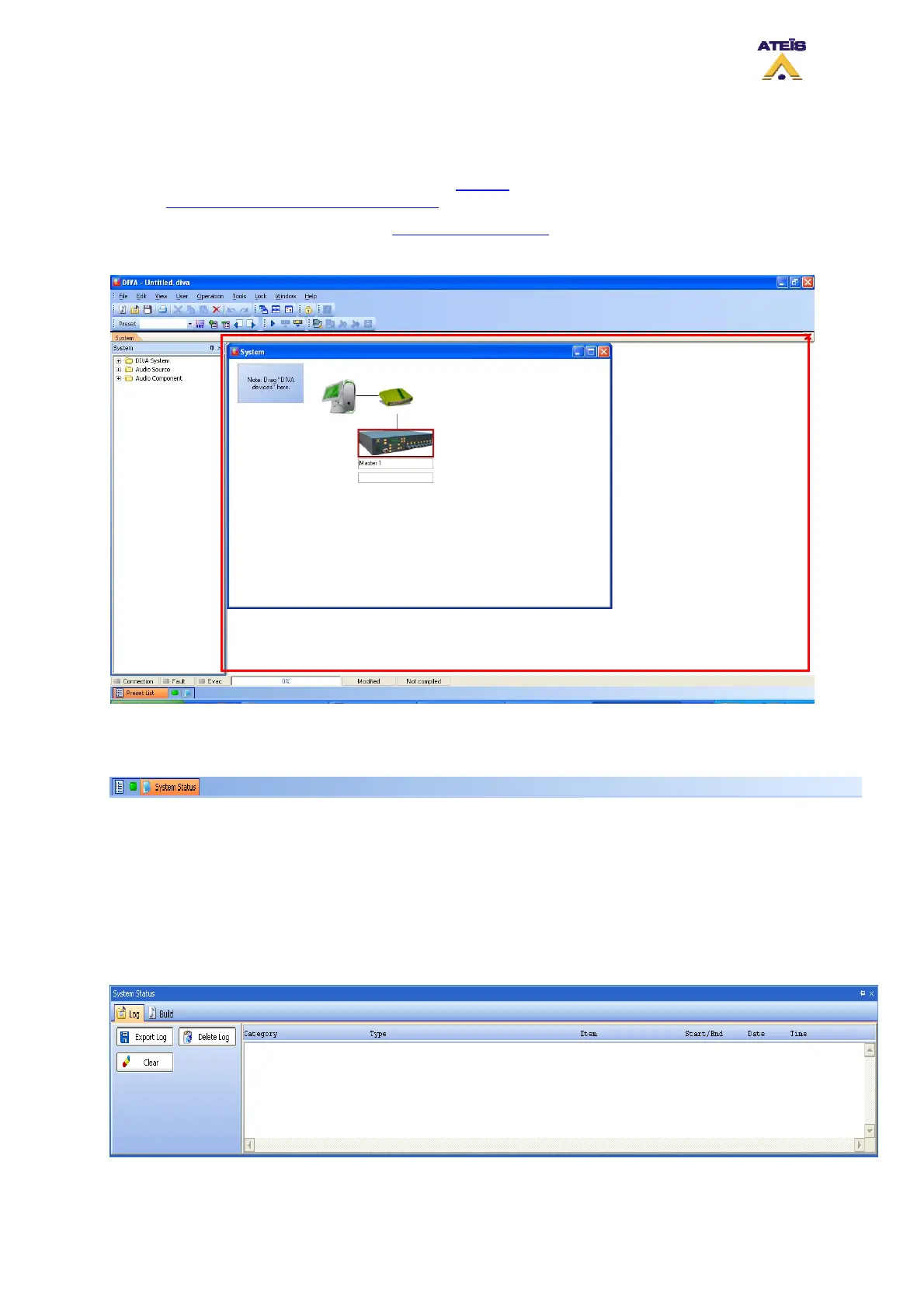
7.6 Design View Area
In this area, you will:
• Develop your DIVA configuration (see the How To chapter) and DIVA master network (see
How to perform a DIVA master Network
)
• Access the monitor window, see How to Use Monitoring
• Access to DIVA element and their adjustments
7.7 Property Control Section
In this section you can find several control windows docked together into a sliding control panel. You
can look at the different control windows by bringing the cursor over their tabs at the bottom of the
very bottom of the main window. The corresponding control window will slide up allowing you to quick-
examine or quick-modify settings without selecting it from the Menu Bar.
The control panel will automatically slide down again if you move the cursor out of it's space giving
again the whole view to the Design View Area.
The two accessible sub-bar windows are listed below:
• System Status: Gives access to Log files management as well as project build historic
Ateïs International
Ch. du Dévent, 1024 Ecublens, Switzerland.
Phone : +41 21 881 25 10
39



 To Next Page