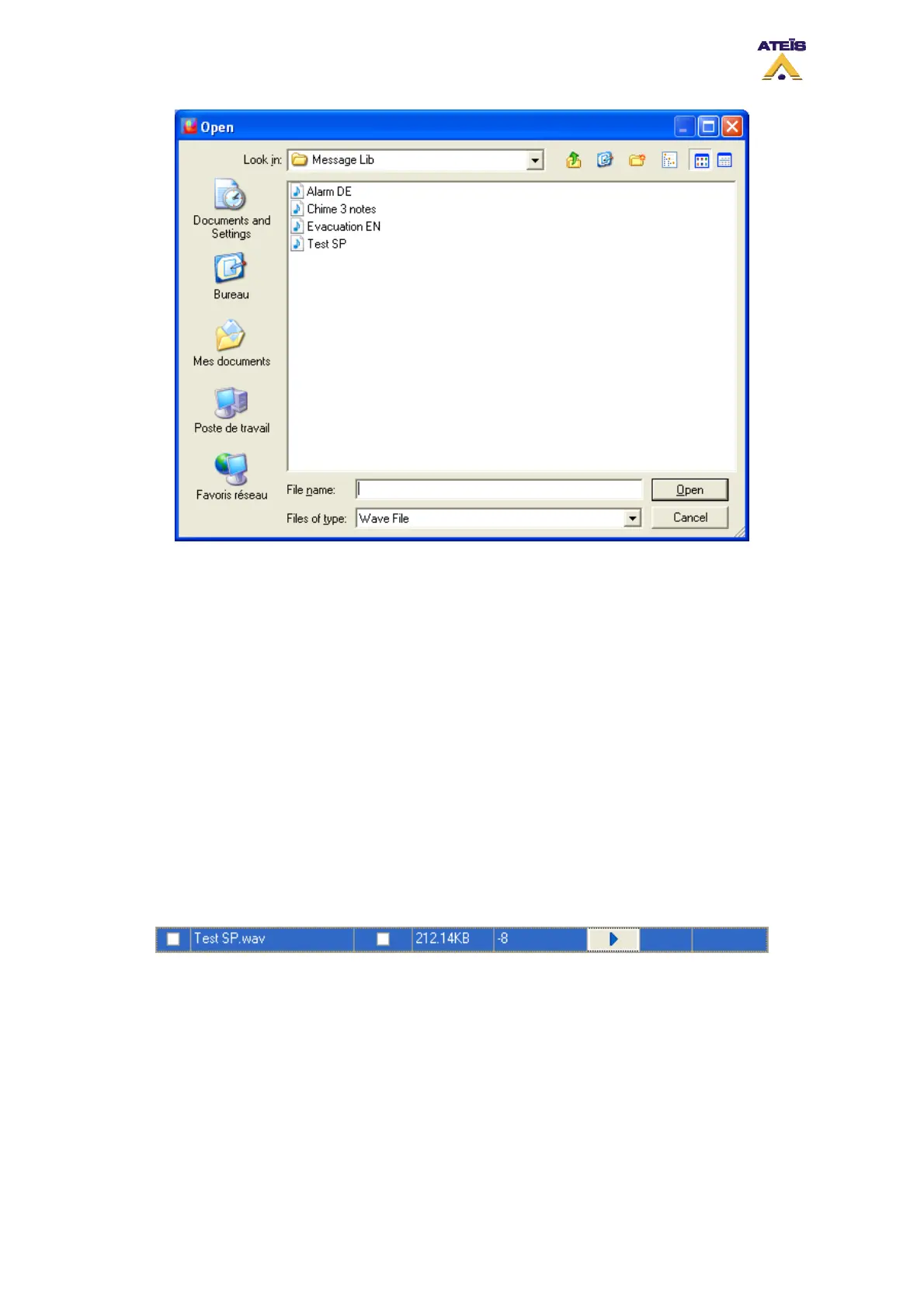
By using the Import/Export buttons on the Message Library page, you are able to import and export
complete message library.
After adding messages from the library to the message manager, the procedure to store them into
DIVA is as follow:
• tick the messages you want to store and specify wheather they are security messages or not
• Click Store to start the store process
Once messages are stored into DIVA, you can adjust independantly their level. Follow the next few
steps:
• Click on the level field
• With arrow keys adjust the level
• Clicking the Play button will start playing the message at the current level (see below)
• Clicking the Stop button will stop playing the message
• Clicking the Save Level button will save the current message level
8.17 To Set Speaker Parameters Settings
The speaker parameters setting allow to route to the PSS internal speaker and to the DIVA internal
speaker music sources, mic/line and messages. In order to route those different devices, go on the
Master window and tick the corresponding sources to be route to the DIVA and/or the PSS.
Ateïs International
Ch. du Dévent, 1024 Ecublens, Switzerland.
Phone : +41 21 881 25 10
58



 To Next Page