• MSG Manager: will open the message manager
• Store: Stores permanently the selected messages into DIVA's memory
• Delete: deletes selected messages from the store list
_____________________
• Read: reads messages stored into DIVA unit
• Delete: deletes messages from DIVA memory
• Select All: allows to instantaneously select all the messages from the list
• Select None: instantaneously deselect all the selected message
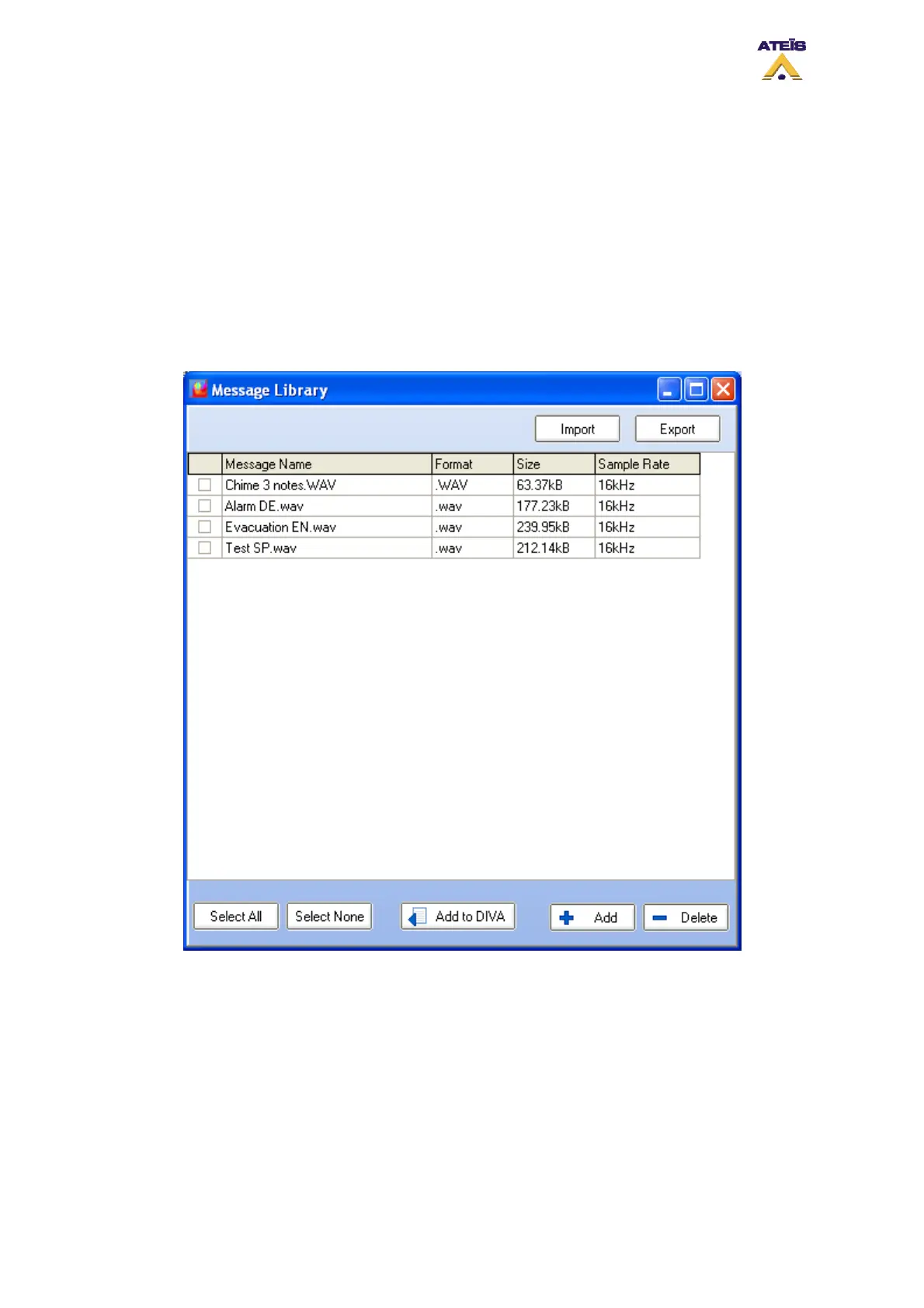
To add messages to DIVA, you need to access the message manager Library by clicking on "MSG
Manager". The message manager window will prompt, see below.
Select the message by ticking the square at their left and by clicking the "Add to Diva" button.
In the message library window, you can add and delete messages. Clicking the Add button will open a
new window, see below. In this window you can select any wave file to be a message. Note: Only 16
kHz 16 Bits format will be stored. DIVA can handle up to 45 minutes of messages at this format.
Ateïs International
Ch. du Dévent, 1024 Ecublens, Switzerland.
Phone : +41 21 881 25 10
57



 To Next Page