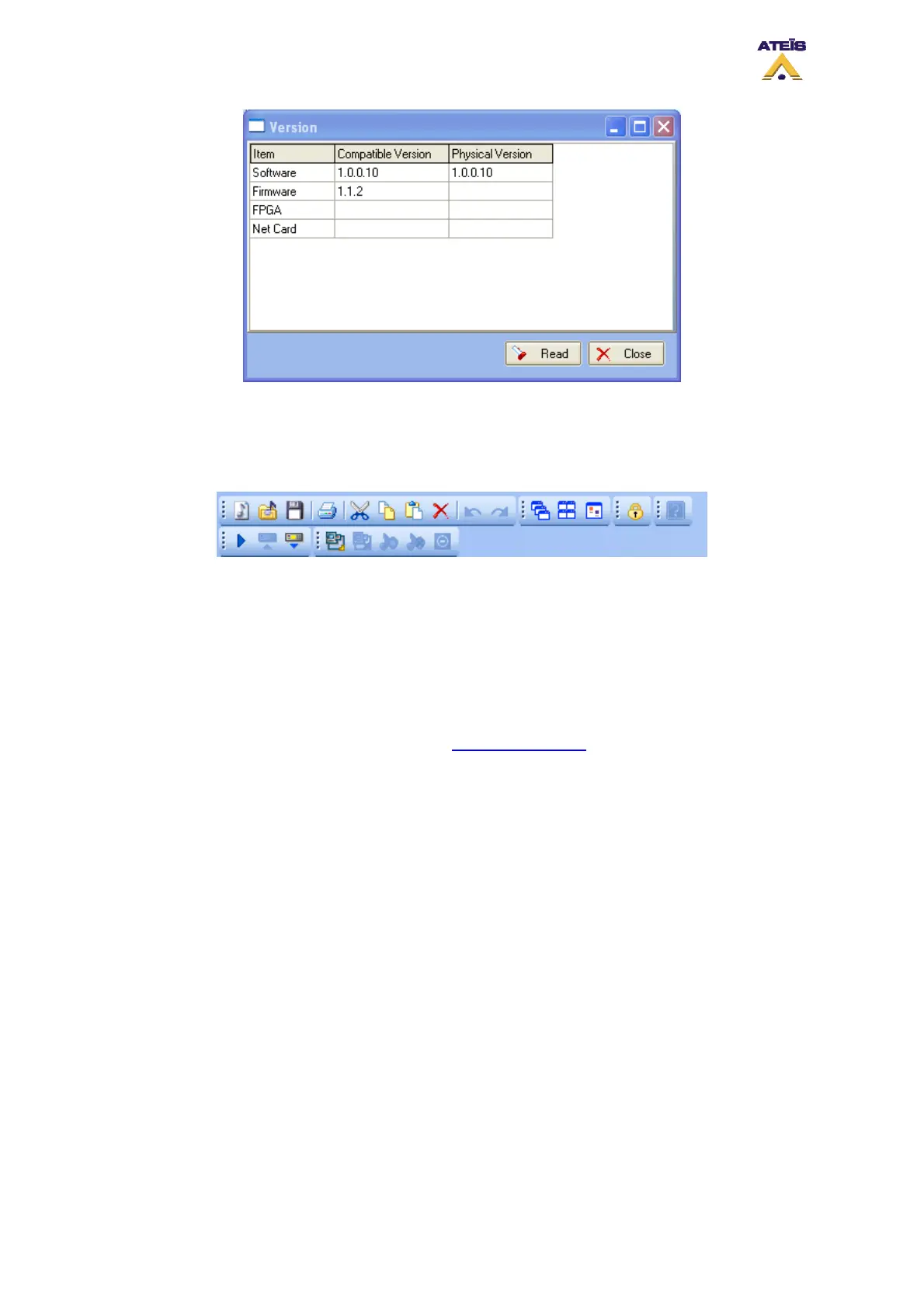
• About: Opens a information windows about copyrights, software release version, etc.
• User Manual: Opens the complete help user manual
7.3 Toolbars
In the DIVA software, the different toolbars offers shortcut to main menu items. Here are the list of
them from left to right and up to down:
• New Project: Opens a new project
• Open: Opens existing project
• Save: Saves current project
____________________
• Print: Opens the print preview window. See "How to print project" to learn more about the printing
options.
____________________
• Cut: Cuts out the active selection and copies it to the operating system’s clipboard
• Copy: Copies the active selection to the operating system’s clipboard
• Paste: Pastes the content of the operating system’s clipboard
• Delete: Deletes the active selection
____________________
• Undo: Will undo the last actions
• Redo: Will redo the last actions or will retrieve the last state in case undoing too far
_________________________________________________________________________________
• Cascade: Cascades the current opened windows
• Tile: Tiles the screen with the current opnened windows
• Arrange Icon: Arranges Icons in a window where possible
_________________________________________________________________________________
• Lock: Locks the software. Note: if no password were specified, every user can unlock the
software
_________________________________________________________________________________
• Compile: Compiles the current configuration and displays eventual errors
Ateïs International
Ch. du Dévent, 1024 Ecublens, Switzerland.
Phone : +41 21 881 25 10
36



 To Next Page