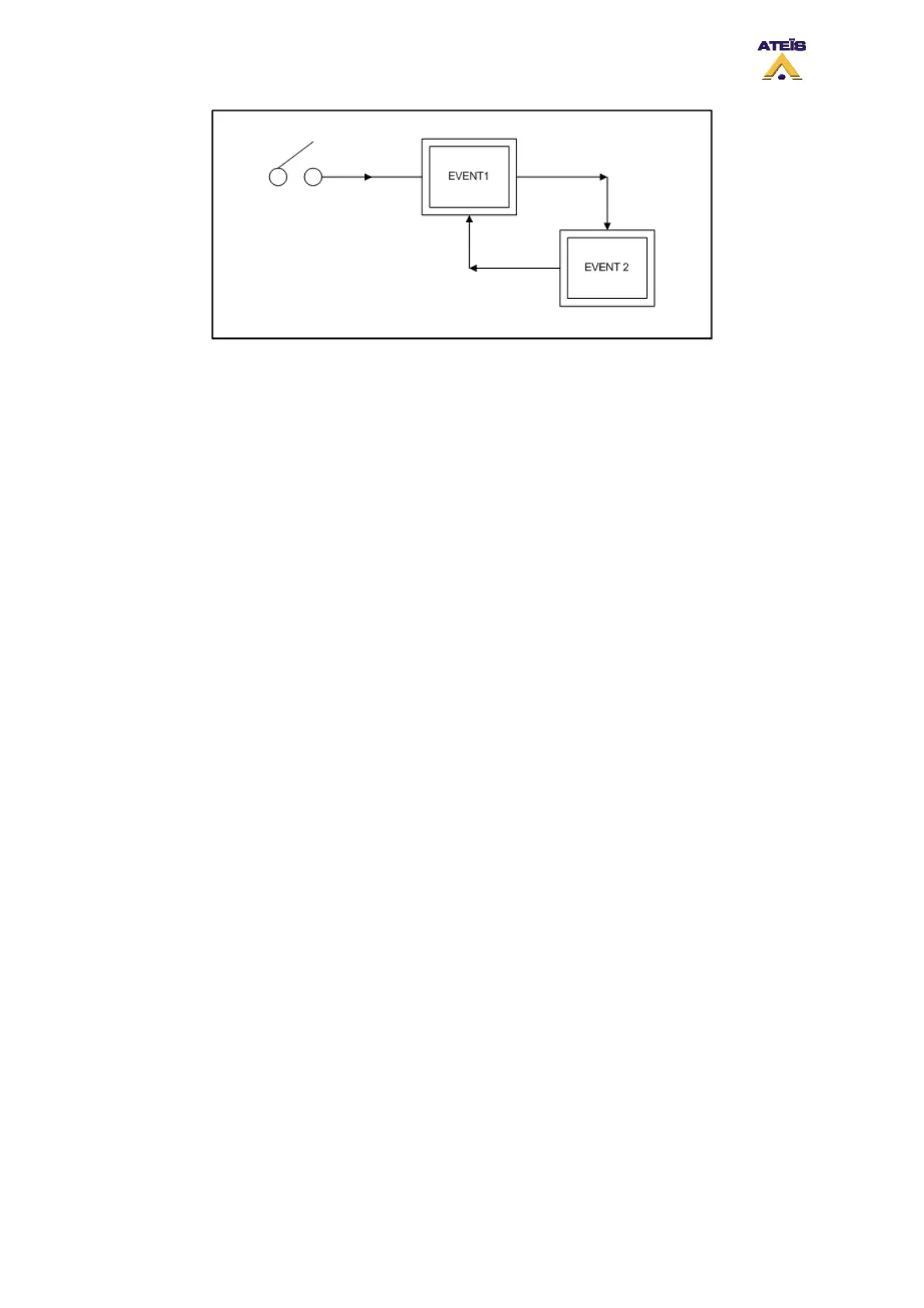
According to the looping event diagram, when selecting next event for “Event 2”, choose “Event 1”. As
soon as you select a event that is before in the chain, a new “Circular Times” selector is visible just
beside the next event drop-down menu (see below). This selector permits to define how many time the
events’ loop will be repeat or to make it continuously repeating.
This is a quick way to loop different language evacuation messages for example.
Ateïs International
Ch. du Dévent, 1024 Ecublens, Switzerland.
Phone : +41 21 881 25 10
63



 To Next Page