Page | 49 of 105
AVR8414 Operation Manual – Rev O
Menu Softkey Controls
Each Line Select Key will have content related menus available that will be provided as
softkeys at the bottom of the display screen. These menus can be accessed by pressing Menu
Softkeys 1-4.
Softkey 1
Softkey 1 controls file list functionality. The user has three options available:
1. LIST – Files will be displayed on the Front Panel Display
2. LISTO – Files will be displayed on the On-Screen Display
3. PAGE – Provides access to Line Select 3, when Line Select 1 and 2 are assigned to
armed or locked modes
Files will be shown only from the pre-selected storage device.
Softkey 2
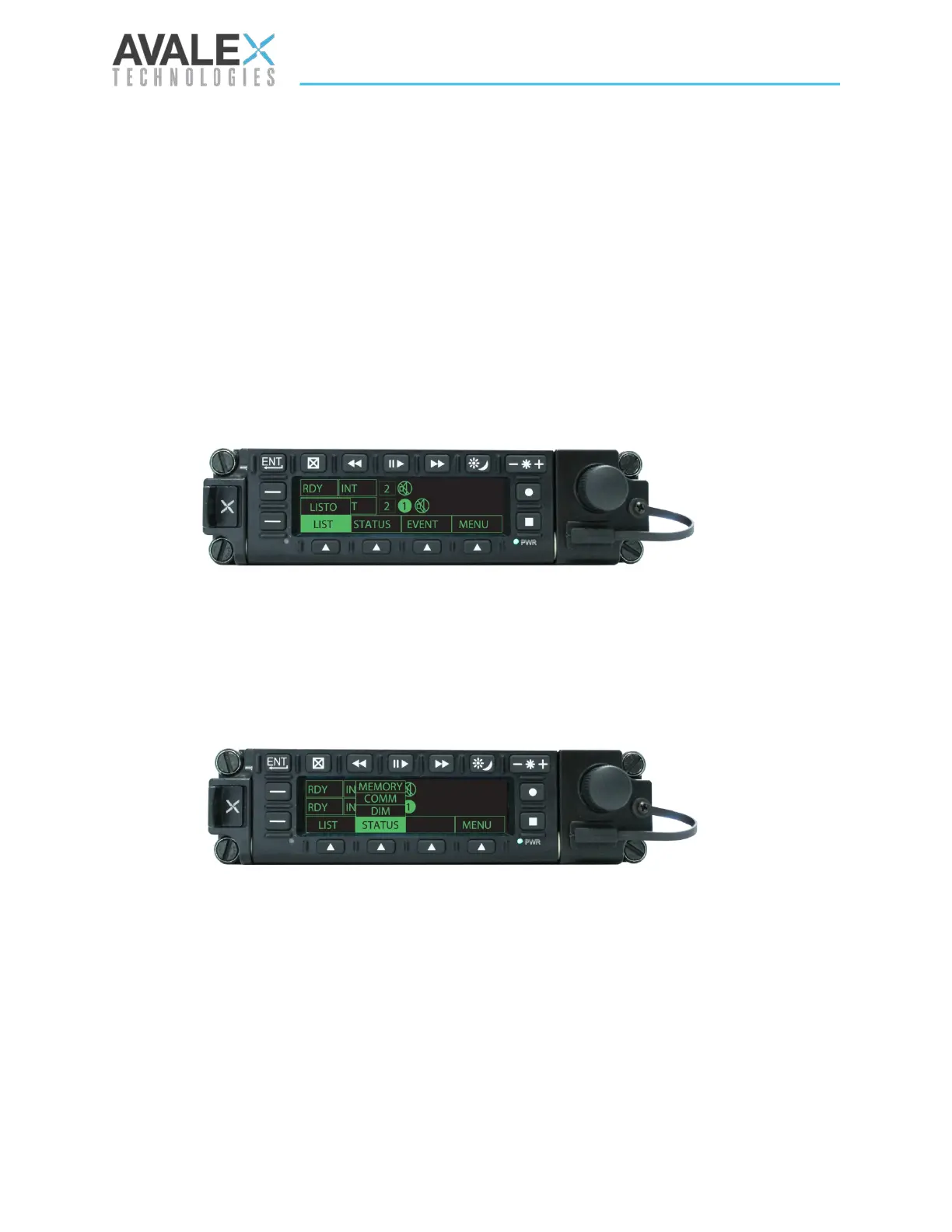
Softkey 2 gives the user access to a variety of information and allows for configuration of
dimming.
STATUS
The status screen shows the the total run time in hours, the total power cycles, device
temperature, voltage, and current for various devices.
DIM
For a complete explanation of DIM, please refer to the Configuration section of this manual.
Figure 49 - Softkey 1 Menu
Figure 50 - Softkey 2 Menu

 To Next Page
 Loading...