Operation
AVENTICS | Marex 3D | R417003094–BDL–001–AA 81
English
7.2 Activating the 3D-mode
1. Release the joystick to the neutral position. The neighboring
control head must be in neutral as well.
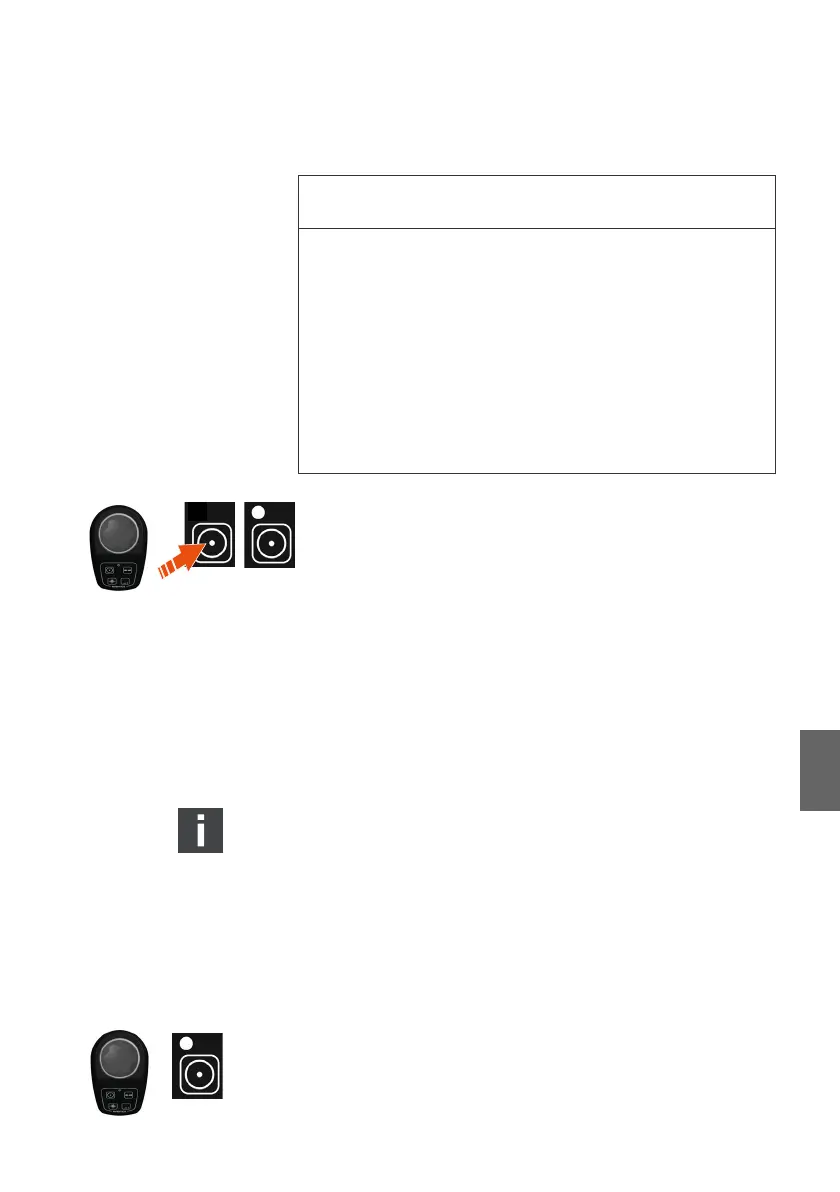
2. Push the Command key.
Buzzer and COM-LEDs of all control stations flash at short
intervals accompanied by buzzer sounds.
3. Push the Command key a second time.
The buzzer switches off.
The Command indicator at the joystick remains lit.
The 3D-mode is active. You can now operate all ship drives via
the joystick.
If joystick or active control head are not in neutral position
when the COM- or Command-key is pushed, the
corresponding LED will flash slowly accompanied by
buzzer sounds. In that case release the joystick, move the
active control head to neutral and push the key again.
7.3 Switching the 3D-mode off
7.3.1 By using the COM-key at the control head
The joystick is active in the 3D-mode. The command status
indicator is lit.
O Verify if the control head which shall be activated is in
neutral.
NOTICE
Risk of property damage due to wrong rudder position or
simulaneous operation of external thruster controls.
If the rudder is not placed in the neutral position or an
external thruster control is used while the 3D-mode is active,
Marex 3D cannot hold the cruising direction which is preset
by the joystick. There is a risk of collision at slow speed.
O Only use the 3D-mode if the rudder is in the neutral
position.
O Do not use external thruster controls in the 3D-mode.
3D_manual_R417003094_DE_EN.book Seite 81 Freitag, 30. November 2018 11:36 11



 To Next Page