Commissioning
62 AVENTICS | Marex 3D | R417003094–BDL–001–AA
6.2.2 Adjusting the 3D Controller for the operation
with Marex OS
By default, the 3D Controller is setup for the operation with
Marex ECS. The steps described in this chapter are only
necessary if Marex 3D shall be combined with a Marex OS
system.
Proceed as follows to change the setting in the 3D Controller for
the operation with Marex OS:
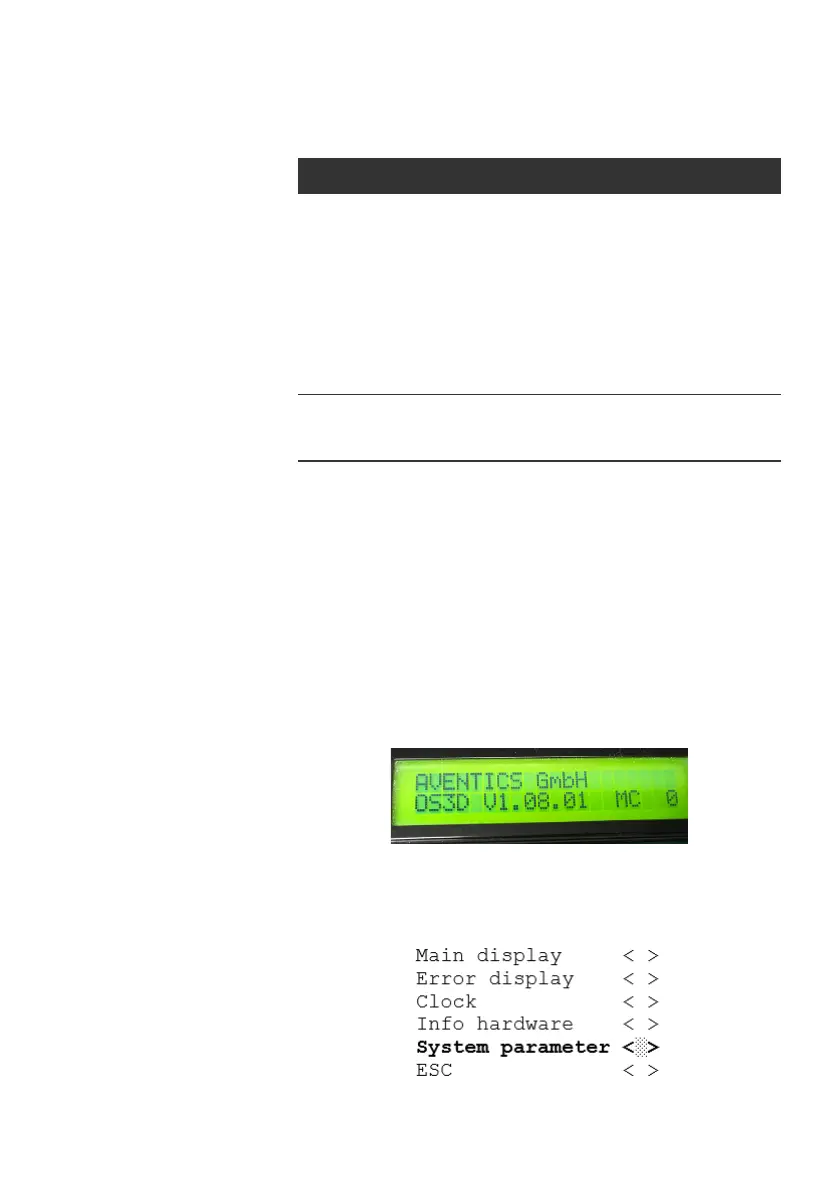
1. Open the cover of the 3D Controller. In the normal operation,
the display looks as follows:
Fig. 37: 3D Controller, standard display
2. To call up the parameter menu, press and hold the SELECT
button for 3 s. The display menu is called up:
Button Function
S5 SELECT Turn
Scroll the menu up or down or increase or
decrease a parameter value by turning the
SELECT button to the left or right.
Push
Depending on the line selected in the display,
pushing the SELECT button will
- access a submenu (< >)
- activate the change mode (<xxx>)
- store the parameter change (<yyy>)
S4 ESCAPE Push
Briefly push the ESCAPE button to return to a
higher menu level or abort an action.
3D_manual_R417003094_DE_EN.book Seite 62 Freitag, 30. November 2018 11:36 11



 To Next Page