Operation
80 AVENTICS | Marex 3D | R417003094–BDL–001–AA
Contact marinesales@aventics.com for the software 3D-
Tuning.
7 Operation
In this chapter the basic functions are described to control a
ship using Marex 3D.
7.1 Switching Marex3D on
Marex 3D is automatically switched on as soon as the Marex
control system for the main propulsion engines is powered up.
All joysticks connected are powered up at the same time.
Afterwards, the components are in a state of initialization and
perform a self-test. If a fault is detected, the relevant component
remains passive and an alarm is triggered. If no error is found,
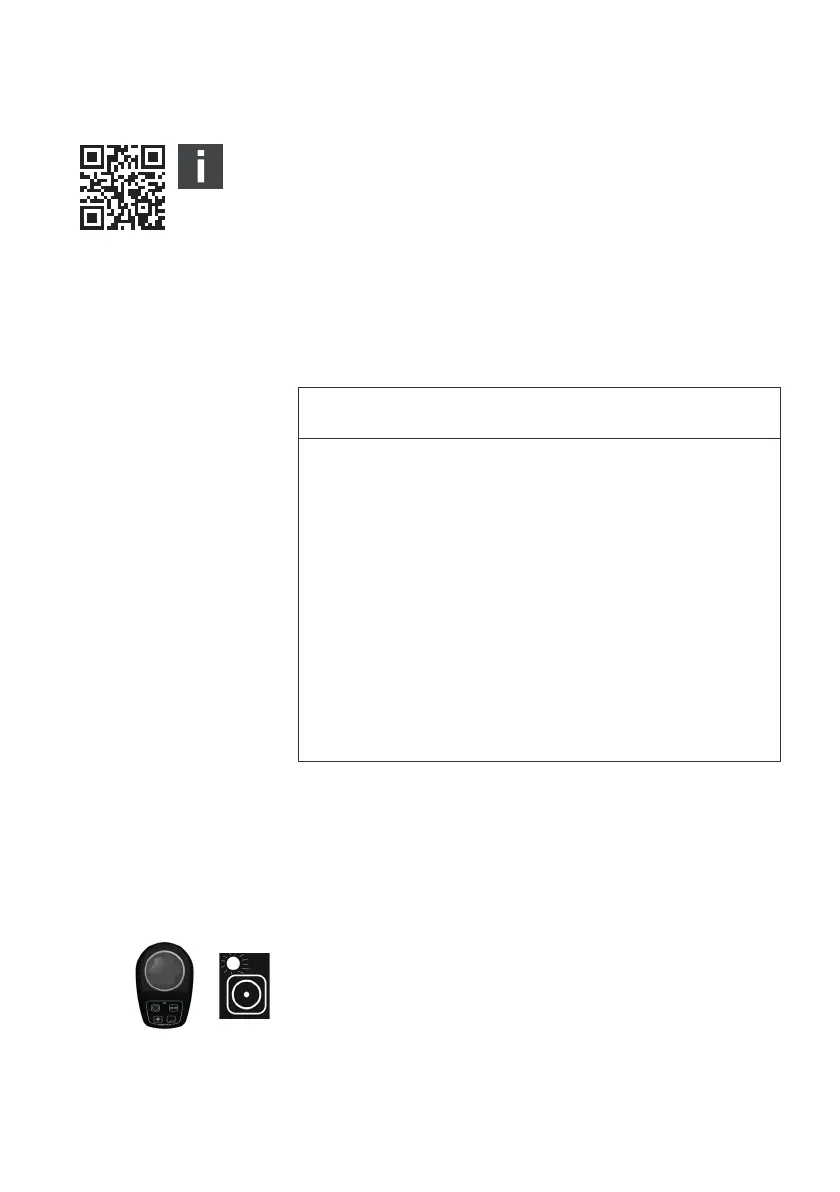
the buzzer sounds at short intervals and the COM-LED flashes
in time with the buzzer. To start the operation, a control head or
joystick must be activated.
NOTICE
Restricted maneuverability in 3D mode in case of
unavailability of drives
If a main propulsion or thruster is unavailable in 3D mode,
the ship’s maneuverability will be restricted and the joystick’s
movement may no longer be converted as accurately into
motion as expected.
O Switch on the remote control systems of all main
propulsions before using the 3D mode.
O Pay attention to the ALARM LED. It will signal if a drive is
unavailable.
O Be careful when using the 3D mode if drives are not
available.
3D_manual_R417003094_DE_EN.book Seite 80 Freitag, 30. November 2018 11:36 11



 To Next Page