Maintenance and repair
AVENTICS | Marex 3D | R417003094–BDL–001–AA 91
English
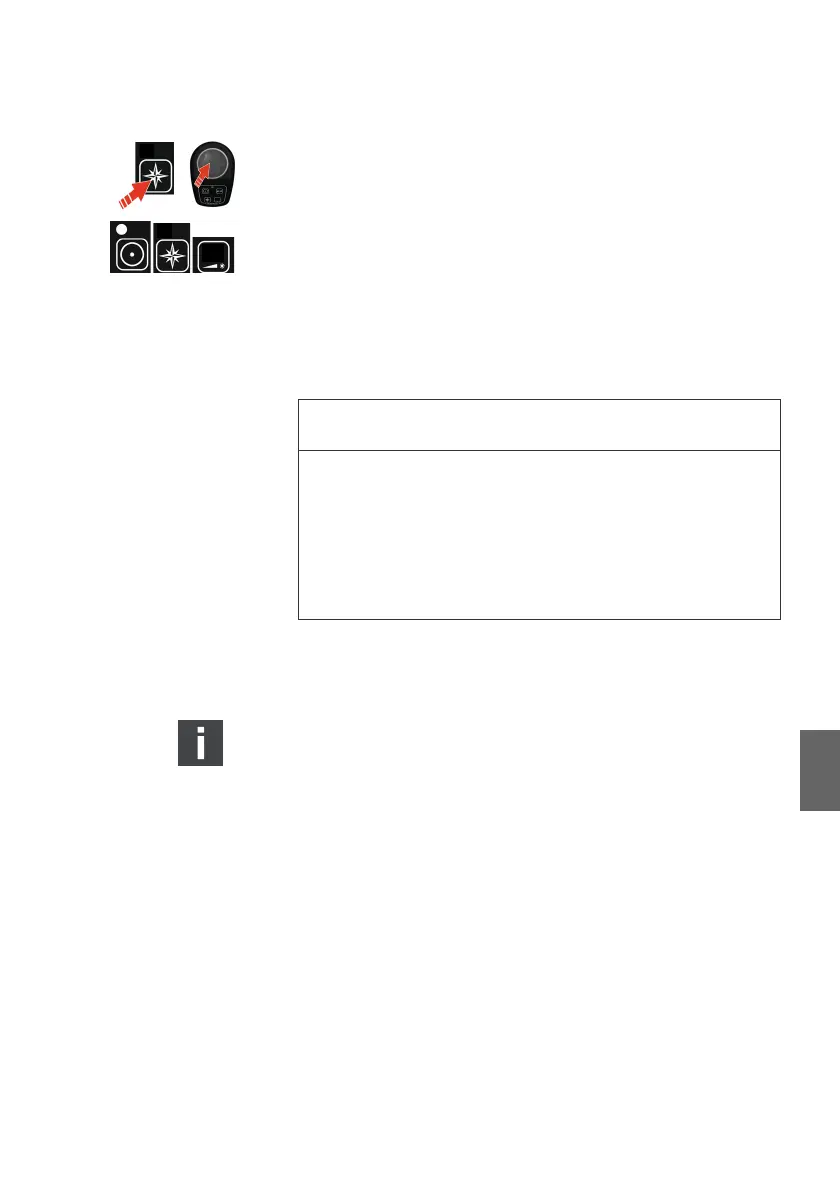
Switching the heading mode off
O Push the heading mode key or move the joystick out of the
neutral position.
O The joystick is in the 3D mode. The heading status indicator
and dimming key switch off.
8 Maintenance and repair
8.1 Cleaning and care
Clean the product only by using a slightly moistened, lint-free
cloth. Only use water or mild cleaning agents.
Contact AVENTICS at marineservice@aventics.com for
supplementary information on maintenance and repair.
8.2 Inspection
O Test and inspect the entire ship control system at regular
intervals. This extensive inspection includes a test of the
propulsion control and all control stations, visual check of
outdoor stations for water tightness, a general function test
as well as an inspection for the integrity of all components.
O Check regularly if the membrane on the component's keys
and displays is in perfect condition. As soon as damage is
found, the relevant component must not get in touch with
spray water anymore. Replace the component as soon as
possible.
O Pay special attention to cables and connectors.
NOTICE
Product damage due to inappropriate cleaning
Cleaning agents containing solvents may damage the
product's surface and cause premature aging.
O Do only use solvent-free, non-abrasive cleaning agents
O Never use pressure washers or steam cleaners to clean
Marex3D components.
3D_manual_R417003094_DE_EN.book Seite 91 Freitag, 30. November 2018 11:36 11



 To Next Page