53
Step 3. To rearrange any window’s position, click and hold the mouse left button on the window and
move to the desired position. To resize a window, move the cursor to the border of the window
and drag to the desired size when the directional arrow appears.
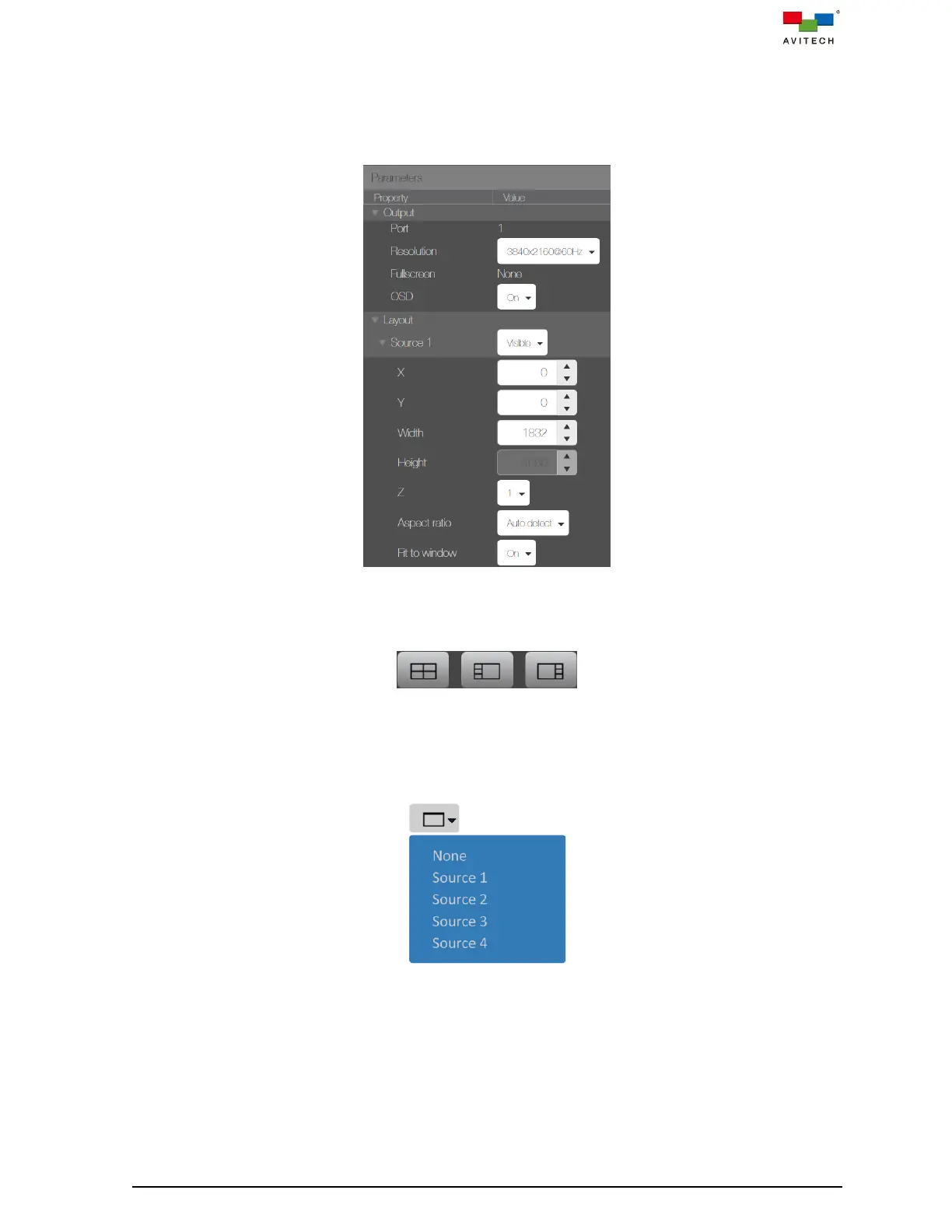
The window layout can also be configured by adjusting the individual window’s position, width
and height utilizing the Property menu. Use the mouse to adjust each property by pixel.
Figure 4.1.1.5. Multiview Layout: Set Window Properties
Alternatively, select one of the factory default layouts by clicking the corresponding icon.
Figure 4.1.1.6 Multiview Layout: Factory Default Multiview Layouts
You may also click the down arrow on the fullscreen icon in the top bar and then click Source 1
– Source 4 from the drop-down menu to set the window to fullscreen. Clicking None to return to
previous multiview layout.
Figure 4.1.1.7 Multiview Layout: Fullscreen Mode



 To Next Page