7: Advanced Element Controls • 112
©2008 Axia Audio — Rev. 3.0
Show Proles and Source Proles Menus
These menus allow you to construct and administer
Show and Source Profiles specific to this Element con-
sole. Refer to Chapter 2: Configuring Inputs and Chapter
5: Show Profiles for details on using these controls.
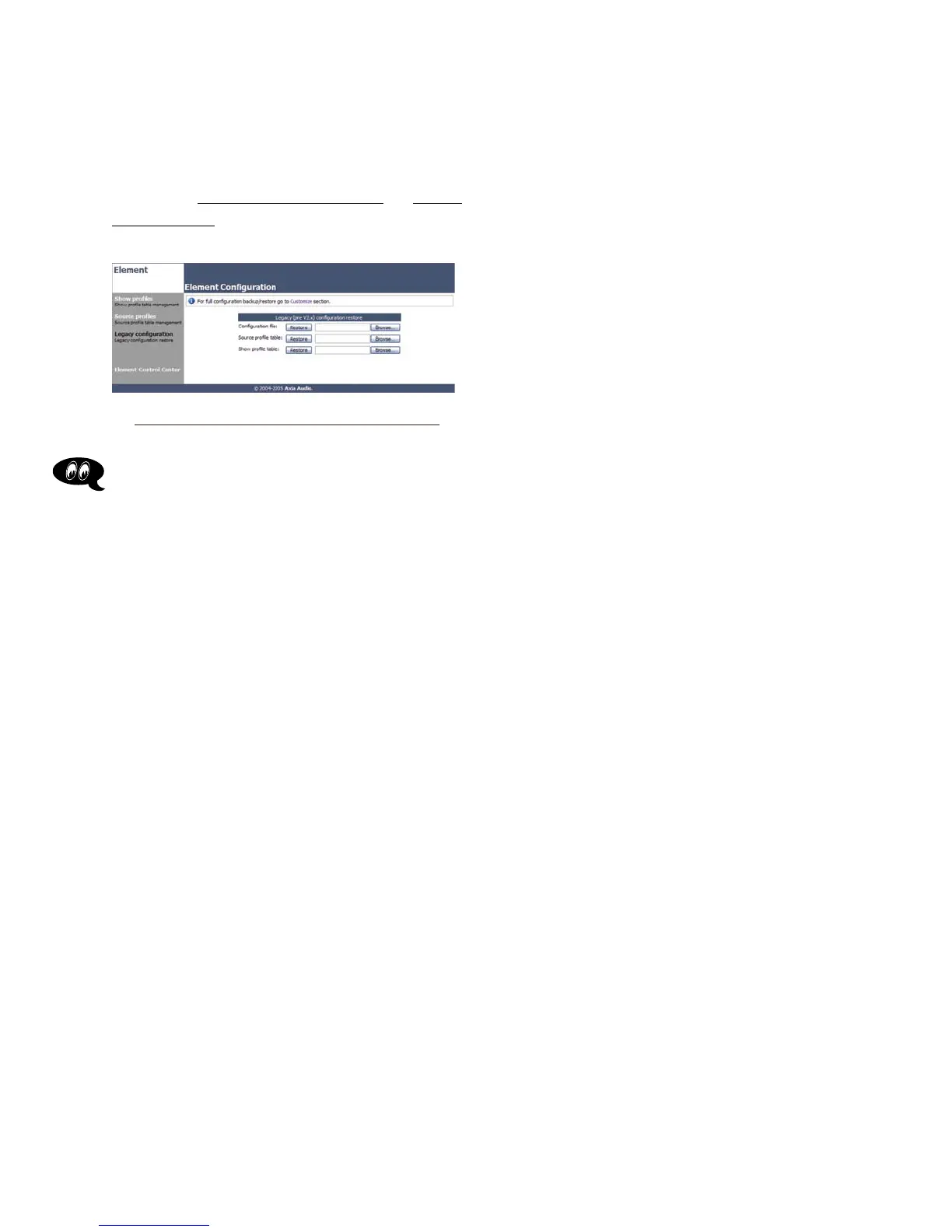
Legacy Conguration Menu
This screen enables you to restore any backups you
may have of Element Configuration files made with soft-
ware prior to Version 2.x. Use the Browse and Restore
buttons to perform the desired actions.
Fig. 7-9: Proles Maintenance screen



 To Next Page