pro+ Surface Instruction for Use (209196 REV 8) 29
CENTRELLA Smart+ Bed
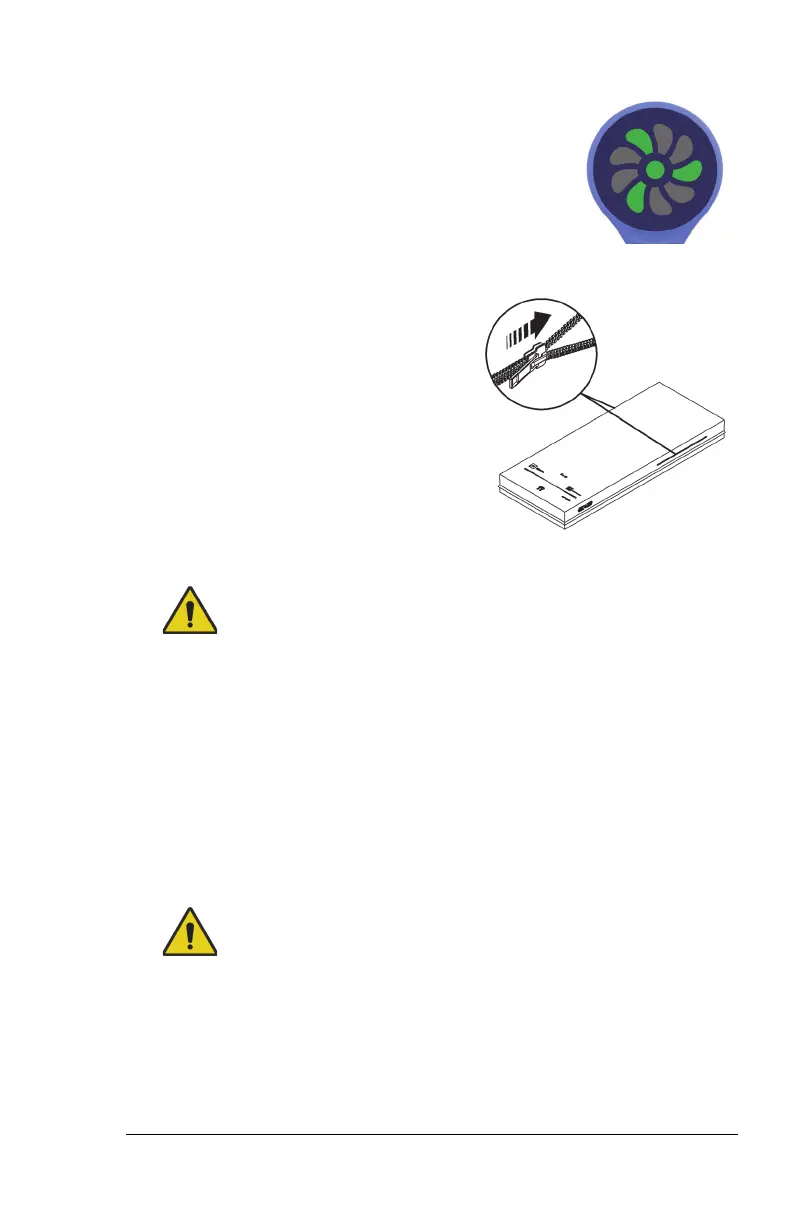
40. Make sure the status indicator is
green.
For more information about the
indicator light, see “Status Indicator
light” on page 30.
41. Make sure the surface foot end flap is secured by the footboard.
42. If applicable, make sure the x-ray
sleeve zipper is closed on both sides
of the surface.
43. Make sure the bed is plugged into AC power.
Warning—Do not allow the surface to stay in continuous contact
with the headboard. This could impact the scale accuracy and Bed
Exit performance which could cause patient injury.
44. Make sure the surface is not in continuous contact with the
headboard.
45. It the bed has a scale system, zero the scale. See the bed’s user
manual.
46. If the bed has the Obstacle Detect System, make sure the surface
power cord does not interfere with system. See the bed’s user
manual.
Warning—Put the power cord in a location where persons will not
trip over it, and away from bed mechanisms. Failure to do so could
cause injury or equipment damage.
47. Make sure the power cord is in a location where persons will not trip
over it, and away from bed mechanisms.












 To Next Page