52 pro+ Surface Instruction for Use (209196 REV 8)
VERSACARE Bed—pro+ Surface Installation Instructions
15. Attach the second cord magnet on
the outside of the intermediate
frame, between the siderail center
arm and left side siderail
weldment.
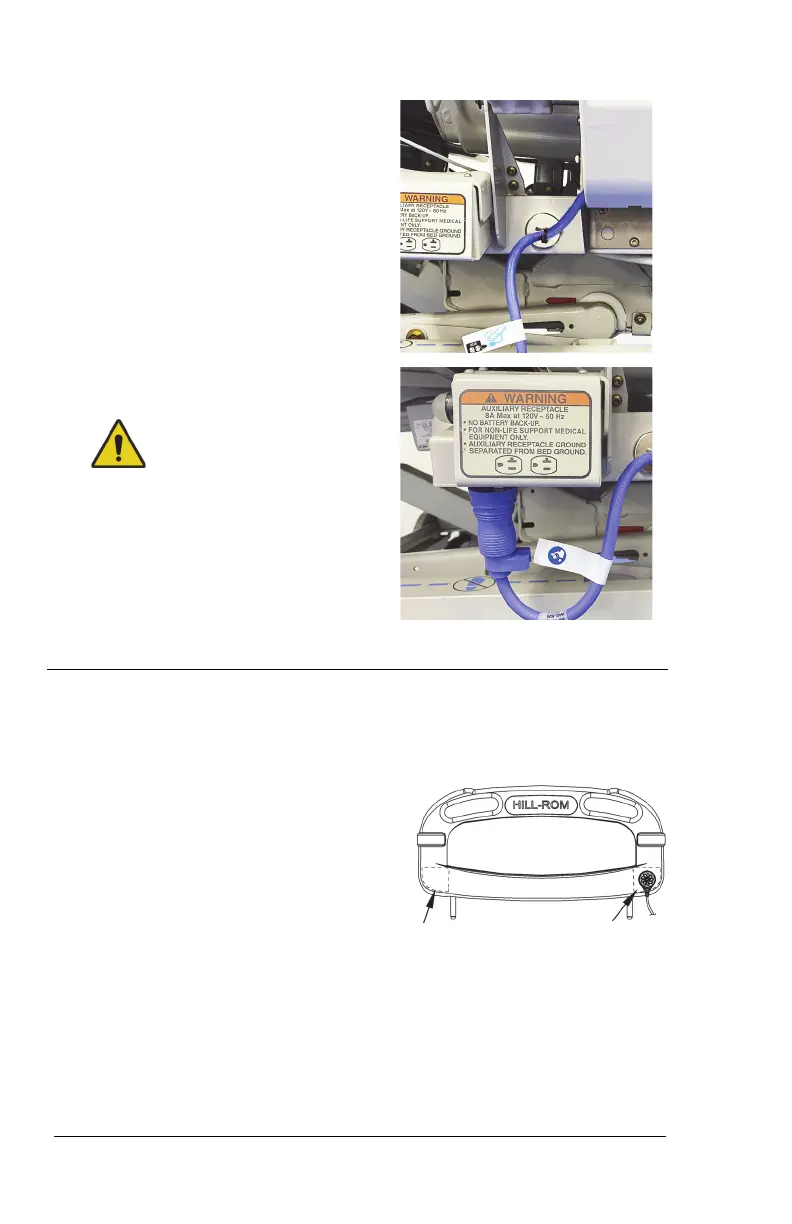
16. Plug the mattress power cord into
the auxiliary outlet.
Warning—Do not connect the
power cord to an extension cord or
multiple outlet strip. There is a risk
of overheating and fire may cause
injury or damage.
Step 3: Install the MCM Status Indicator Mounting Kit
(Capital Only)
The mount for the MCM status indicator
(status indicator) is to be installed on the
outside of the footboard, on either the
bottom-left or bottom-right.
17. Install the footboard.
Make sure that the status indicator cord is not between the installed
footboard and bed.
18. Make sure the status indicator can reach the mount location before
you start to install the mount assembly.












 To Next Page