pro+ Surface Instruction for Use (209196 REV 8) 83
Use the Surface
Status Indicator Light
Status Indicator Light
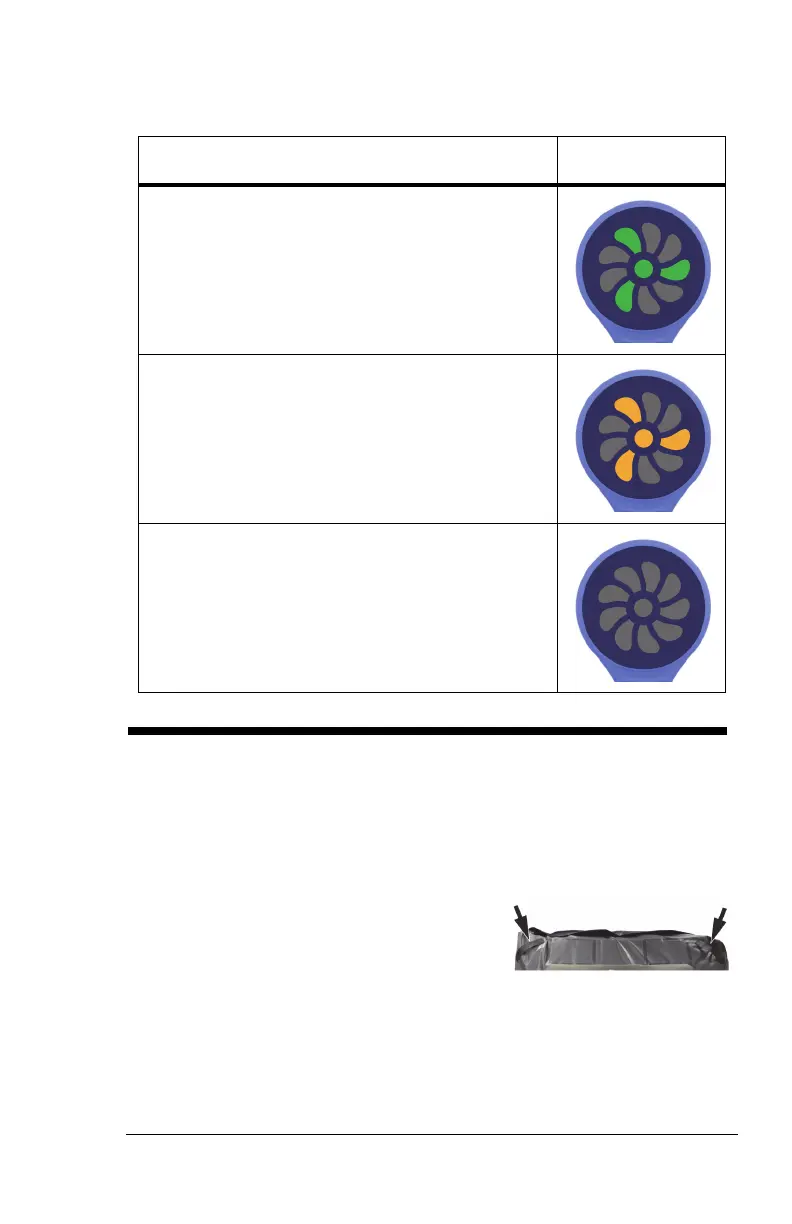
Green light—identifies that the MCM status
indicator function is operating correctly.
Yellow light—identifies a low priority alarm. An
error has occurred with the MCM status
indicator function. See the pro+ Service Manual
(209197).
No light—the MCM status indicator function is
not active. Make sure the surface is plugged
into AC power.
USE THE SURFACE
1. Make sure the siderails operate correctly.
2. Make sure the bed frame is compatible for use with the surface. See
“Introduction” on page 1 for a list of compatible bed frames.
3. Put linens on the surface as applicable.
4. Tuck the corners of the flat sheet into
the linen holders on the bottom of the
surface.
The VersaCare pro+ surface does not have linen holders.
5. Put the patient in position on the surface:












 To Next Page