48 pro+ Surface Instruction for Use (209196 REV 8)
VERSACARE Bed—pro+ Surface Installation Instructions
1.4 pro+ Surface Short Power Cord
(P3255A03 and P3255A04)
Step 1: Setup
1. Make sure the brake is set on the bed.
2. Plug the bed into AC power.
3. Adjust the bed to the flat position.
4. Make sure the foot section is extended.
5. Put the bed in the lowest position.
6. Lower the siderails.
7. Remove the footboard.
8. If applicable, remove the surface (see the bed’s service manual). If
the pro+ surface replaces an integrated air surface, do as follows to
put the bed’s air system in Off mode:
a. Press the Enable control on the flip-up control pod.
b. Simultaneously, press the Max-Inflate and Normal control for
5 seconds. After 5 seconds, all surface indicators will turn off.
When the Off mode is activated, after five minutes, the air system
will do a self-check to determine if an integrated surface is on the
bed. Since an integrated surface is not on the bed, the system will
stay in Off mode.
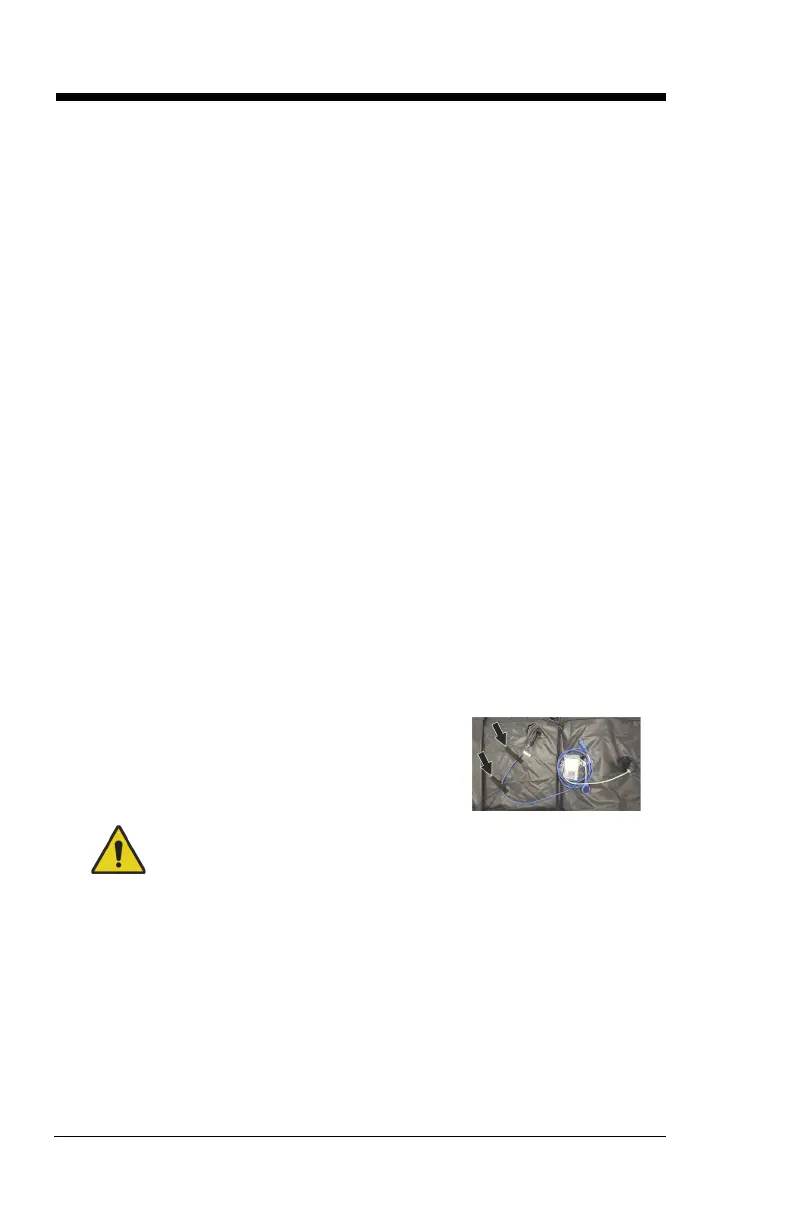
9. Make sure the pro+ surface power cord is
routed through the straps on the bottom
cover.
To help prevent injury and/or equipment damage, obey these
warnings:
• Warning—Make sure the surface is installed correctly. Failure
to do so could cause the bed not to articulate as intended.












 To Next Page