pro+ Surface Instruction for Use (209196 REV 8) 47
VERSACARE Bed—pro+ Surface Installation Instructions
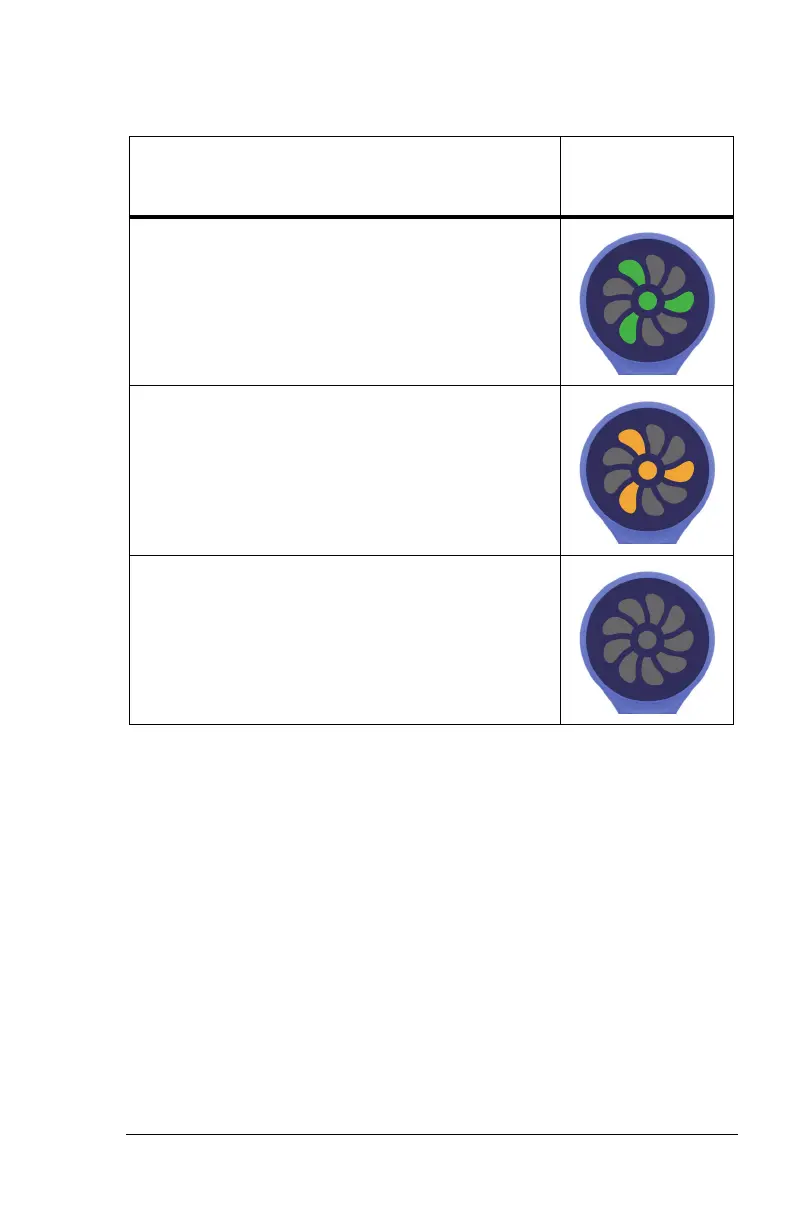
Status Indicator Light
Status
Indicator
Light
Green light—identifies that the MCM status
indicator function is operating correctly.
Yellow light—identifies a low priority alarm. An
error has occurred with the MCM status indicator
function. See the pro+ Service Manual (209197).
No light—the MCM status indicator function is
not active. Make sure the surface is plugged into
AC power.












 To Next Page