20 pro+ Surface Instruction for Use (209196 REV 8)
CENTRELLA Smart+ Bed
1.1 CENTRELLA Smart+ Bed—Non-Integrated
pro+ Surface
Tools: T10 Torx screwdriver
P7924A01 pro+ Surface with x-ray, 36" (91 cm)
or
P7924A02 pro+ Surface with x-ray, 40" (102 cm)
or
P7924A03 pro+ Surface without x-ray, 36" (91 cm)
or
P7924A04 pro+ Surface without x-ray, 40" (102 cm)
or
P7924A10 pro+ Surface with x-ray, Aus/NZ 36" (91 cm)
or
P7924A09 pro+ Surface with x-ray, Aus/NZ 40" (102 cm)
Step 1: Setup
1. Make sure the brake is set on the bed.
2. Plug the bed into AC power.
3. Adjust the bed to the flat position.
4. Make sure the foot section is extended.
5. Put the bed in the lowest position.
6. Lower the siderails.
7. Remove the footboard.
8. If applicable, remove the surface (see the bed’s service manual).
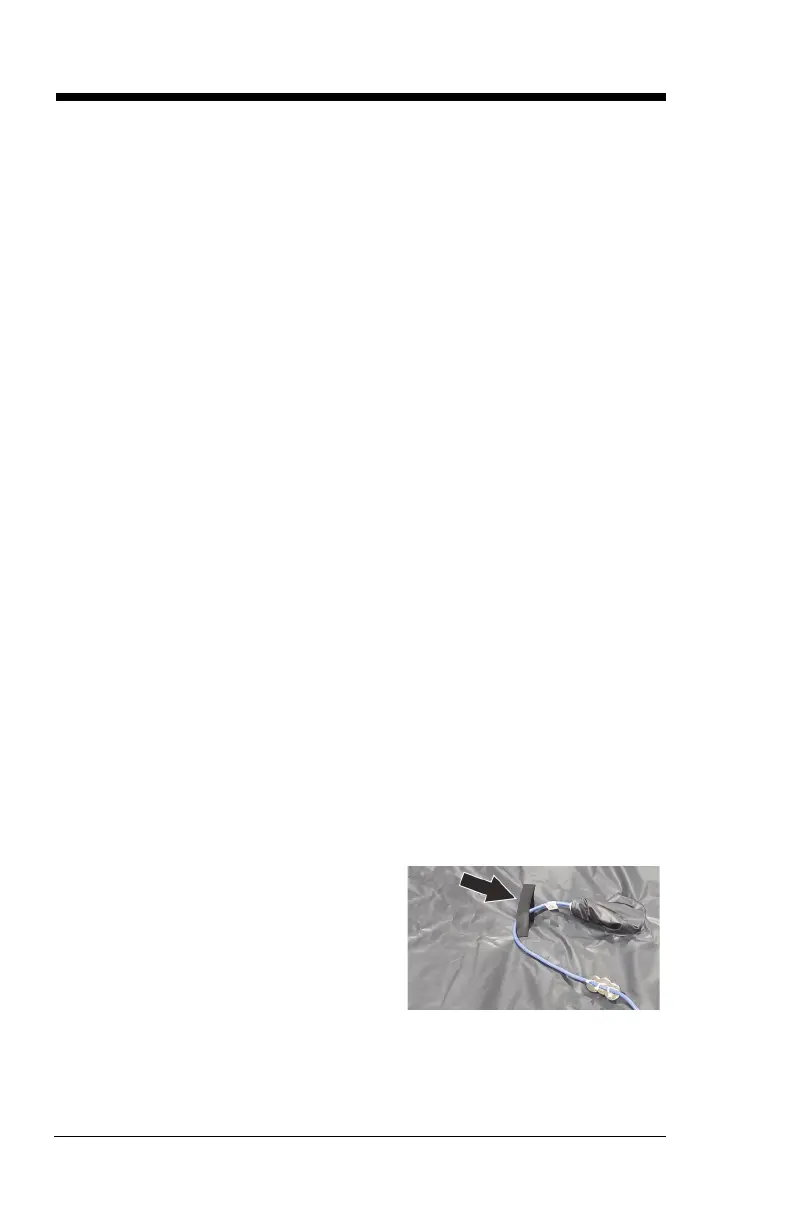
9. Lift the pro+ surface to make sure
the surface power cord is routed
through the strap on the bottom
cover.












 To Next Page