74 pro+ Surface Instruction for Use (209196 REV 8)
900 Beds
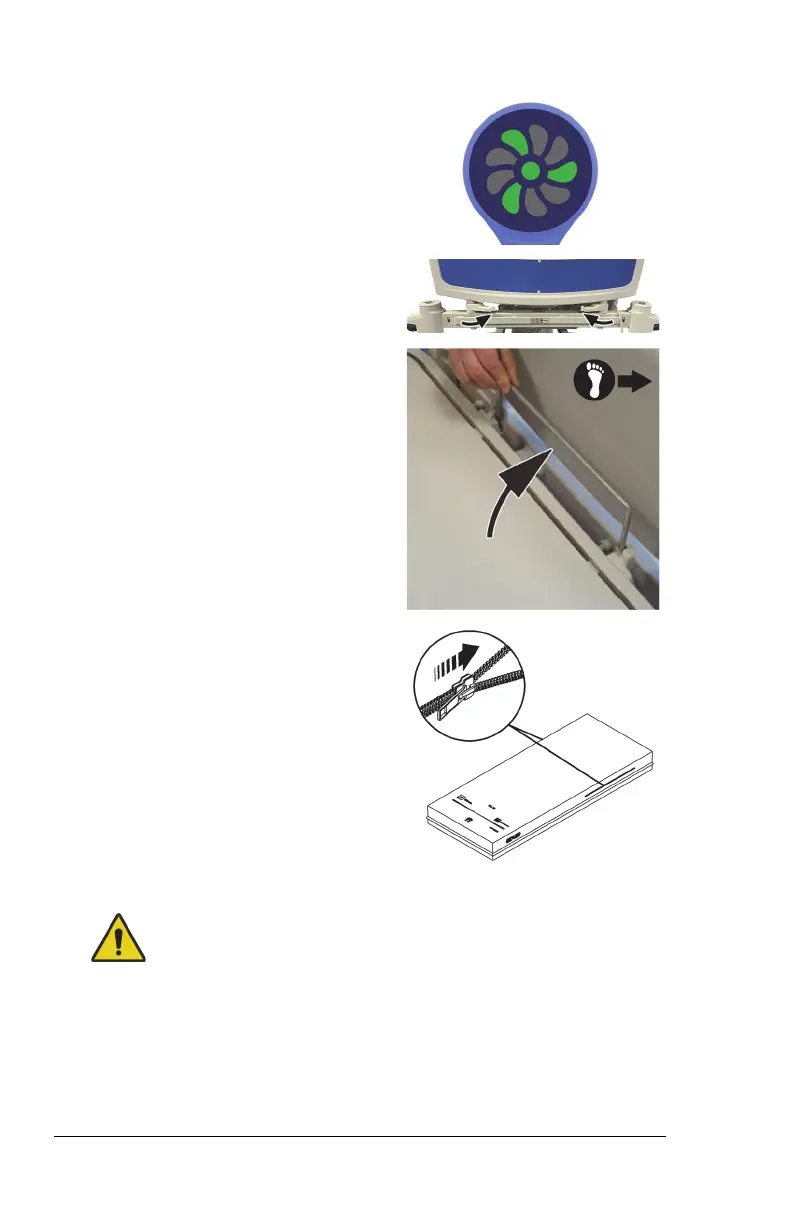
28. Make sure the status indicator is
green.
For more information about the
indicator light, see “Status Indicator
Light” on page 83.
29. Make sure the footboard levers are
in the locked position.
30. Make sure the folding foot-end
surface clamp is in the up position.
31. If applicable, make sure the x-ray
sleeve zipper is closed on both
sides of the surface.
32. Make sure the bed is plugged into AC power.
Warning—Do not allow the surface to stay in continuous contact
with the headboard. This could impact the scale accuracy and Bed
Exit performance which could cause patient injury.
33. Make sure the surface does not stay in continuous contact with the
headboard.












 To Next Page