29
Chapter 5 - Client Directory
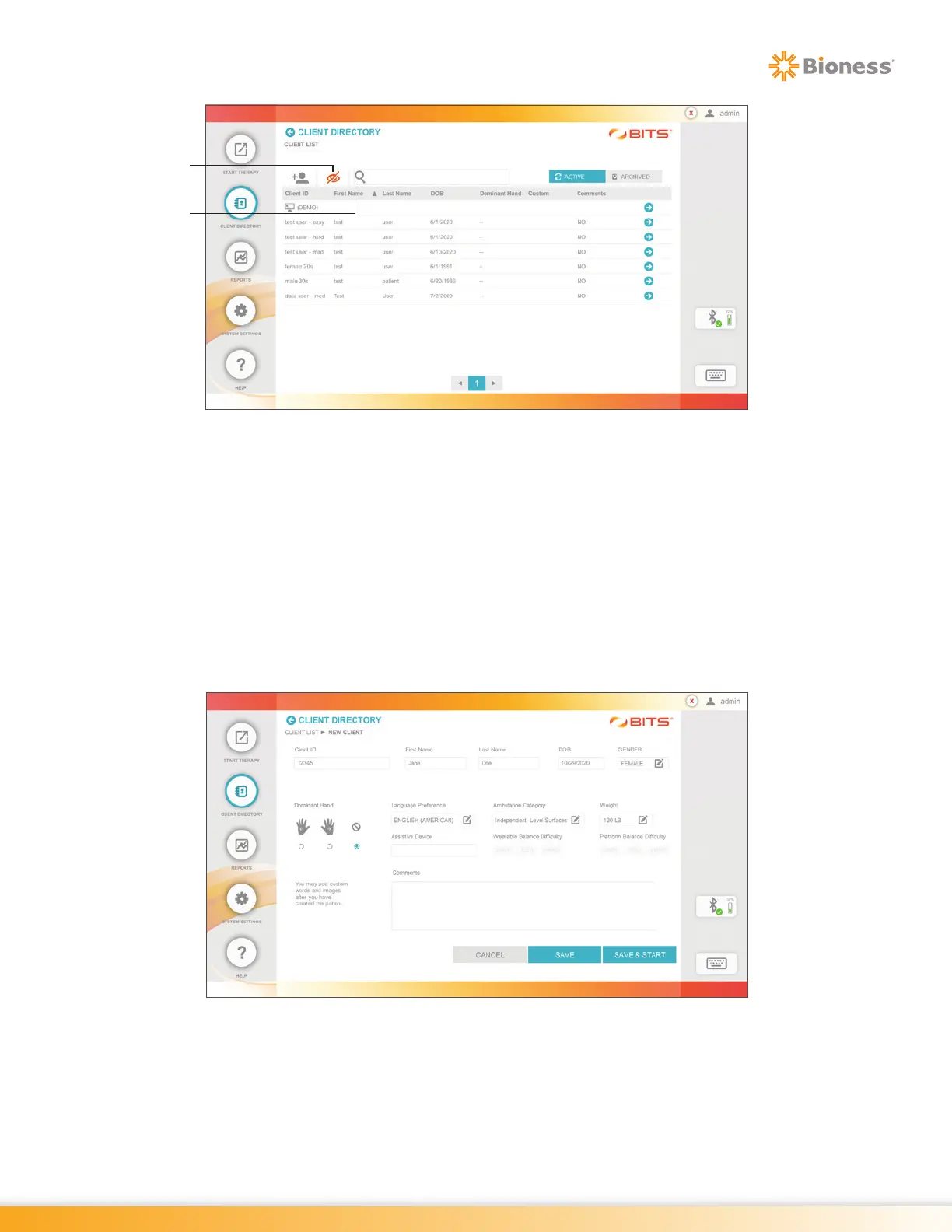
Figure 5-5: Visibility Feature Turned On
Updating an Existing Client Record
1. From the Client List Screen, select the desired client by pressing on the row with the client's name.
2. The Client Detail Screen will open, see Figure 5-6. Make desired changes to the data fields. Custom
images and words can also be added to a client record.
Note: Balance Therapy Difficulty Levels can only be updated in the Client Profile once it has been selected
in the main Balance Therapy Category menu.
3. Press the Save or Save & Start Button to save changes to the client record.
Figure 5-6: Client Detail Screen
Search
Bar
Visibility
Icon



 To Next Page