43
Chapter 6 - Start Therapy
In-Therapy Side Menu and In-Therapy Parameters
Some of the therapy programs found in the BITS software have additional parameter settings that are
accessed directly in the therapy program after the program has been launched. These parameters are
found in the In-Therapy Side Menu and are referred to as In-Therapy Parameters. Refer to Chapter 7 for
detailed information on all Parameters.
Accessing the In-Therapy Side Menu
To access the In-Therapy Side Menu:
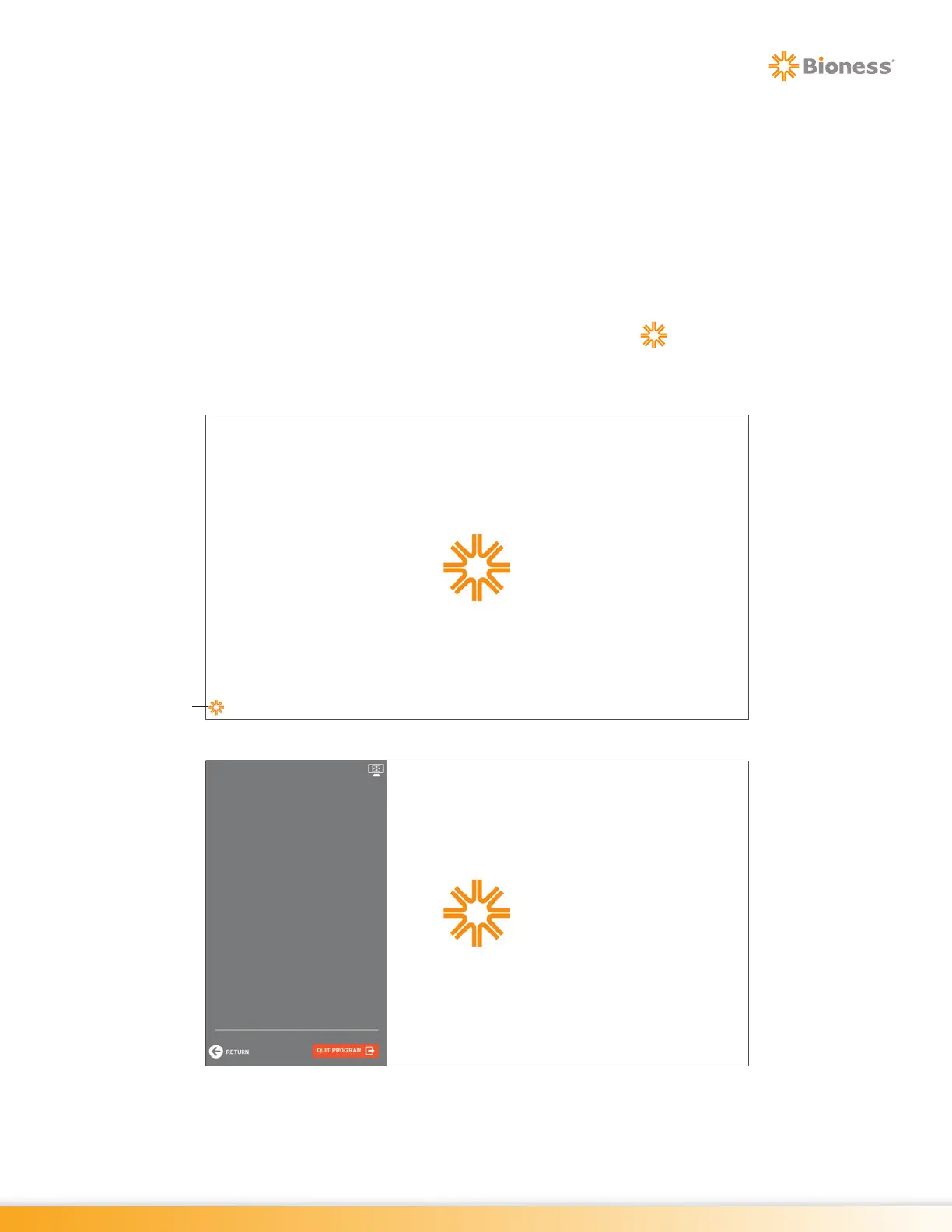
1. In an active therapy program screen, press the small starburst icon located at the bottom left
corner of the screen. See Figure 6-13.
2. The In-Therapy Side Menu will open, see Figure 6-14.
Figure 6-13: Small Starburst Icon
Figure 6-14: In-Therapy Side Menu
Small
Starburst Icon



 To Next Page