35
Chapter 6 - Start Therapy
Chapter
6
Start Therapy
Preparing the Client
Have the client stand (or sit) at a comfortable distance in front of the touchscreen display monitor. It is
recommended, if the client is standing, to have the client stand in a balanced posture with equal weight on
both legs and at the Harmon distance from the display screen. The Harmon distance is the distance from
the elbow to the first knuckle (metacarpophalyngeal joint). The client should be able to comfortably reach
the display monitor including areas on the side. If the client can not reach comfortably, adjust the height
of the display monitor or the client's distance from the screen. During dynamic balance training, the client
is not required to stand close to the display monitor/portable stand as dynamic balance exercises do not
require touch screen input. To avoid trip hazards/injury, it is recommended that the client stands or sits at
least two feet away from the portable stand for dynamic balance activities.
Before starting a therapy program:
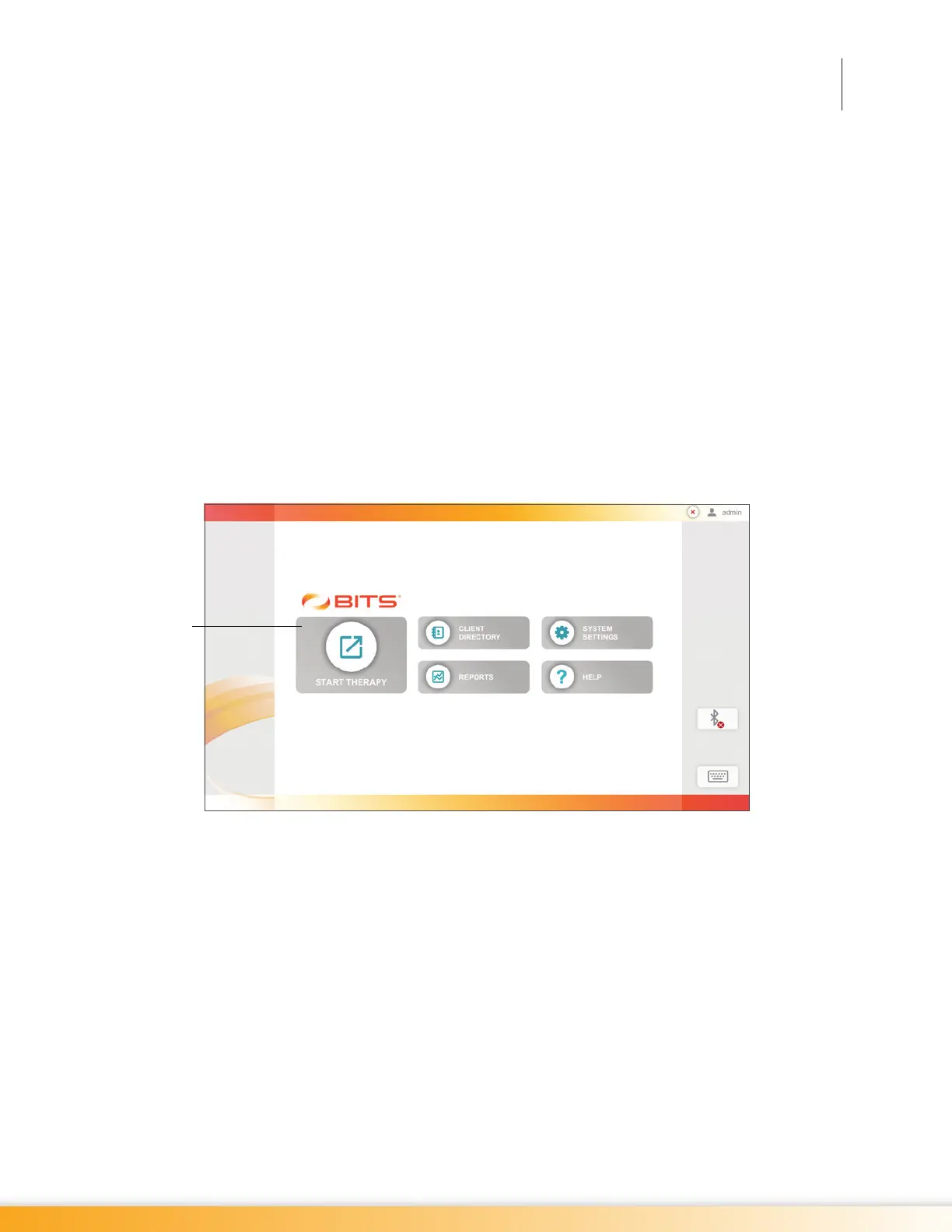
1. From the Home Screen, press the Start Therapy Button. See Figure 6-1.
Figure 6-1: Home Screen
2. From the Client List Screen, select the desired client by pressing the client's name. See Figure 6-2.
3. Position the client in front of the touchscreen display monitor with the center of the display at eye
level to the client.
4. If necessary, adjust the height of the touchscreen display monitor.
5. If necessary, adjust the tilt of the touchscreen display monitor.
6. Instruct the client that when interacting with the software, it is important to press the center of the
target stimulus in order for the software to count the response as correct.
7. From the Discipline Menu, select one of the Discipline Menu Buttons. See Figure 6-3.
The next several chapters in this guide discuss in detail each of the Parameters and Therapy Programs
found in the BITS software.
Start
Therapy
Button



 To Next Page