25
Chapter 5 - Client Directory
Chapter
5
Client Directory
The Client Directory button allows the user to access the Client Directory, view client details, add a new
client, select an existing client, and archive a client. The client detail screen also allows the user to access
a client's therapy session history.
Creating a New Client Record
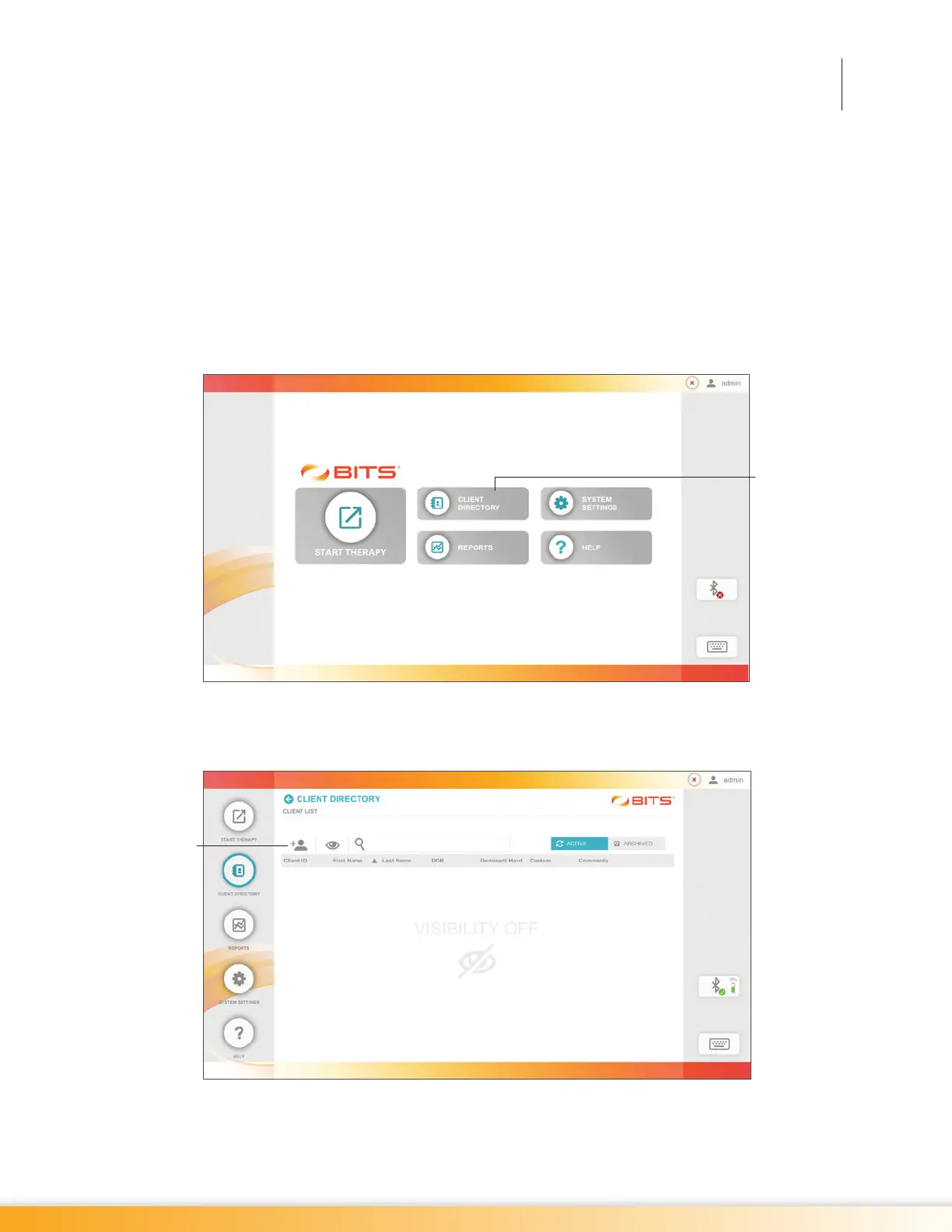
1. From the Home Screen, press the Client Directory Button. See Figure 5-1.
Figure 5-1: Home Screen
2. The Client List Screen will open. Press the New Client Icon, see Figure 5-2.
5-2: Client List Screen
Client
Directory
Button
New Client
Icon



 To Next Page