91
Chapter
19
Chapter 19 - Reports
Reports
The Reports feature allows the user to view a client's therapy session results, create and print PDF reports,
and graph session results over a period of time.
Selecting a Client
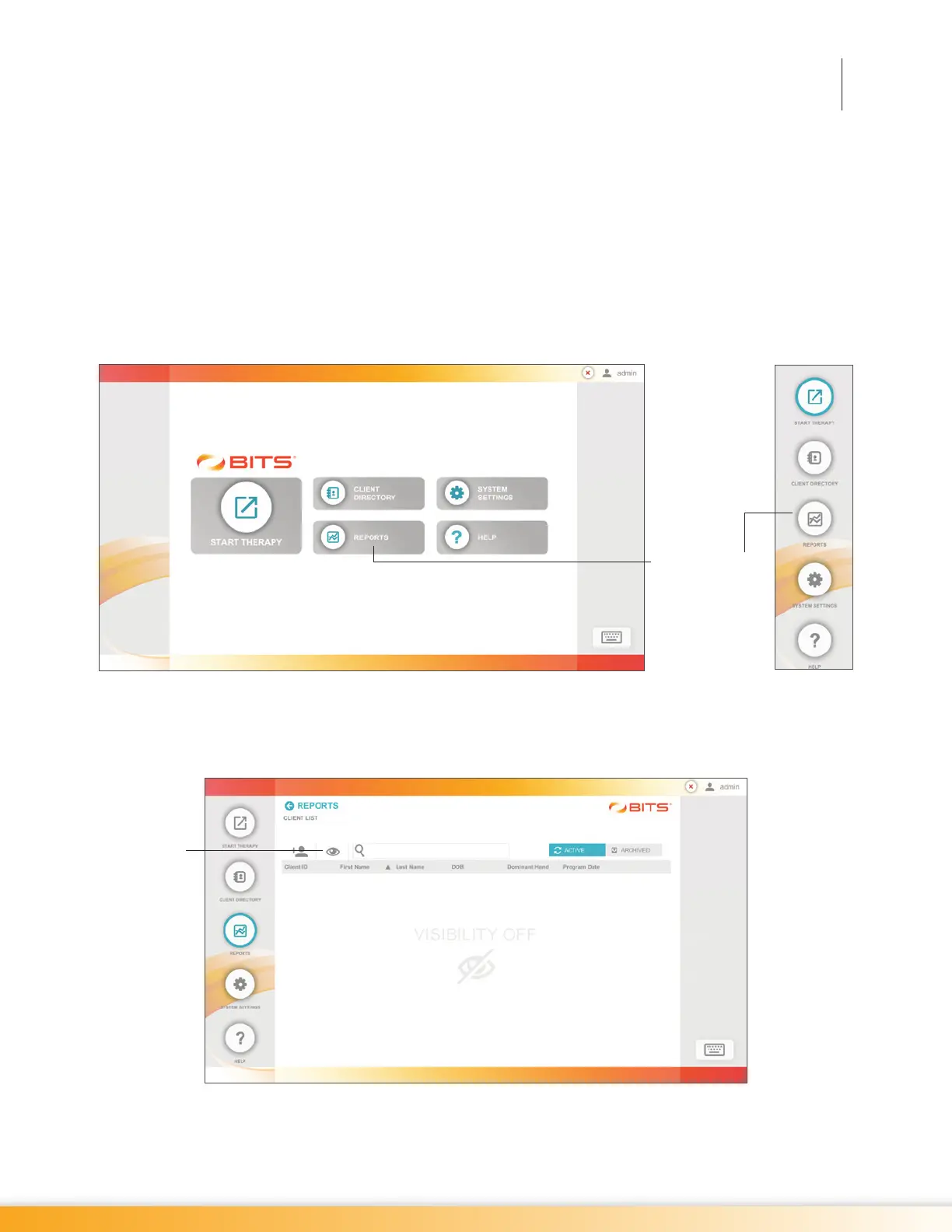
1. From the Home Screen or Navigation Bar, press the Reports button. See Figure 19-1.
Figure 19-1: Reports Button Home Screen (Left), Navigation Bar (Right)
2. The Client List Screen will open. Press the Visibility Icon, Figure 19-2, to make the Client List visible
on the display screen.
Figure 19-2: Client List Screen, Visibility Feature Turned Off
Visibility
Icon
Reports Button



 To Next Page