10
Clinician's Guide
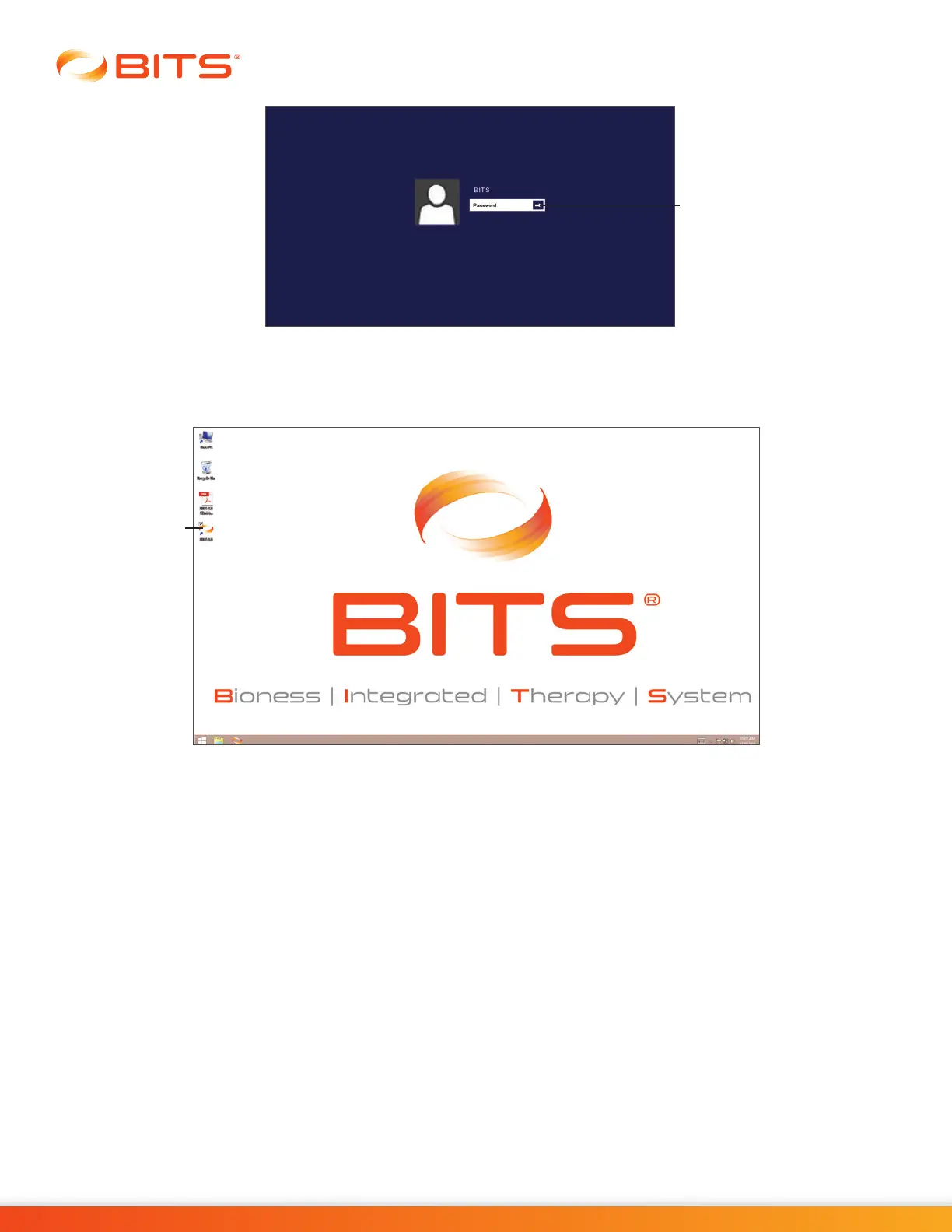
Figure 3-6: Windows Login Screen
Launching the Software
1. Double tap the BITS Icon located on the desktop. See Figure 3-7.
Figure 3-7: BITS Icon on Desktop
2. The BITS Login Screen will open. To open the on-screen keyboard, press the Keyboard Icon located
at the bottom right of the screen. See Figure 3-8.
3. Type your username and password into the text fields. Login username /password will be set up when
the administrator creates new user accounts.
4. Press the Login Button to complete the login process.
Enter Arrow Button
BITS Icon



 To Next Page