56
Clinician's Guide
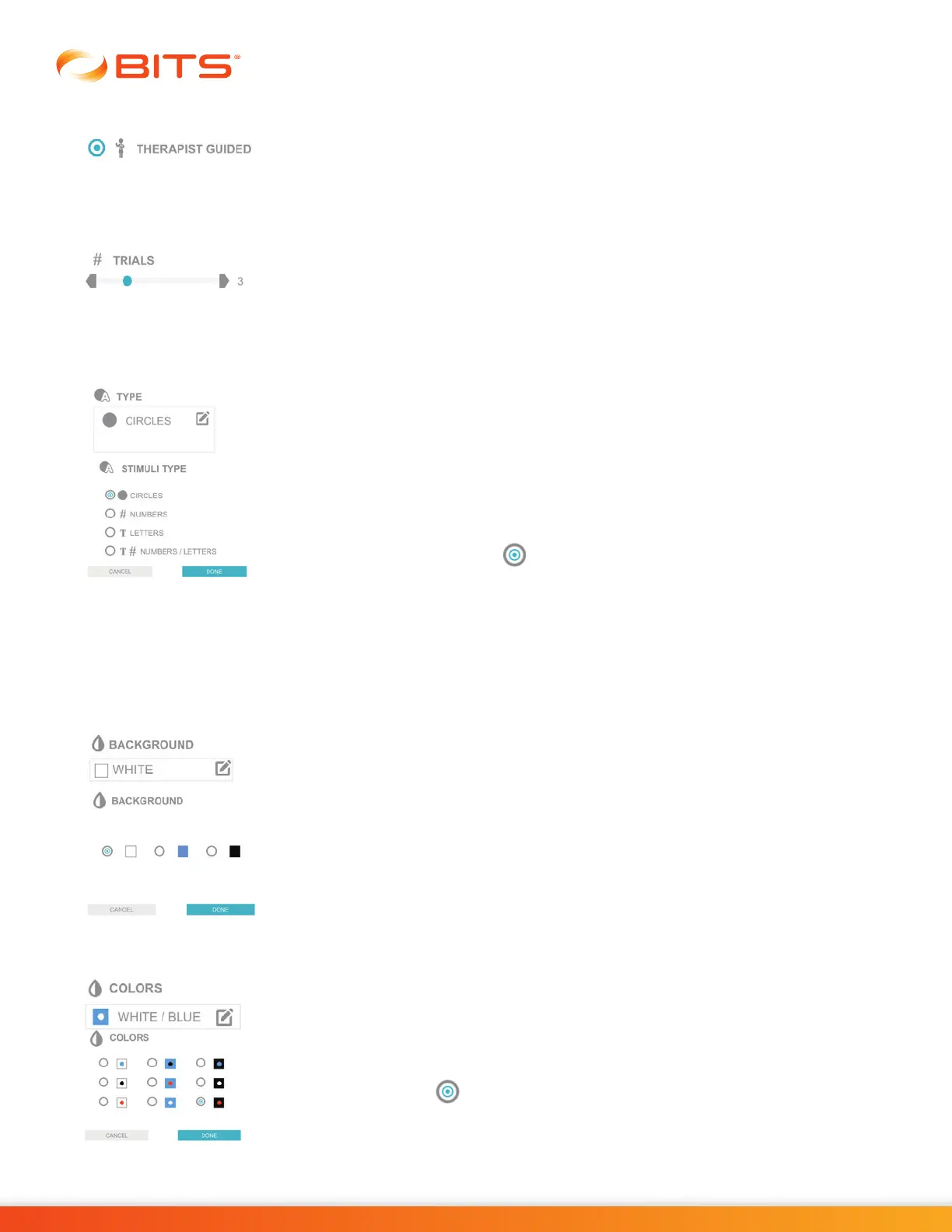
Therapist Guided
The Therapist Guided Parameter allows the user to choose the target stimuli on
screen that the client must move towards using body movement in the anterior,
posterior or lateral directions in Dynamic Postural Sway Program.
Trials
The Trial Parameter controls the number of words sequences that will be presented
in the Chart Puzzle Program. For the Chart Sequence Program, it controls the
number of chart sequences that will be presented. Press the gray arrows or drag
the blue indicator to change the value.
Type
The Type Parameter is used to change the type of target stimuli displayed during
the therapy session. The Type Parameter options vary by program and can include:
Circles, Numbers, Letters, Numbers/Letters, Uppercase Letter, Lowercase Letters,
Upper/Lowercase Letters, Images, Words, Shapes, Cardinal, Oblique, Cardinal/
Oblique, bdpq,and Numbers/Letters/Arrows.
To change the type of target stimuli displayed, press the Type Parameter Icon.
The Stimuli Type pop up window will open displaying the target stimuli display
options. Press the radio button next to the desired option to enable it. Press
the Done Button to close the window.
Display Parameters
Background
The Background Parameter controls the color of the background in the therapy
program.
Colors
The Colors Parameter is used to change the target stimuli and background color
displayed during the therapy program session.
To change this setting, press the Colors Parameter Icon. A pop up window will
open displaying the target stimuli and background color options.
Press the radio button next to the desired option to enable it. Press the Done
Button to close the window.



 To Next Page