119
Chapter
21
Chapter 21 - Help
Help
The Help Module navigates the user to the BITS Clinician's Guide in the BITS software application.
To access the Help Module:
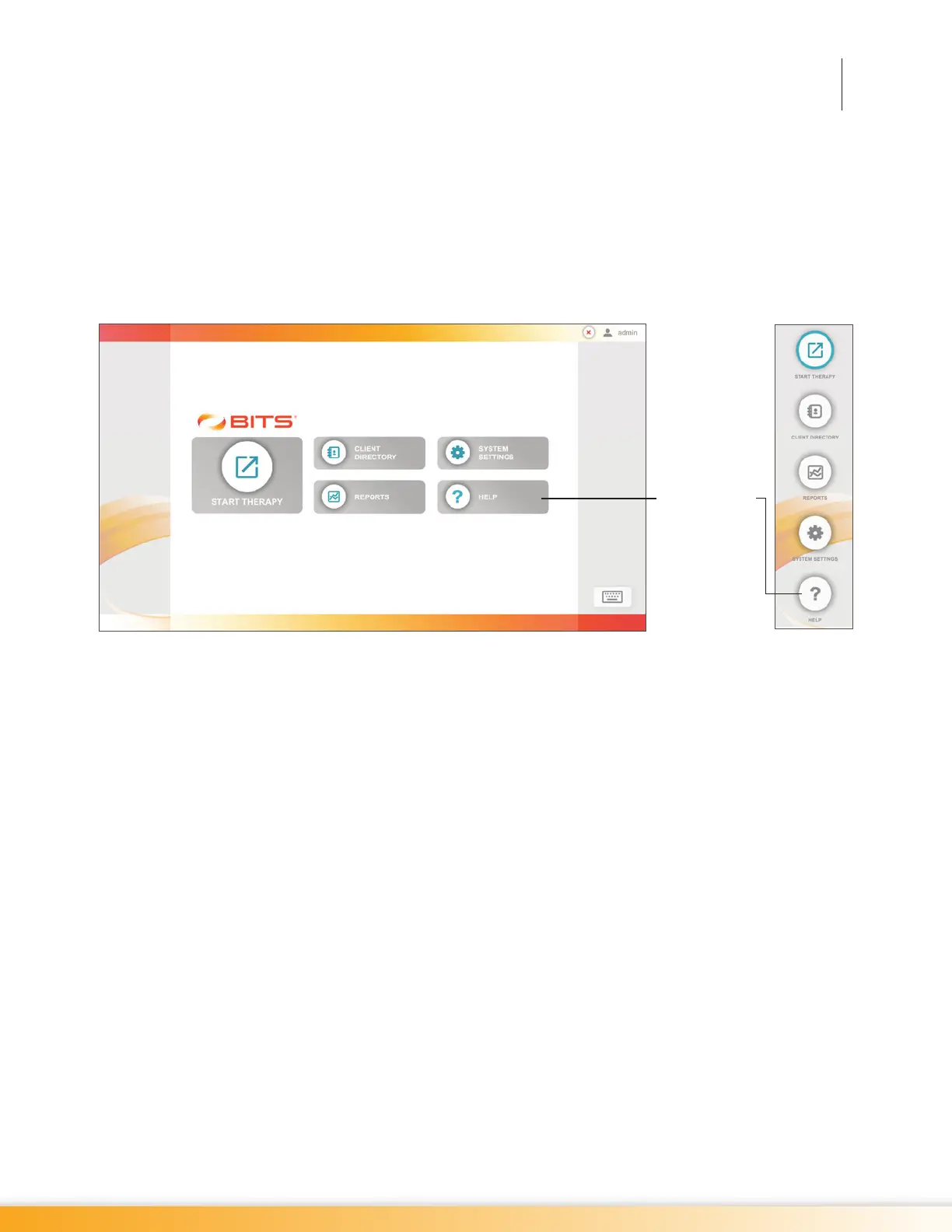
1. From the Home Screen or Navigation Bar, press the Help Button. See Figure 21-1.
Figure 21-1: Location of Help Button Home Screen (left), Navigation Bar (Right)
2. The Adobe Reader Program will launch and a pop up window will open displaying the BITS
Clinician's Guide.
Help Button



 To Next Page