12
Clinician's Guide
Exit Program
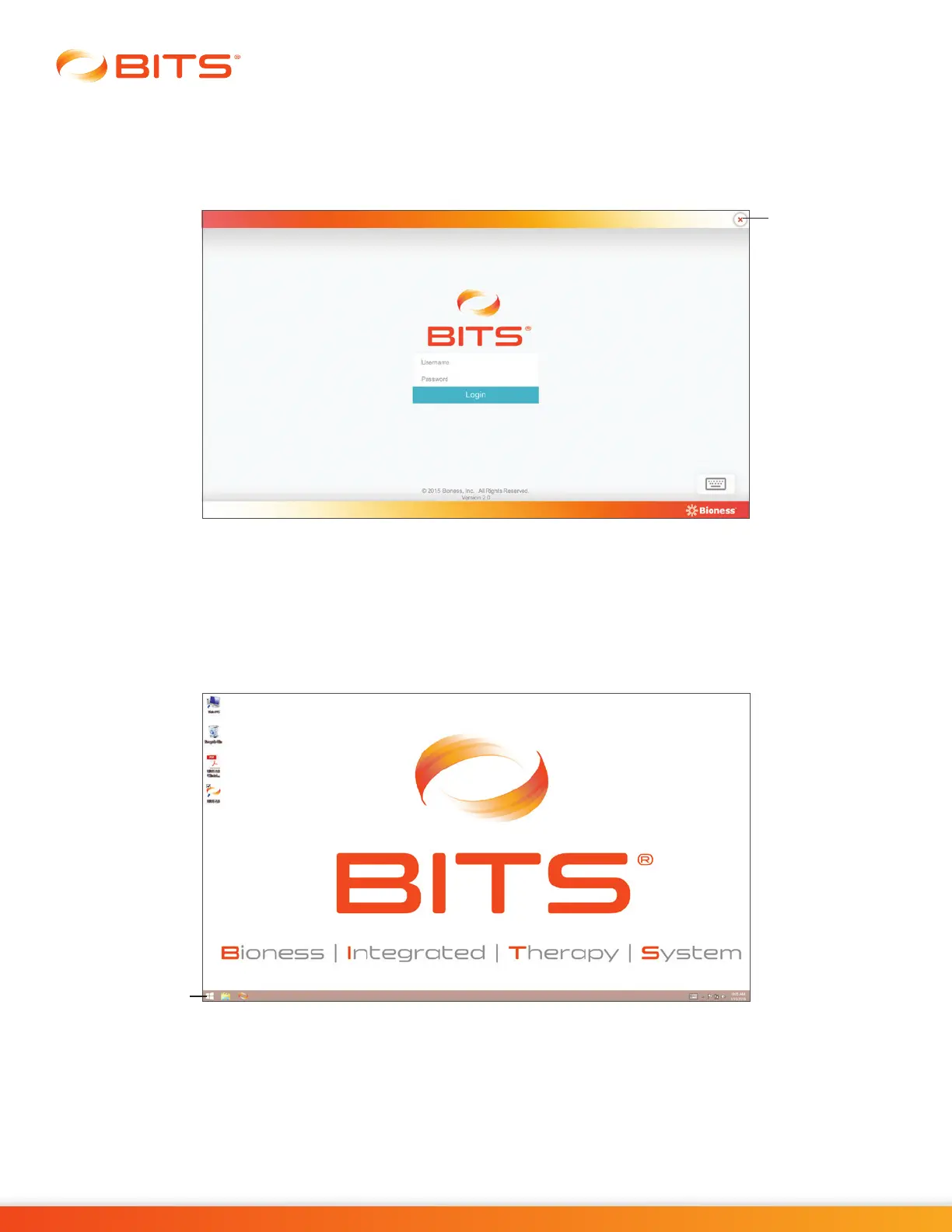
To exit the BITS software application, press the "X" Button located in the upper right corner of the display
screen. See Figure 3-10. In the Login Screen the "X" Button functions as an exit button. The display screen
will return to the Windows desktop.
Figure 3-10: Location of "X" Button (Login Screen)
Windows Operating System
To shut down from the Windows Operating System:
1. Press the Start Icon located in the lower left corner of the display screen. See Figure 3-11.
Figure 3-11: Start Icon
2.
From the Windows Start Menu, press the Power Icon. Select "Shut down" from the list. See Figure 3-12.
X Button
Start Icon



 To Next Page