111
Chapter
20
Chapter 20 - System Settings
System Settings
The System Settings Module allows the administrator to customize the default software settings. These
settings include language, format preference, header logo, clinic contact information, and screen size.
There are two main user roles within the BITS Software, each have different access to the System Settings
Module:
Administrator User Account Privileges:
• Manages system general settings (see the general setting section below)
• Manages User Accounts (creates, closes, and reactivates accounts for clinicians/therapists)
• Resets Passwords (maintains system security)
Therapist User Account Privileges:
• Reset their Password, username, and name (can be overwritten by administrator)
Accessing the user Management Feature
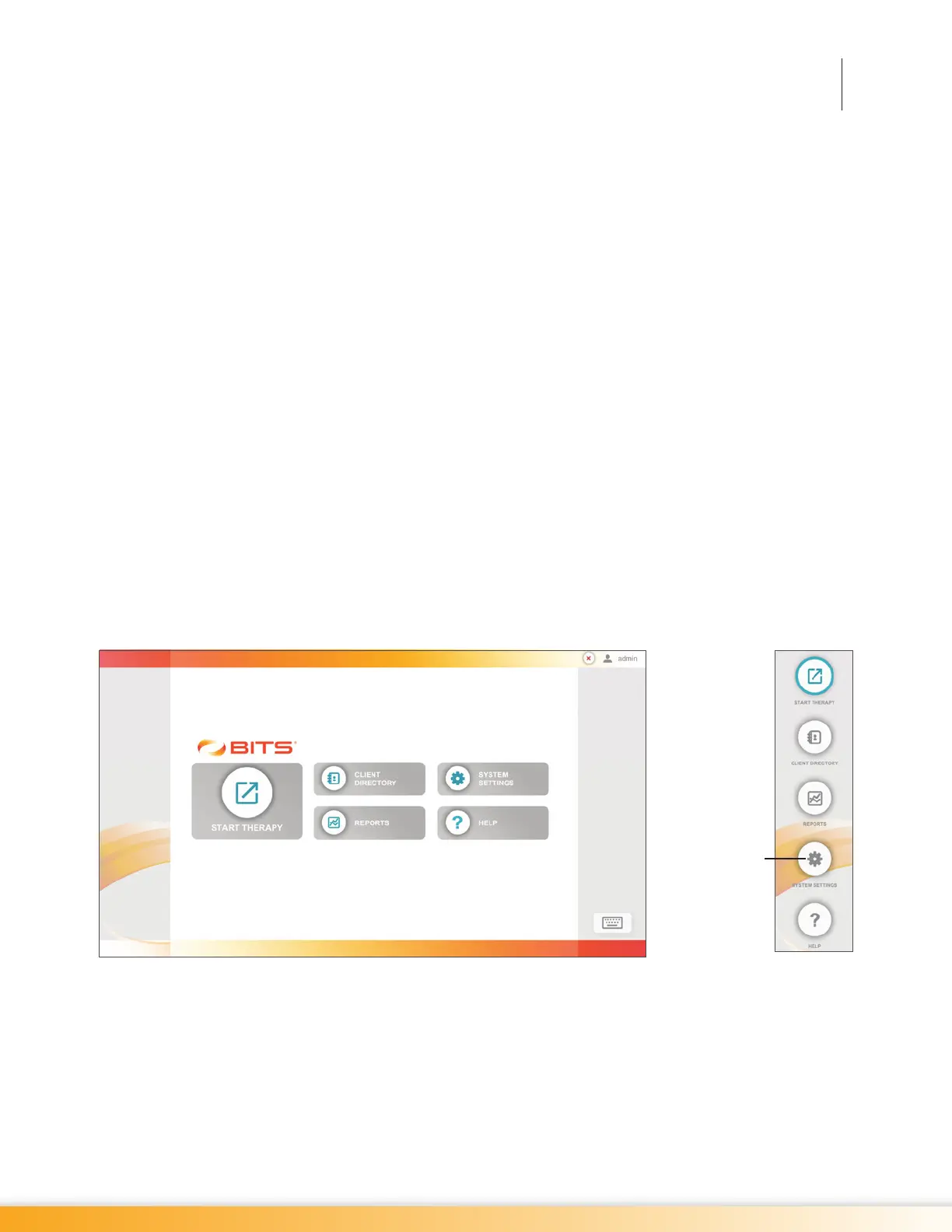
1. From the Home Screen or Navigation Bar, press the System Settings Button. See Figure 20-1.
Figure 20-1: System Settings Button Home Screen (Left), Navigation Bar (Right)
2. The Systems Settings Screen will open. See Figure 20-2.
System Settings
Button



 To Next Page