11
Chapter 3 - The System
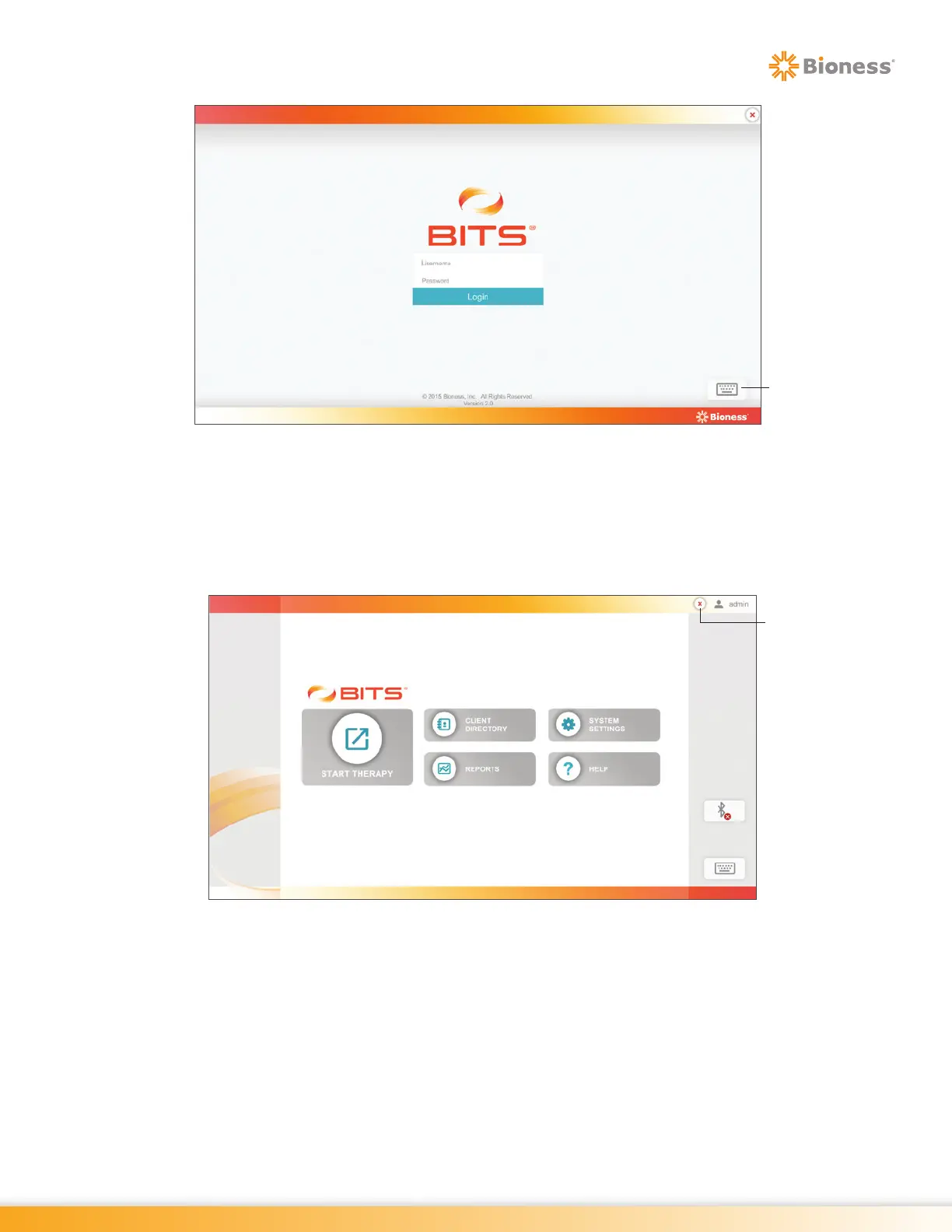
Figure 3-8: BITS Login Screen
Log Out
To log out of the BITS software application, press the "X" Button. The "X" Button is located in the upper
right corner of the display screen in the BITS software, see Figure 3-9. Pressing the Logout Button will
bring the user back to the Login Screen.
Figure 3-9: Location of "X" Button (Home Screen)
It is recommended to press the "X" Button to logout of the BITS software after a clinician has completed
a therapy session with a client. When the BITS is not in use, it is recommended to exit from the BITS
software application and shut down the Windows operating system. It is not recommended to turn off the
touchscreen monitor as this will turn off on it's own after the Windows Operating System is shut down.
Keyboard
Icon
X Button



 To Next Page