7
Chapter 3 - The System
Chapter
3
The BITS System
Adjusting the BITS Touchscreen Display Monitor
The touchscreen display monitor can be tilted (20 degrees forward) and can be moved up and down.
To adjust the height of the monitor:
1. Push the touchscreen from the top or bottom vertically with two hands.
2. Move the display monitor to the desired position.
Moving the BITS Stand
During the installation process, the Bioness Integrated Therapy System should be set-up and positioned
in the location designated for therapy sessions. If needed, the BITS portable stand can be moved.
Warning: Make sure the computer is shut down and turned off before moving the stand.
To move the portable stand:
1. Verify that the computer is shut-down and turned off. Disconnect the power cord from the wall socket
and make sure the cord is not on the floor.
2.
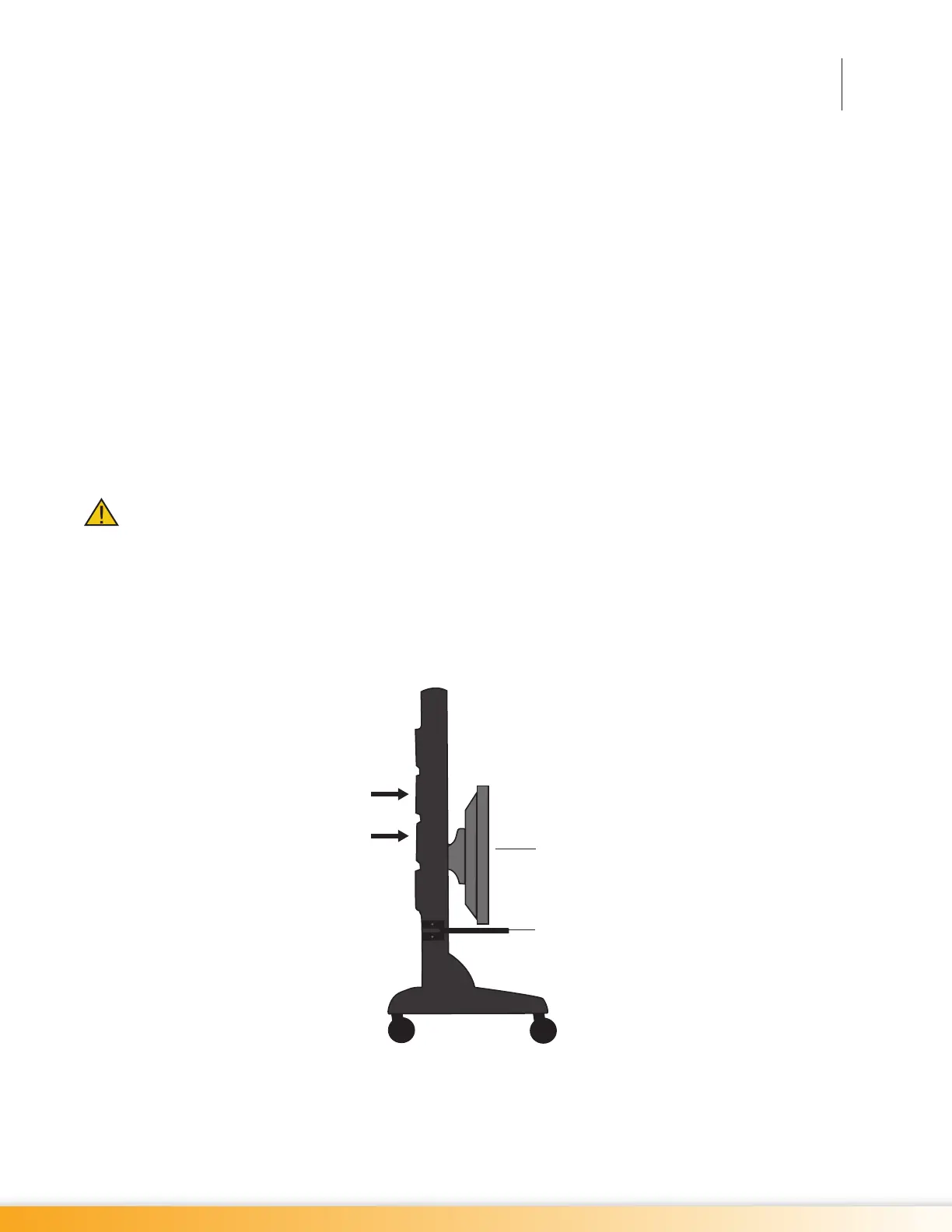
Carefully push the touchscreen display monitor down to the lowest position on the tower of the portable
stand. See Figure 3-1.
Figure 3-1: Correct Position for Moving Portable Stand
3. Unlock the wheel casters and point the wheels in the direction of travel.
Position of Hands on Tower
Position of Touchscreen Display
Optional Keyboard Tray



 To Next Page