28
Clinician's Guide
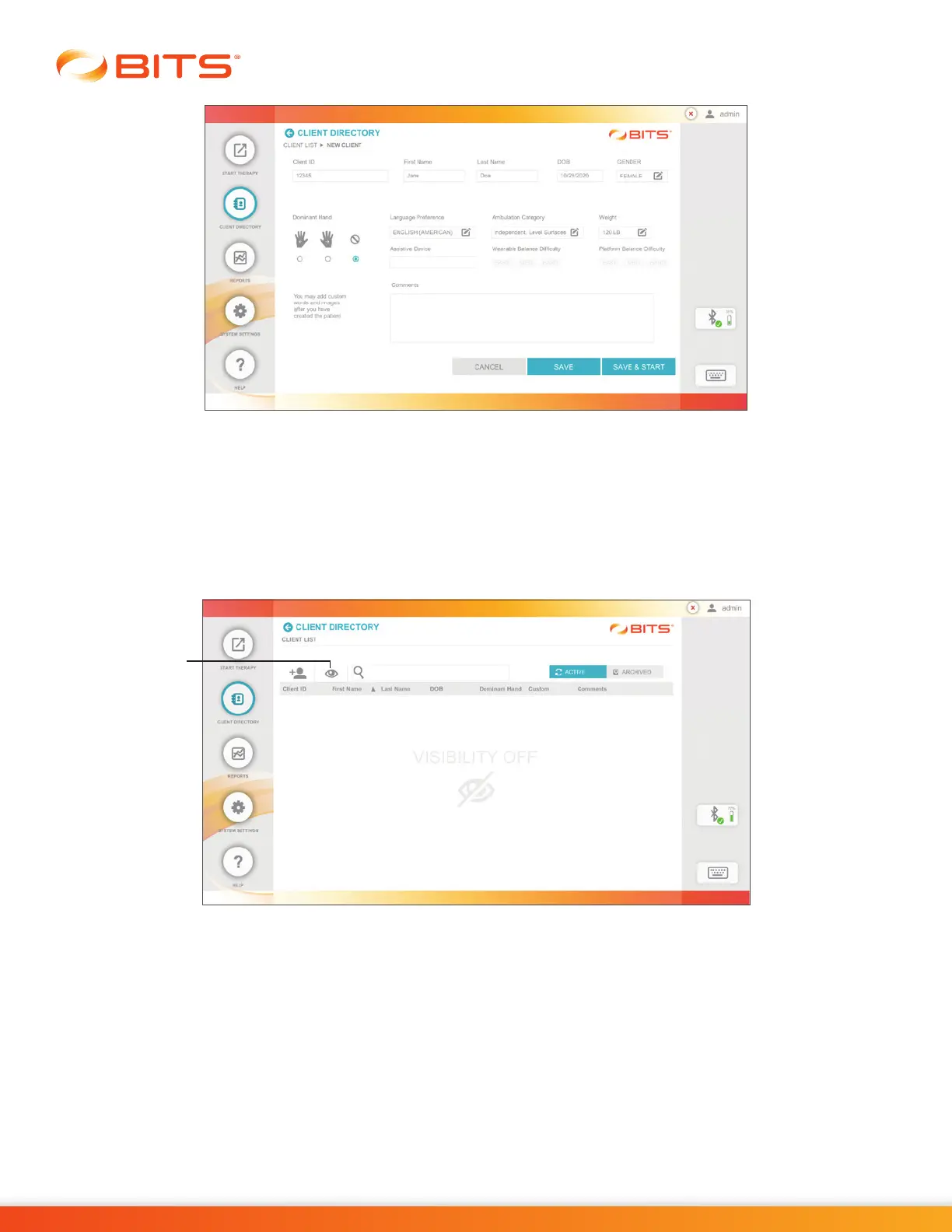
Figure 5-3: New Client Screen
Accessing an Existing Client Record
1. From the Home Screen or Navigation Bar, press the Client Directory Button.
2.
The Client List Screen will open. Press the Visibility Icon, see Figure 5-4, to make the Client List visible
on the display screen.
Figure 5-4 Visibility Feature Turned Off
Select the desired client from the Client List by pressing the row with the client's name.
Note: To search the Client List, type the client's first name, last name, date of birth, or client ID into the
text field next to the Search Icon. See Figure 5-5.
Visibility
Icon



 To Next Page