PowerWave Operator’s Manual 3-59
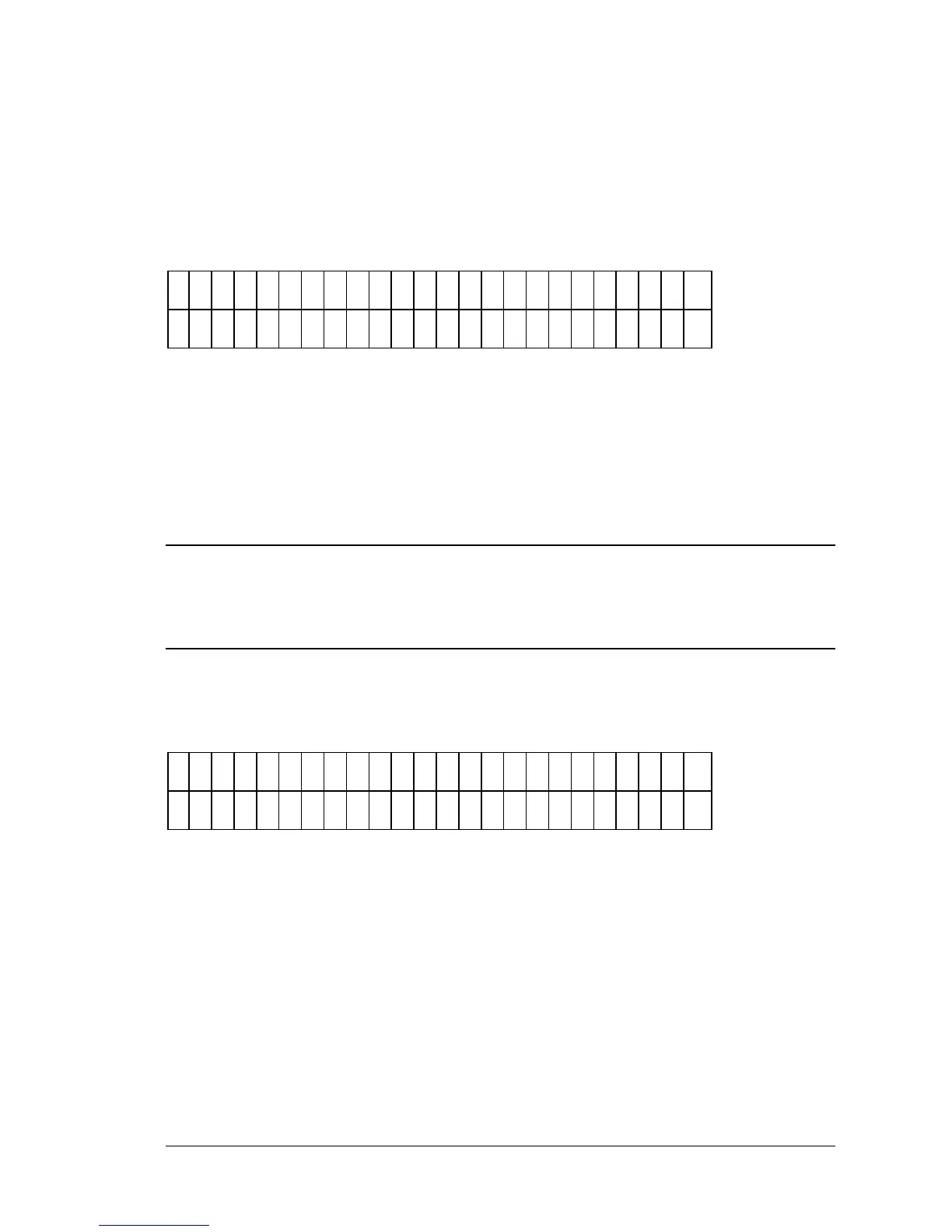
Enter Number of Samples
The user can enter from 00 to the maximum number of samples permitted by
the previously created well map (Figure 3-65). This value controls the
number of samples reported if Matrix or Column reports are requested.
E
N
T
E
R
N
U
M
B
E
R
O
F
S
A
M
P
L
E
S
: 2
0
Figure 3-65: Enter Samples screen
Enter Plate ID
If prompted, the user can enter a 10-character (maximum) identifier to assign
to the plate (Figure 3-66). Since this Plate ID will be stored in the reader’s
memory, each plate ID should be unique.
iii
NOTE: Use caution when creating multiple Plate IDs. The reader does not warn the
user that he is about to exceed the maximum of 10 plate IDs stored in memory. If an
11th Plate ID is added, it will overwrite the first Plate ID stored in memory.
NOTE: If ithe internal barcode Scanner option is installed, the reader will automatically scan the
plate/barcode label and use this as the Plate ID.
P
L
A
T
E
I D
:
-
/
:
S
P
A
C
E
Figure 3-66: Entering a Plate ID
• Use the KEYPAD to enter numbers, and the Shift-Letter sequence,
or OPTION key to enter letters.
• Use the LEFT & RIGHT ARROW keys to move the cursor to the
previous or next editable field.
• Use SOFT KEYS 1, 2, 3 & 4 when using alphanumeric characters on
the display in the field above the soft key.



 To Next Page