3-42 Operation
FORMULA ENTRY
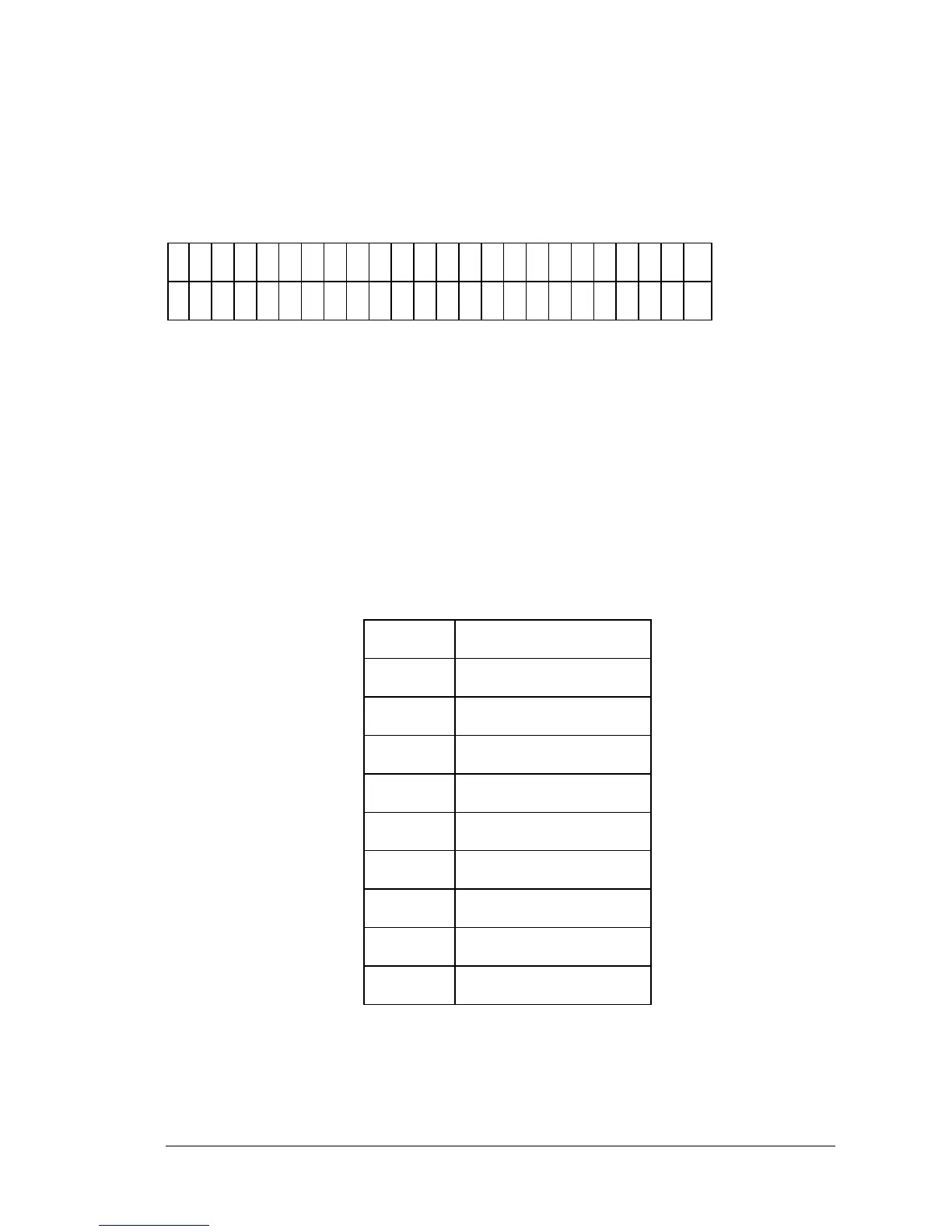
Use this screen (Figure 3-52) to enter the formula used in the assay. Each
formula can contain a maximum of 24 characters. Spaces are unnecessary.
F
O
R
M
U
L
A
#
1
:
M
A
T
H
O
T
H
E
R
M
A
P
F
U
N
C
T
N
Figure 3-52: Formula entry screen
• Use LEFT and RIGHT ARROW keys to move the cursor to the
previous or next editable field.
• Press SOFT KEY 1 to place the next item on the MATH list at the
cursor position. See the table that follows for the order of items on
the MATH list.
MATH LIST
+ Addition sign
- Subtraction sign
* Multiplication sign
/ Division sign
% Percent
= Equal
> Greater then
>= Greater than or equal to
< Less then
<= Less then or Equal to



 To Next Page