2-6 Installation
Printing and Data Communications_____________________________
Installing a Printer
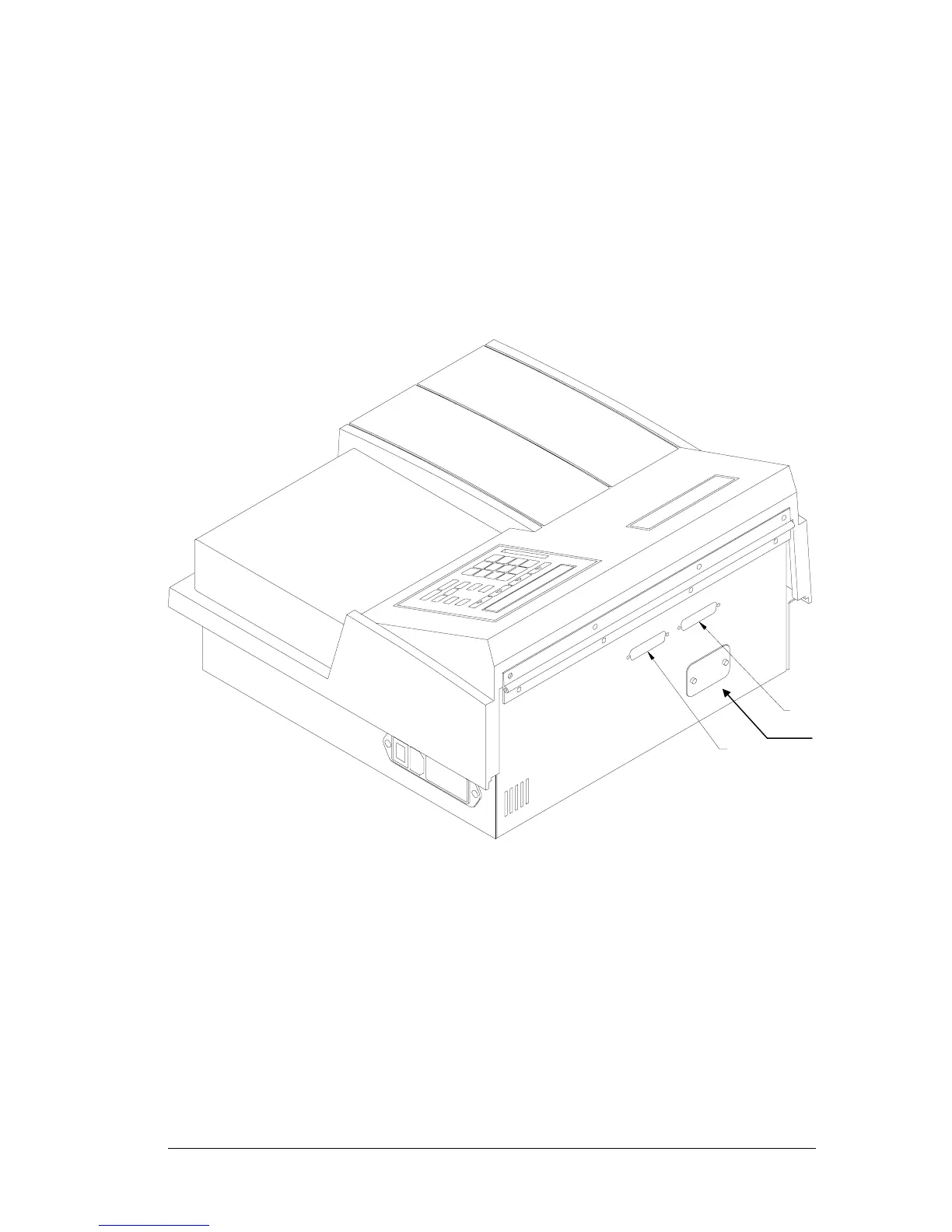
The PowerWave’s parallel port (LPT1) (see Figure 2-7) allows connection to
Epson-compatible printers such as the Canon Bubble Jet. The Bubble Jet
printer should be configured for Epson graphics compatibility. The
reader’s parallel port requires a 25-pin D-sub connector.
Figure 2-7: Serial and Parallel connectors
The parallel port’s pinout definition is described in Table 2-1. A printer
cable is supplied with the reader. Should the cable that came with the
reader become lost or damaged, Bio-Tek offers replacement printer cables.
Contact your authorized Bio-Tek dealer for information on cable prices
and availability.
Parallel Port
Serial Port
Monochromator
Viewing Port



 To Next Page