owerWave Operator’s Manu
2-5
E
N
T
E
R
L
A
M
B
D
A
#
1
W
A
V
E
L
E
N
G
T
H
: 4
0
5
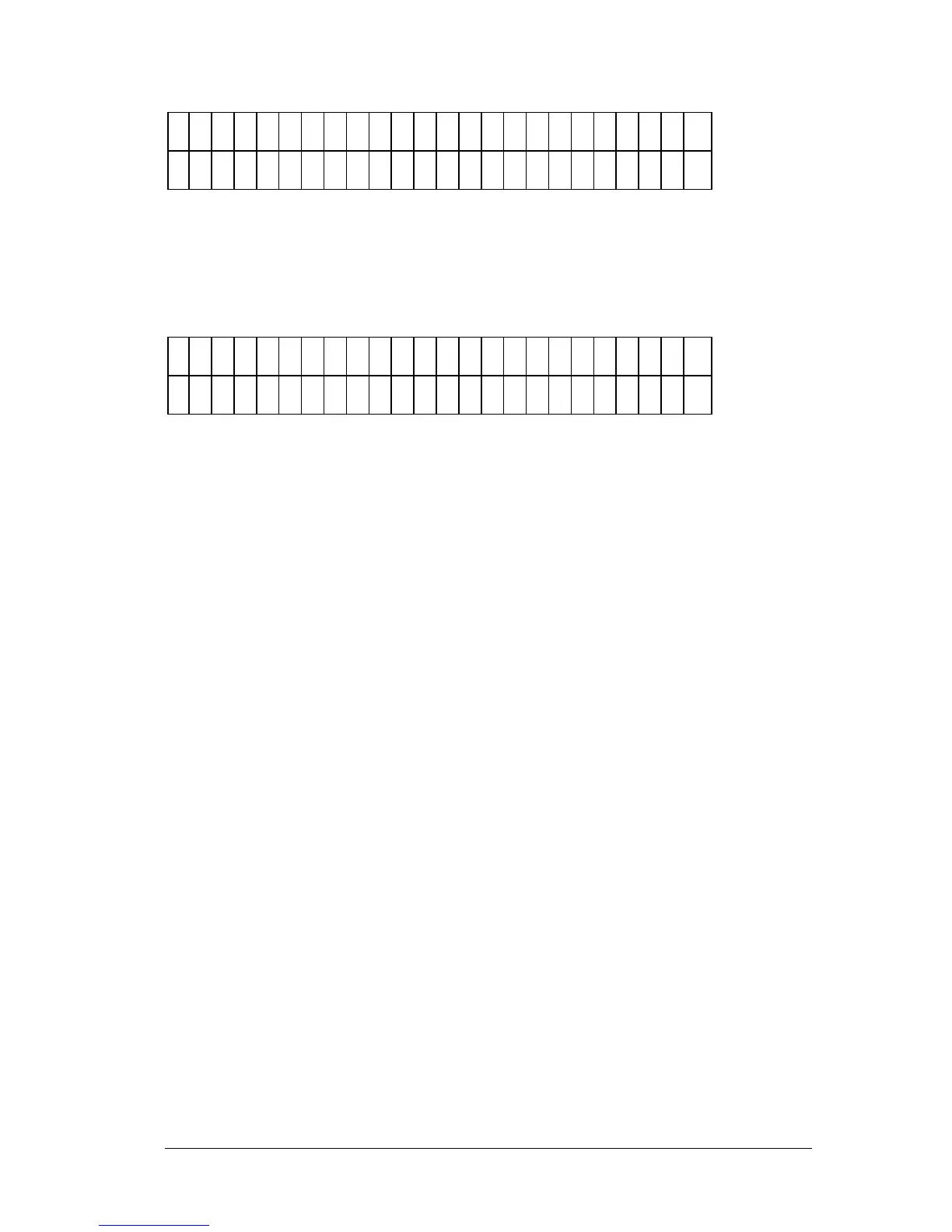
Figure 2-5: The Wavelength Entry screen
• When the last wavelength has been entered, the software exits the
routine, and displays the following screen (Figure 2-6):
E
D
I T
S
E
T
U
P
I N
F
O
R
M
A
T
I O
N
?
D
A
T
E
T
I M
E
L
A
M
B
D
A
*
M
O
R
E
Figure 2-6: The Edit Setup screen
• Press the Main Menu key to return to the Main Menu.



 To Next Page