PowerWave Operator’s Manual 3-63
Result
R
E
P
O
R
T
: H
B
S
- A
G
I
D
:
0
0
1
0
7
/ 1
7
/ 9
5
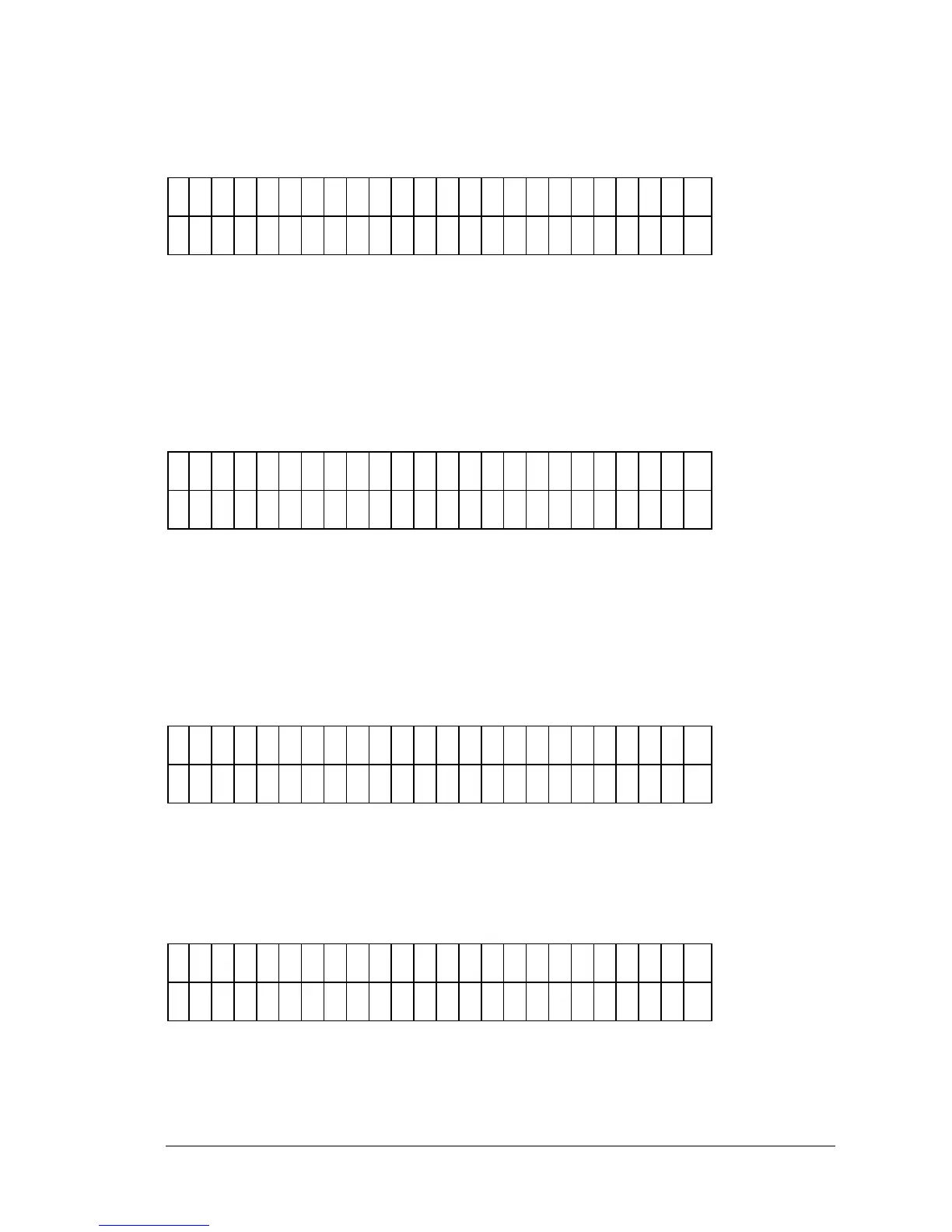
Figure 3-72: Selecting RESULT
• Use the OPTION key to select the appropriate Plate ID and Report. Note
that the Assay ID will change if the selected Plate ID was read with a
different assay. Once you have found the correct Plate ID, press the ENTER
key.
E
D
I T
S
T
D
O
U
T
L
I E
R
S
?
Y
E
S
N
O
Figure 3-73: Edit Standard Outliers screen
• If YES is selected for this screen, you will be able to edit the replicates for
each standard. If NO is selected, the user will be asked if reports should be
printed. You will see this screen only if you have a standard curve for this
assay and have selected “YES” for Edit Standard Outliers.
E
D
I T
S
T
D
1
R
E
P
1
?
Y
E
S
Y
E
S
N
O
Figure 3-74: Edit Replicate screen
• If YES was previously selected, you will be asked if you wish to edit each
replicate. Select YES if you wish to remove a replicate.
P
R
I N
T
R
E
S
U
L
T
S
?
Y
E
S
N
O
Figure 3-75: Print Results screen
• Press YES to compile reports, or NO to return to the Main menu.



 To Next Page