PowerWave Operator’s Manual 3-11
• Use SOFT KEY 1 to select the total reads option.
• Use SOFT KEY 3 to select the duration option.
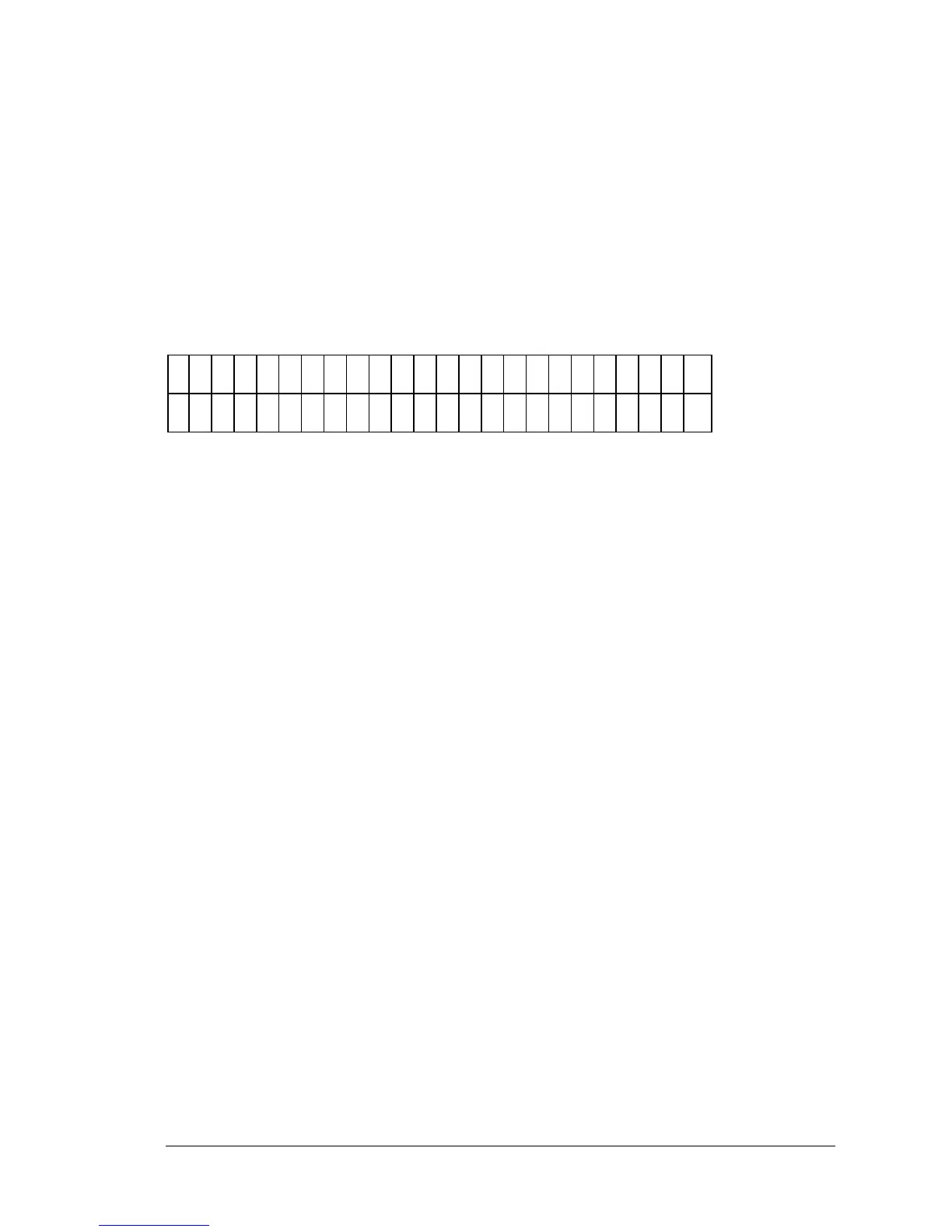
KINETIC INTERVAL ENTRY
Use this screen (Figure 3-12) to enter the interval of time time (in hours,
minutes and seconds) between each kinetic read.
K
I N
E
T
C
I
N
T
E
R
V
A
L
:
0
1
:
2
3
: 5
6
Figure 3-12: Kinetic Interval entry screen
• Use the NUMERIC keys to enter the time duration. Valid ranges
are: 0-1 hours, 0-59 minutes and 0-59 seconds. The number of Reads
= Duration / Interval must be less than or equal to 40 and more
than or equal to 2.
• Use the LEFT and RIGHT ARROW keys to move to the next or
previous numeric entry fields.



 To Next Page