PowerWave Operator’s Manual 3-27
AVERAGE STANDARDS
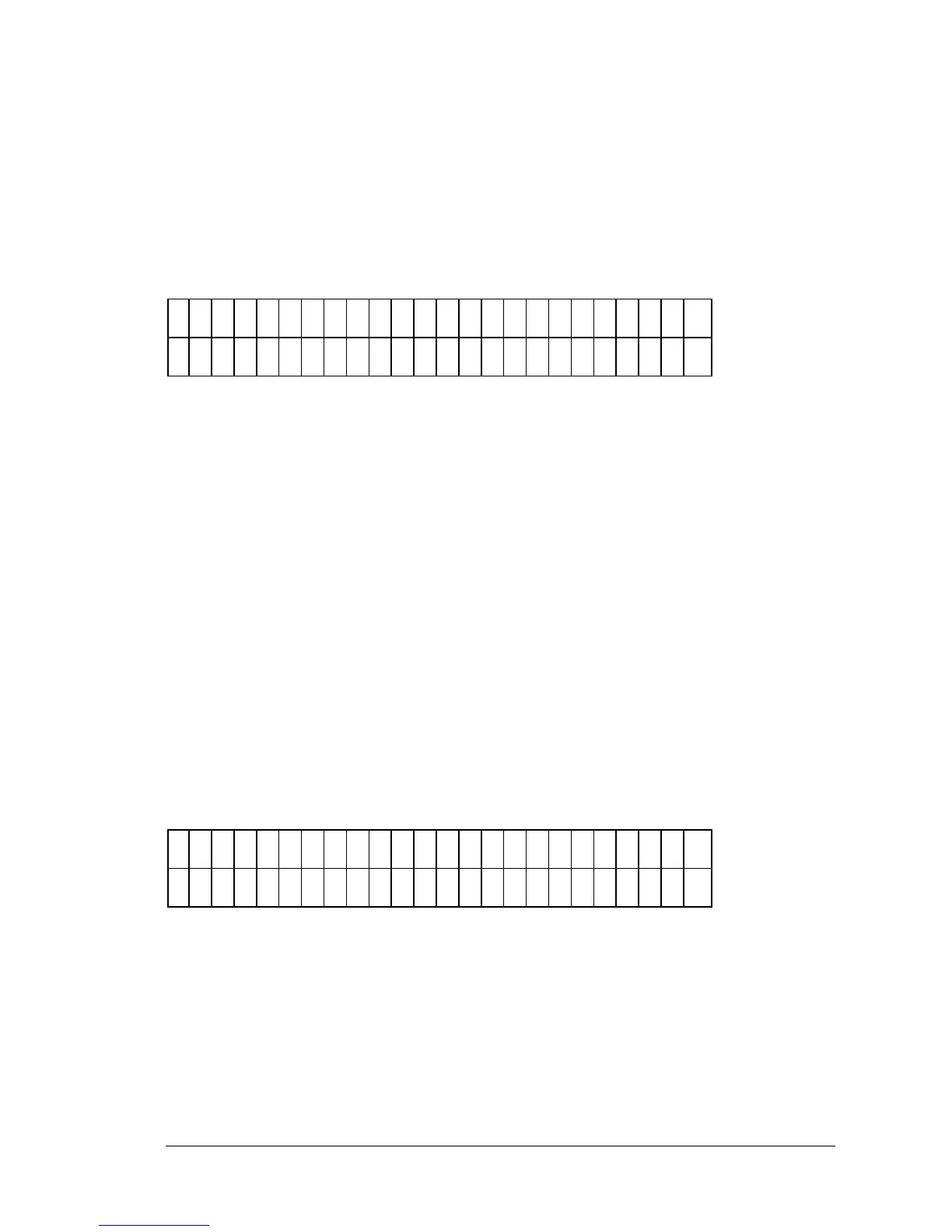
The Average Standards option (Figure 3-33) allows the user to select whether
or not to Average the Replicates of a Standard. This average is used to
calculate the standard curve instead of using the individual replicate of each
standard. If the replicate selection is 1, this option is not available.
A
V
E
R
A
G
E
S
T
A
N
D
A
R
D
S
?
Y
E
S
Y
E
S
N
O
Figure 3-33: Average Standards entry screen
The active keys are:
• Use SOFT KEY 1 to select YES (average the replicates). The top line
of the display updates to reflect the selection.
• Use SOFT KEY 2 to select NO (do not average the replicates). The
top line of the display updates to reflect the selection.
STANDARD CONCENTRATION
The Standard Concentration field (Figure 3-34) allows the user to enter a
concentration value for each standard. Any previously defined value is
displayed.
If automatic map generation is selected, the location field is only editable for
the first replicate of the first standard.
C
O
N
C
.
O
F
L
O
C
A
T
I O
N
T
D
#
1
: 1
. 5
0
R
E
P
#
1
: A
0
1
Figure 3-34: Standard Concentration screen
• Use the NUMERIC & ALPHA keys and the DECIMAL POINT key
to enter Standard Concentration values. The range is .00001 to
999999, but the total field cannot exceed 6 characters for any
concentration. Valid well locations for the defined geometry are
listed below.



 To Next Page