owerWave Operator’s Manu
2-7
To attach a printer to the PowerWave:
• Power off the printer and place it in a location adjacent to the
PowerWave.
• Attach one end of the parallel cable to the printer's parallel port.
• Attach the other end of the cable to the reader’s Parallel Port,
located on the instrument’s rear panel.
• Make sure the securing screws on both ends of the cable are
tightened, and power up the reader and printer.
iii IMPORTANT: To avoid system instability, connect the printer to the
reader before powering up the reader. Turn on the PowerWave first, then the
printer.
Parallel Port Pin Definition
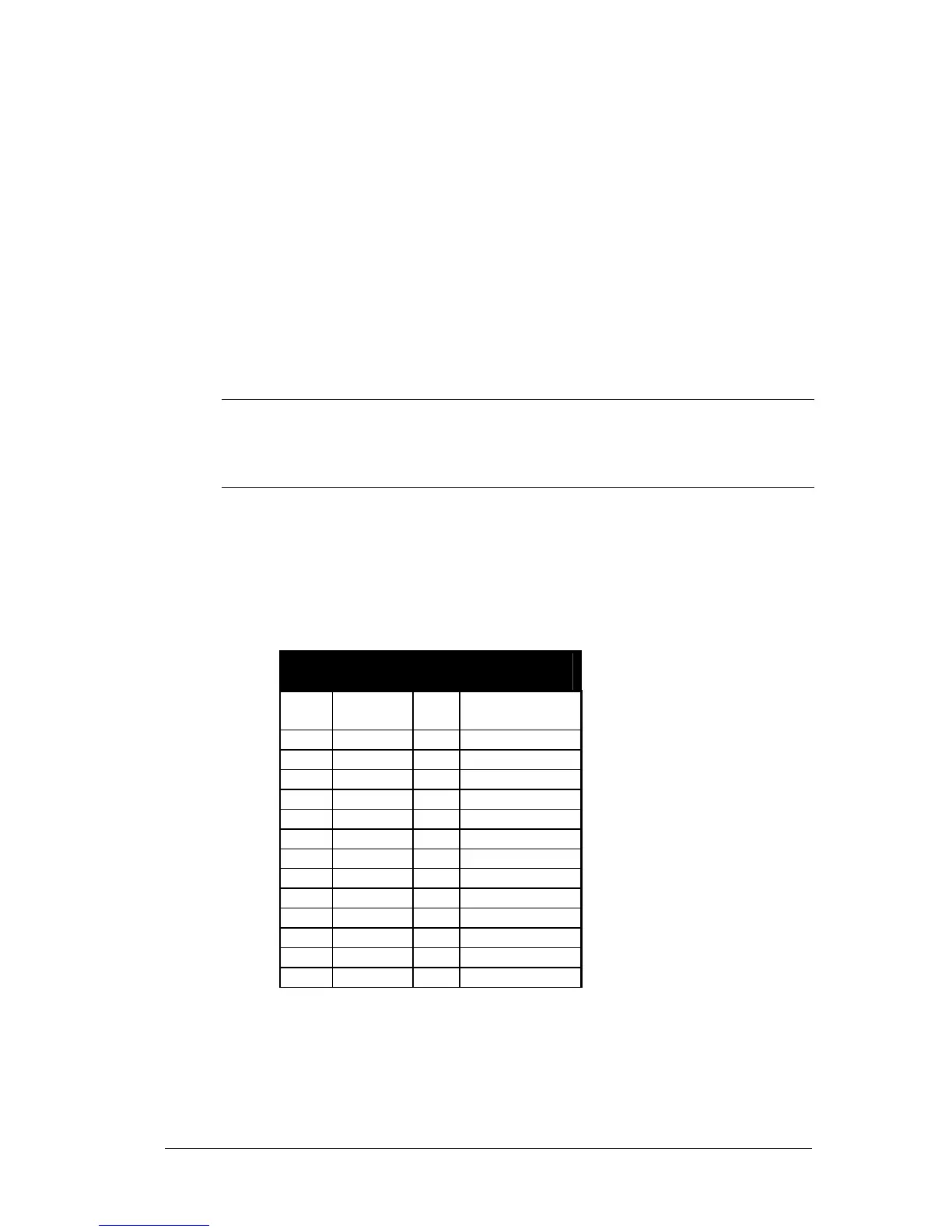
Table 2-1 illustrates the pin definitions for the reader’s 25-pin (socket-female)
D-sub Parallel connector.
Parallel Port Pinout
Pin Signal Pin Signal
1 PSTROBE 14 NC
2 D0 15 NC
3 D1 16 RESET
4 D2 17 NC
5 D3 18 GND
6 D4 19 GND
7 D5 20 GND
8 D6 21 GND
9 D7 22 GND
10 NC 23 GND
11 BUSY 24 GND
12 NC 25 GND
13 NC
Table 2-1: Parallel Connector Pinouts



 To Next Page