PowerWave Operator’s Manual 3-7
c) The Onset time indicates how many seconds it took to reach a user’s
predetermined OD value.
Well Scanning: The Optical Density values are measured at different points
across the well diameter. You can choose from 1 to 31 points; 15 left of center,
15 right of center. If you choose 1, then it would be read as an endpoint
assay. The data out is equal to the sum of all of the OD values recorded for
the well. To find the average OD value for the region scanned, divide the
scanned OD result by the total number of scans.
The following keys are active during this screen (Figure 3-6):
R
E
A
D
T
Y
P
E
:
K
I
N
E
T
I
C
E
N
D
P
O
I N
T
K
I N
E
T
I C
S
C
A
N
Figure 3-6: Read Type screen
• Use SOFT KEY 1 to select Endpoint read mode. Use SOFT KEY 2 to
select Kinetic read mode.
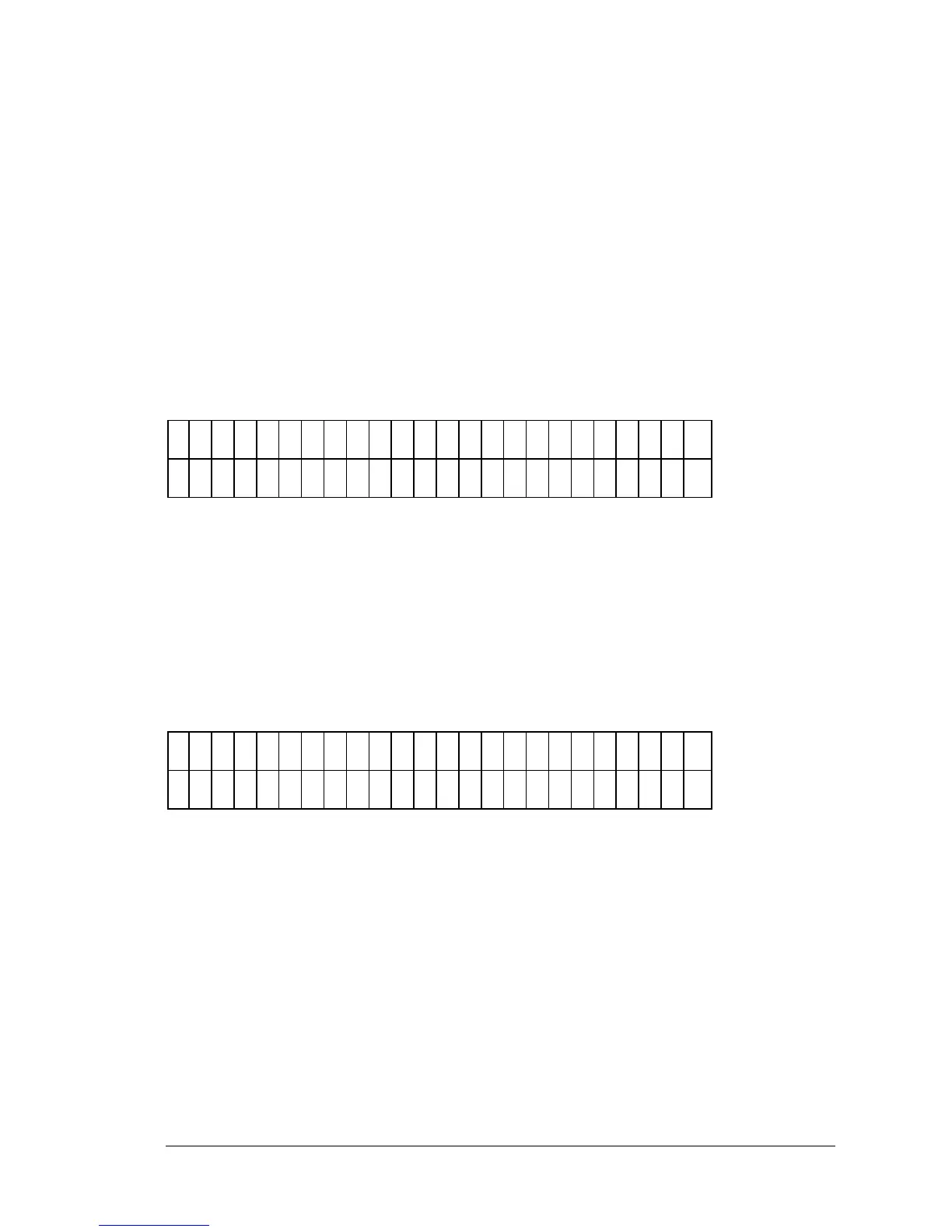
DELAY IN FIRST READ ENTRY
Selecting the Delay in First Read option allows the user to enter a time delay
before the first read (Figure 3-7).
D
E
L
A
Y
F
I R
S
T
R
E
A
D
T
I
E
:
X
X
:
X
X
Figure 3-7: Delay in first read entry
• Enter the time in minutes and seconds, using the numeric keys.
• Use Main Menu to save the time value entered.
• Use Previous Screen save the time value entered.



 To Next Page