PowerWave Operator’s Manual 3-45
NUMBER OF REQUIRED CONTROLS / BLANKS
If a control or blank validation formula is entered, use this screen
(Figure 3-53) to enter the number of valid controls / blanks for the assay. Any
previously defined values will appear on the display. For example, if only
two out of three control replicates are required for validation, enter 02.
E
N
T
E
R
N
U
M
B
E
R
V
A
L
I D
R
E
Q
U
I R
E
D
?
0
2
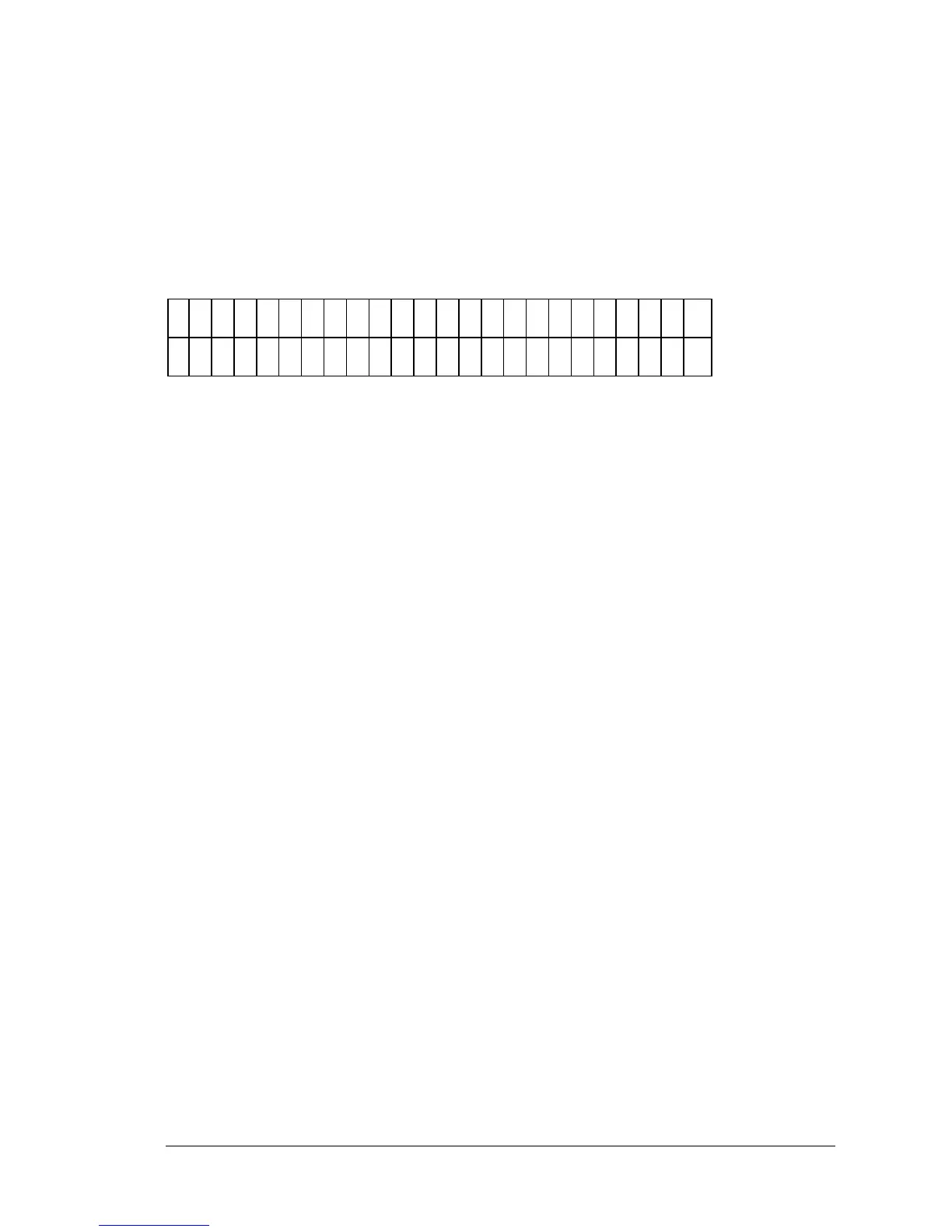
Figure 3-53: Number of Required Controls screen
• Use the NUMERIC keys to enter the Number of Required Controls.
The range is 1 through the number of defined replicates of a control
or blanks.
CUTOFF FORMULAS
Cutoff formulas create numbers (cutoffs) which determine which samples are
positive, equivocal, or negative. Similar to entering validation formulas,
cutoff formulas use the same math functions.
EXAMPLE:
A cutoff between negative and positive could be the average of the negative
controls added to an absorbance of 0.050. This would be: NC;x + 0.050.
If a user wishes to define a cut-off value that determines whether a well
would be called POS or NEG or EQUIV, then the user would define a Cutoff
Formula.
• For example, an assay states that the cut-off value is the mean of the
Negative Controls plus 0.050OD. Any wells higher than this result
will report as POS. Any OD’s less than the result will be called NEG.
The Cutoff Formula to be entered is: NC;x + 0.050.
• Do not use the > and < operators in a Cutoff Formula. A cutoff can
be defined just as a map identifier also, for example: All wells
whose OD is higher than the mean of STD2 on a plate will be called
POS. This formula would be entered as STD2;x in the Cutoff
formula definition screen.



 To Next Page