PowerWave Operator’s Manual 3-31
TYPE OF CONTROL
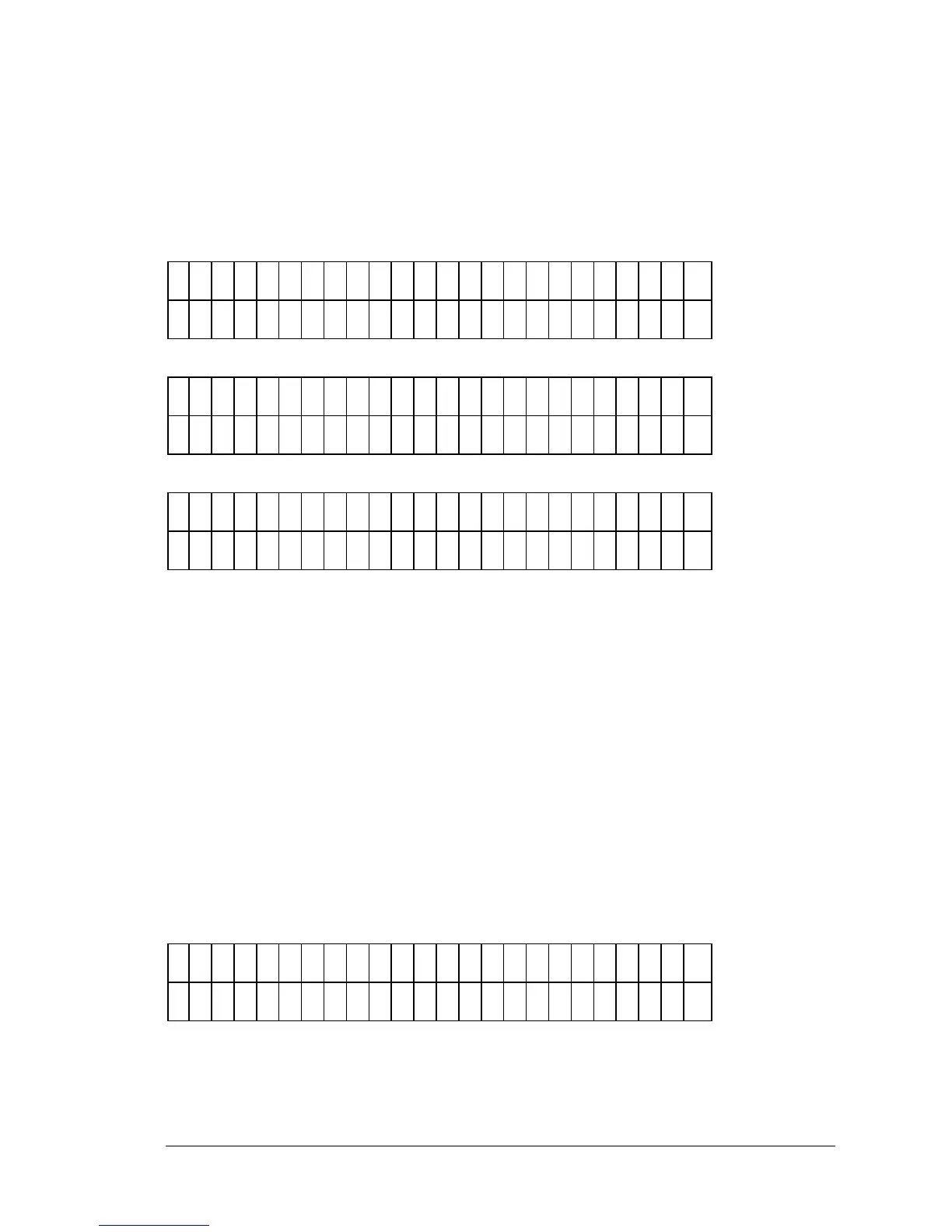
This option (Figure 3-39) allows the user to enter the type of control used in
the assay. Any previously defined Control Type will be displayed on the
screen. Choose one control identifier for each type of control in your assay.
C
O
N
T
R
O
L
#
1
: P
C
P
C
N
C
H
P
C
*
M
O
R
E
C
O
N
T
R
O
L
#
1
: P
C
L
P
C
C
T
L
1
C
T
L
2
*
M
O
R
E
C
O
N
T
R
O
L
#
1
: P
C
C
T
L
3
C
T
L
4
*
M
O
R
E
Figure 3-39: Types of Control screen
• Press the soft keys under the displayed Control Type to select the
option (Positive Control, Negative Control, High Positive Control,
Low Positive Control, CTL1, CTL2, CTL3, CTL4.
• Use the CLEAR key to clear the Control Type from the display.
NUMBER OF CONTROL REPLICATES
The Number of Control Replicates screen (Figure 3-40) allows the user to
enter the number of replicates per control in the assay. Any previously
defined number will be displayed.
N
U
M
B
E
R
O
F
P
C
E
P
L
I C
A
T
E
S
:
Figure 3-40: Number of Control Replicates screen



 To Next Page