Chapter 3:
Operation
This chapter includes instructions for operating the
PowerWave, and its software.
Introduction
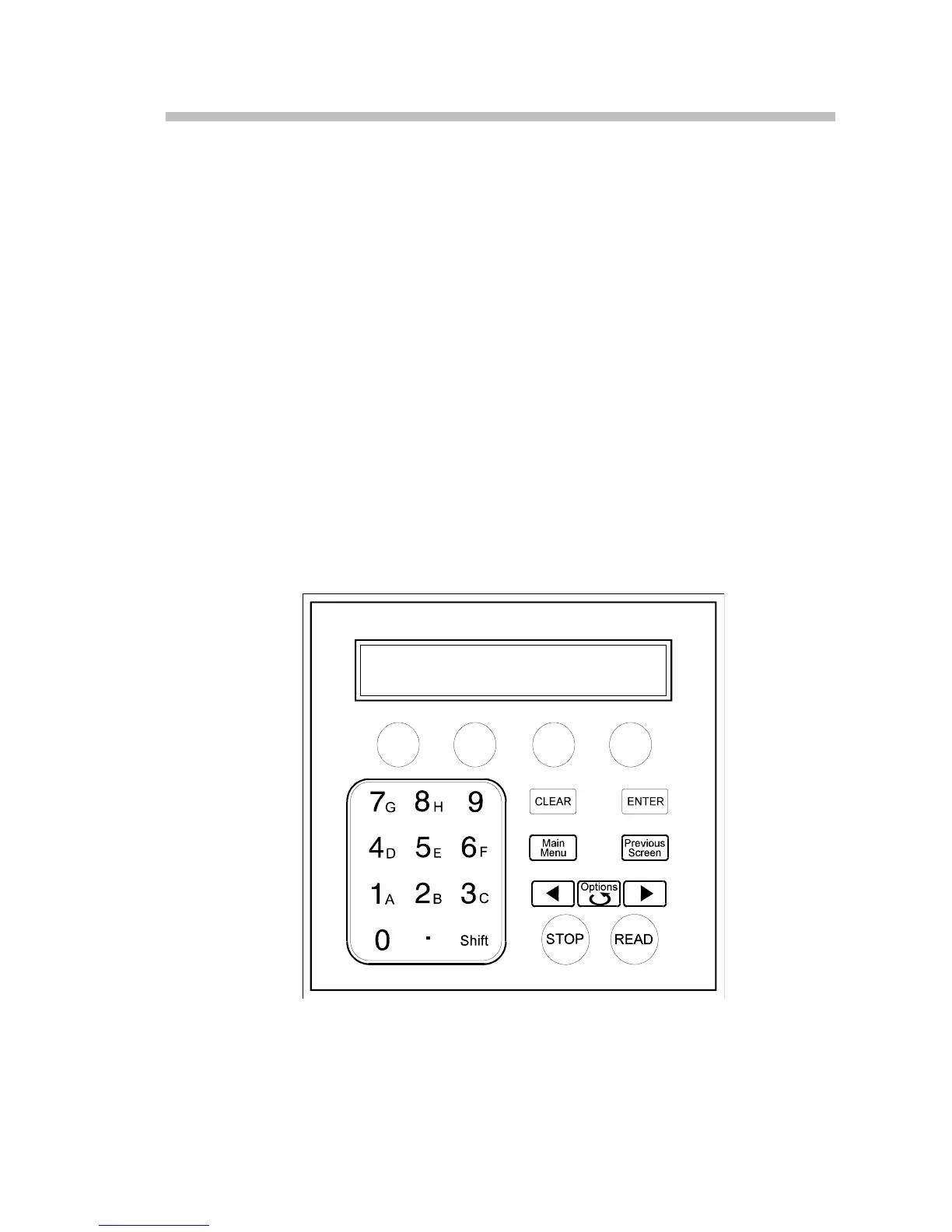
The PowerWave features a 25-pad keyboard and a 2 X 24 character LCD display, allowing
the user to access the reader’s program menus to view test results. The reader’s bi-
directional serial port allows computer control of the instrument, and provides the
means for downloading additional assay definition files to the instrument.
The Keyboard
Figure 3-1 shows the instrument’s keyboard layout.
Figure 3-1: Keyboard



 To Next Page