PowerWave Operator’s Manual 3-25
NUMBER OF BLANKS
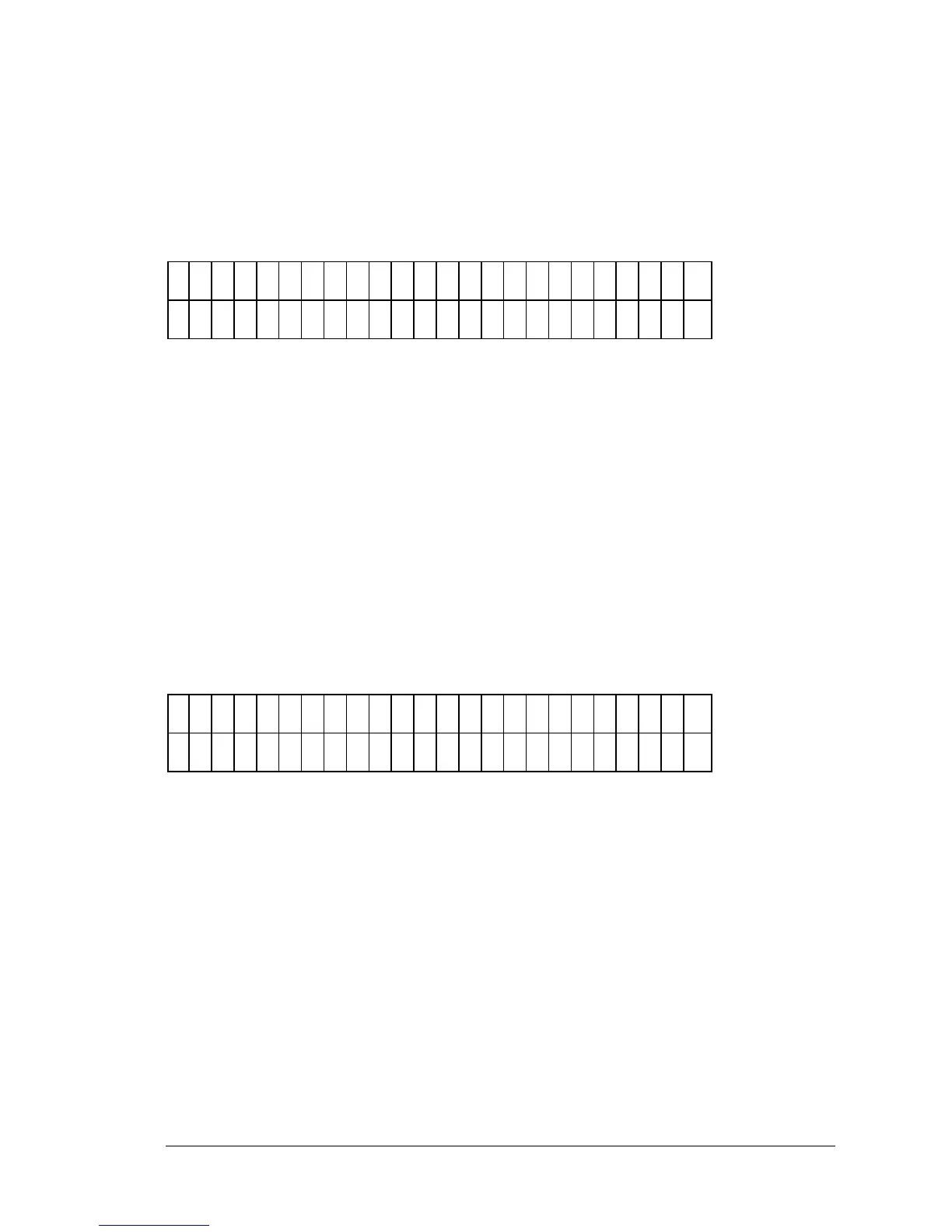
The Number of Blanks field (Figure 3-29) allows the user to enter the number
of blanks in the assay. This entry screen is only displayed when Full, Column
or Row Blank maps are selected. Any previously defined value is displayed.
E
N
T
E
R
N
U
M
B
E
R
O
F
B
L
A
N
K
S
: 2
Figure 3-29: Number of Blanks entry screen
• Use the NUMERIC keys to enter the number of blanks. The range is
0 to 48.
• Use the CLEAR key to clear the Number of Blanks value from the
display.
BLANK LOCATION
The Blank Location screen (Figure 3-30) allows the user to define where the
blank well occurs on the microplate. This screen only appears if Manual Map
Generation has been selected. Any previously defined value is displayed.
E
N
T
E
R
T
H
E
L
O
C
A
T
I O
N
O
F
B
L
A
N
K
#
1
: A
1
2
Figure 3-30: Defining the Location of Blanks
• Use the NUMERIC & ALPHA keys to enter a Blank Location, based
upon the plate geometry.
• Use the ARROW keys to move the cursor to the next or previous
editable field. The cursor is positioned beneath the first editable
field.



 To Next Page