PowerWave Operator’s Manual 3-61
Beginning the Plate Read
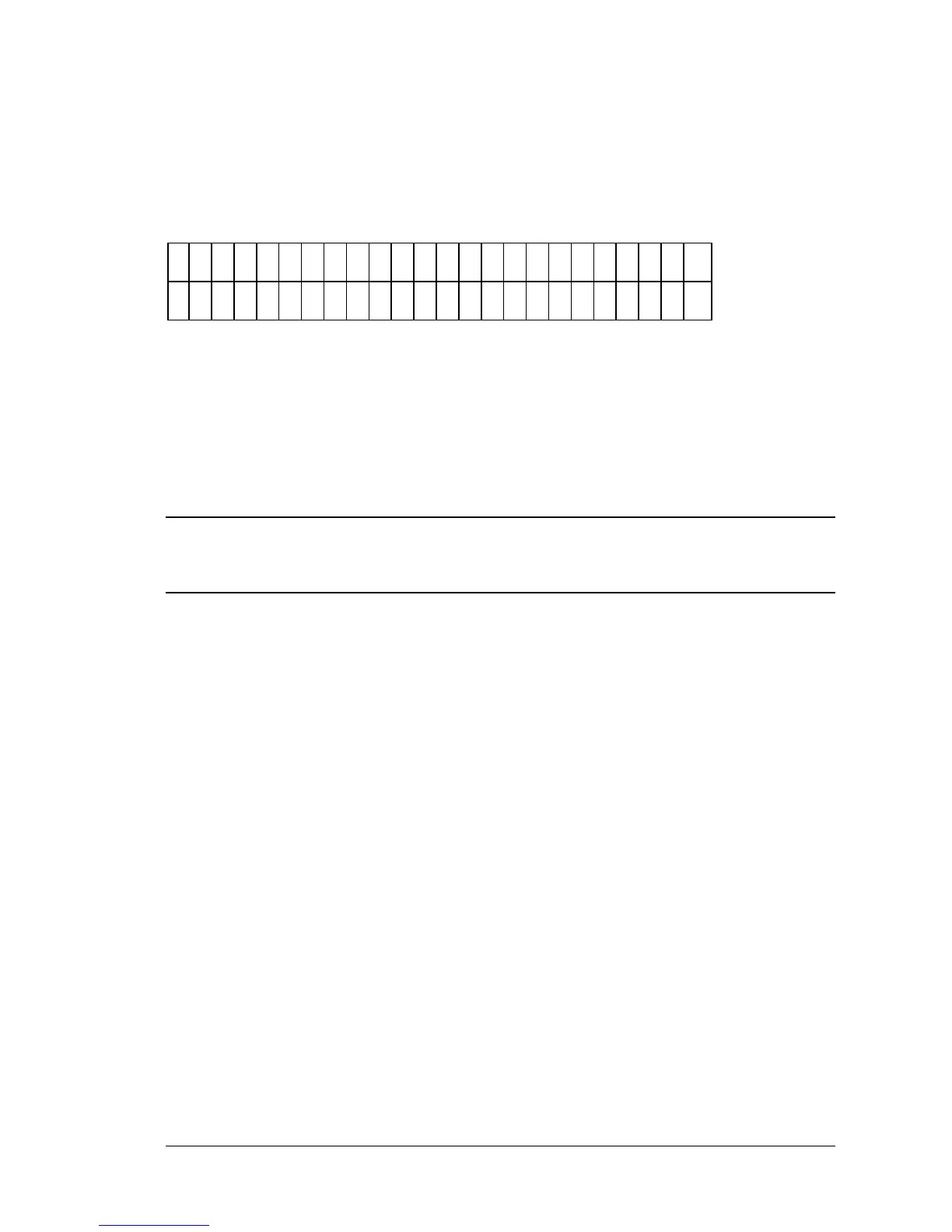
When the following screen appears on the display (Figure 3-69), the reader is
ready to read a plate:
P
L
A
C
E
P
L
A
T
E
I N
C
A
R
R
I E
R
A
N
D
P
R
E
S
S
<
R
E
A
D
>
K
E
Y
Figure 3-69: Plate and Read prompts
• Press the READ key to initiate the plate read. After the plate has
been read, all requested reports will be generated.
• To halt in read in progress, press the STOP key.
iii
NOTE: If using the incubation option, the reader will wait for the incubator to reach
temperature before reading the plate.



 To Next Page