3-16 Operation
WELL SCANNING
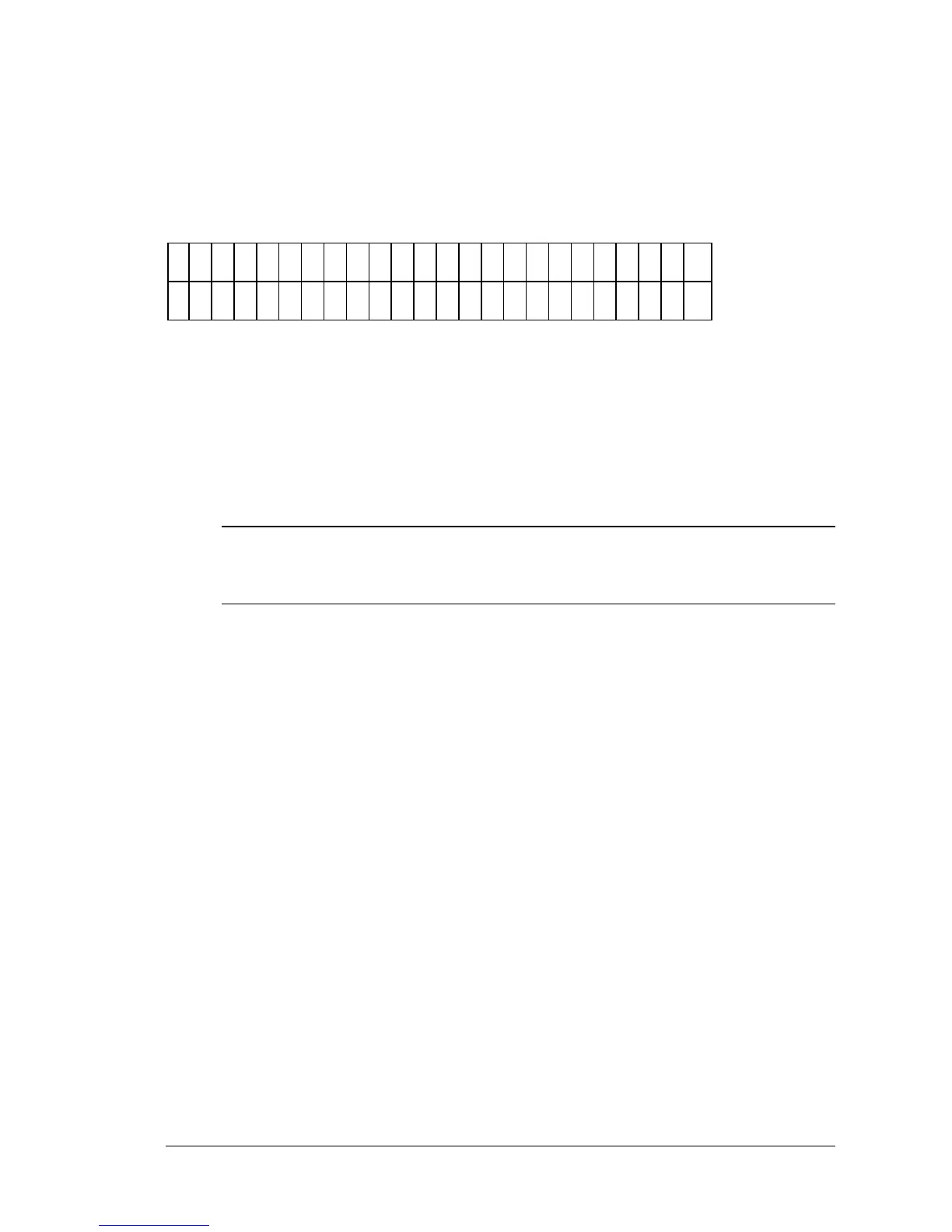
If Scanning is chosen as the Read Type, use the following screen (Figure 3-21)
to enter the number of scan points per well:
E
N
T
E
R
N
U
M
B
E
R
O
F
S
C
A
N
P
O
I N
T
S
?
1
1
Figure 3-21: Number of Scans screen
The maximum number of selectable points is 31 (odd number only). The 31
scan positions are fixed in the software. The user must determine the
optional number of scans per well. If, for example, 7 scans across the well is
chosen, the reader will read the centermost seven points in the well. The
more scan points chosen, the closer to the well sides reads will be taken.
iii Note: If too many scans are chosen, the reader may be reading the sides of the
well.
The reader will read the chosen number of points across the well and report
the sum of OD values for all points scanned.



 To Next Page