PowerWave Operator’s Manual 4-11
C
A
L
I B
R
A
T
I O
N
F
I L
T
E
R
:
4
0
5
4
0
5
4
5
0
4
9
0
6
3
0
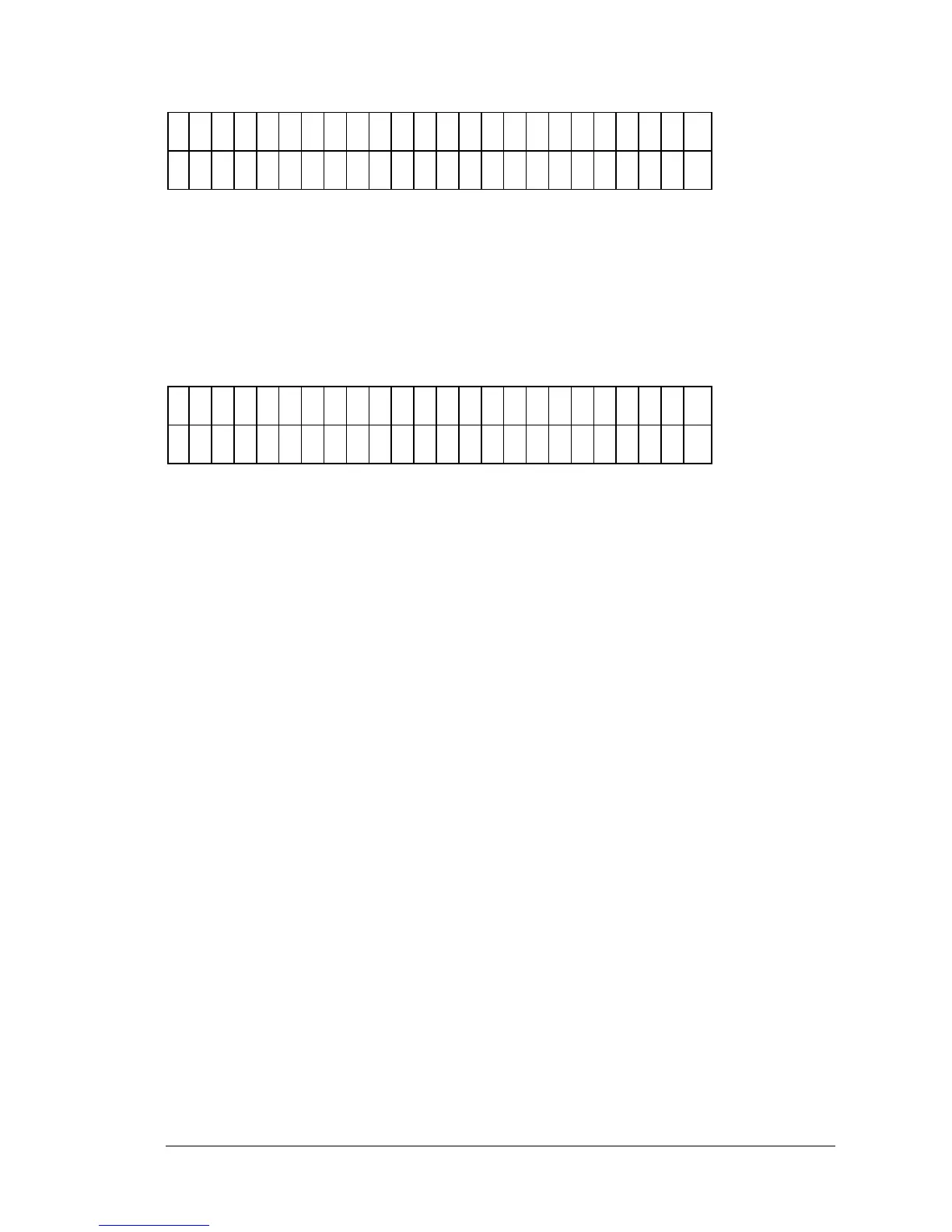
Figure 4-8: Selecting the Filter Wavelength during Calibration Setup
• Using the insert packaged with the calibration plate, press the soft
key beneath the desired filter wavelength to select it.
• Then press the ENTER key to advance to the menu that allows
entry of Well Location and calibration values.
W
A
V
E
L
E
N
G
T
H
: 4
0
5
W
E
L
L
: C
0
1
C
A
L
I B
R
A
T
I O
N
V
A
L
U
E
S
: 0
. 0
0
0
Figure 4-9: Entering Calibration Values using the Cal Plate Insert.
• After each entry, press ENTER to advance to the next consecutive
well location. Enter the values listed on the Calibration insert
packaged with the plate. The cursor will be positioned under the
first editable field.
• When all values have been entered, press the Main Menu key.



 To Next Page