owerWave Operator’s Manu
2-11
• Press the soft key beneath the RS232 menu option to access the
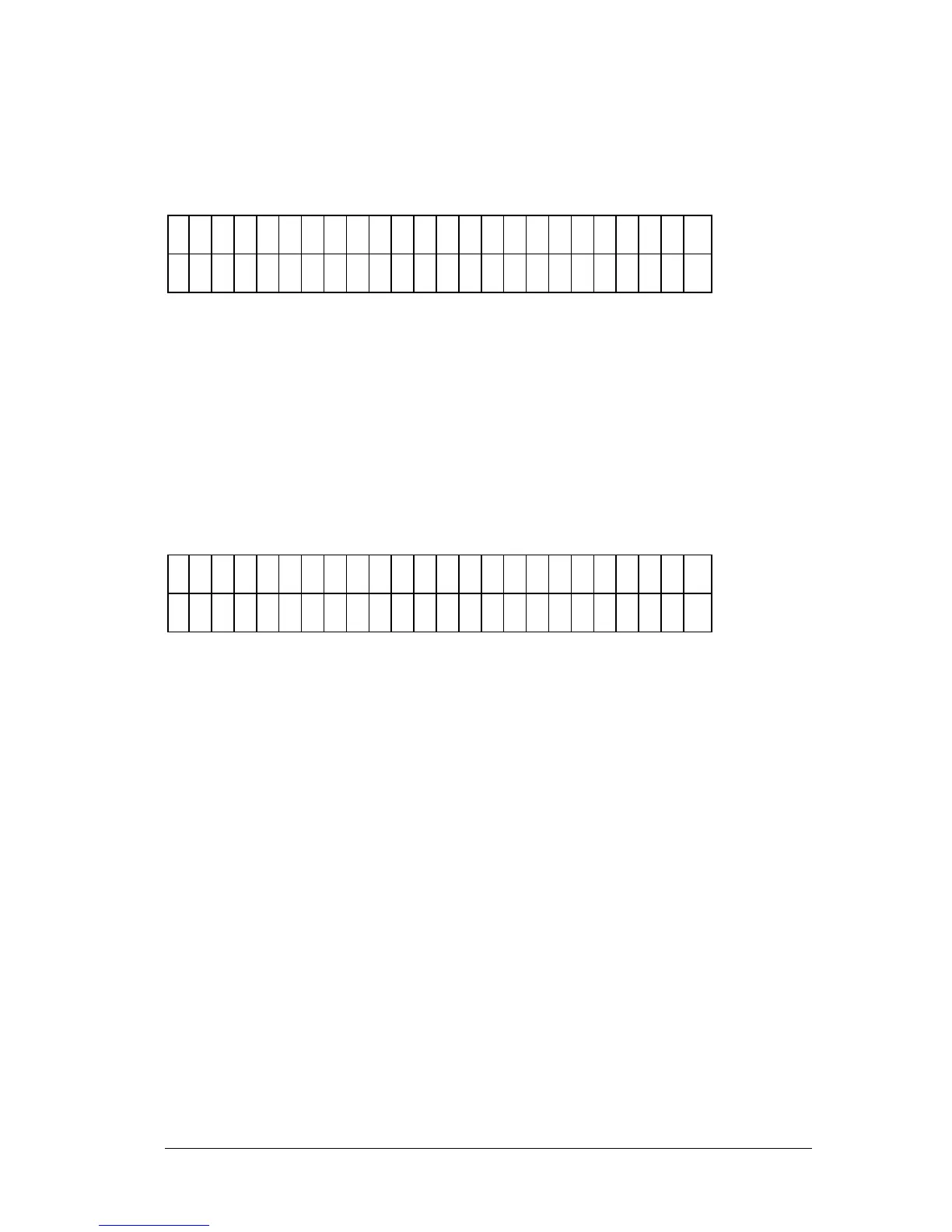
BAUD RATE selection menu (Figure 2-11). The top line of the
display shows the Baud rate currently set in memory.
S
E
L
E
C
T
B
A
U
D
R
A
T
E
: 9
6
0
0
1
2
0
0
2
4
0
0
9
6
0
0
V
I E
W
Figure 2-11: Selecting the Baud Rate
• To change the BAUD rate, press the soft key beneath the desired
baud rate. The display (top line) automatically updates to reflect
the new choice.
• To view the reader’s other communication settings (Figure 2-12),
press the soft key beneath the VIEW menu option.
R
S
2
3
2
S
E
T
T
I N
G
S
: N
O
P
A
R
I T
Y
2
S
T
O
P
- B
I T
S
8
D
A
T
A
- B
I T
S
Figure 2-12: Viewing Other Communication Settings



 To Next Page