2-18 Installation
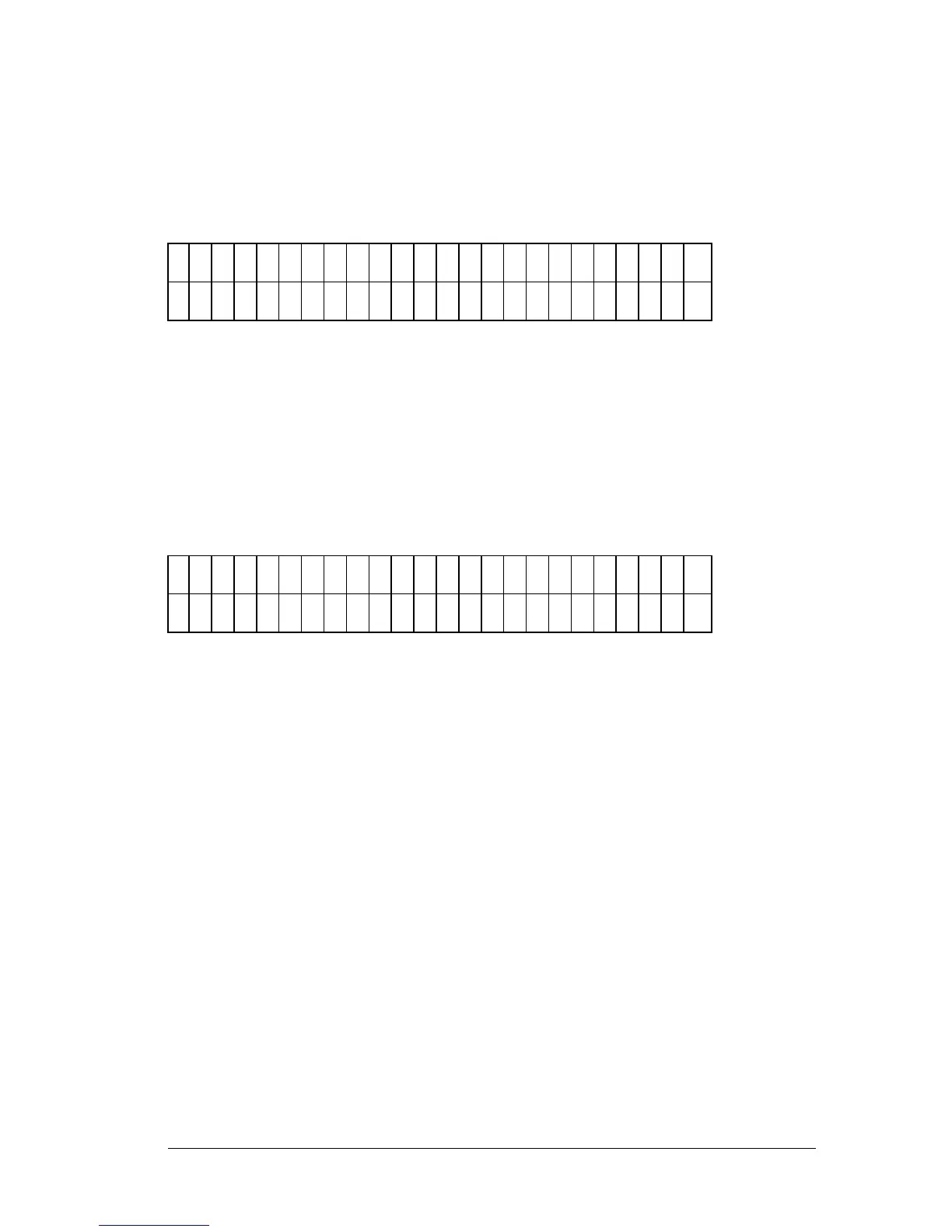
• Enter the new date, using the NUMERIC keys. The cursor is
positioned under the first editable field, and advances
automatically. To change the date format , press the soft key
beneath MMDDYY or DDMMYY. The display updates to reflect
the new format (Figure 2-17).
D
A
T
E
: 0
3
/ 1
6
/ 9
5
M
D
Y
M
M
D
D
Y
Y
D
D
M
M
Y
Y
Figure 2-17: Entering the Date / Selecting the Date Format
• Press ENTER to return to the EDIT SETUP INFORMATION
screen.
• To edit the TIME, press the soft key positioned beneath the
TIME menu option. At the Time entry screen (Figure 2-18), use
the NUMERIC keys to enter the correct time. The cursor is
positioned at the first editable field.
T
I M
E
: 0
3
: 1
1
P
M
1
2
H
R
1
2
H
O
U
R
2
4
H
O
U
R
A
M
/ P
M
Figure 2-18: Entering the Time / Selecting the Format
• Select a 12- or 24-hour format by pressing the soft key beneath
these options. The display automatically updates with the new
time / format.
• Press the Previous Screen key to return to the SELECT UTILITY
OPTIONS menu.



 To Next Page